USB-Stick für Android

Mini-Dreh-Type-C-USB-Stick für Android Detailansicht 3 – individueller Mini-USB-Stick von YOUSAN

What is the flash drive for android phone?

Android-Schnittstellen-USB-Sticks sind tragbare Speichergeräte, die speziell für Android-Geräte entwickelt wurden und bequeme Datenübertragung sowie Speichererweiterung bieten.
It utilizes a Micro USB interface: compatible with most older Android phones, this type of flash drive can be directly inserted into Android phones with a Micro USB port to enable data transfer and storage expansion. With technological advancements, an increasing number of Android phones now adopt the Type-C interface. Type-C flash drives offer higher transfer speeds and better compatibility, supporting reversible plugging for greater convenience.

USB flash drive for android phone Styles

YOUSAN Android Phone USB Drive Manufacturer We provide USB drives for older Android phones with micro USB ports, as well as Type-C USB drives for newer Android models. This section focuses on USB drives for older phones with micro USB ports.
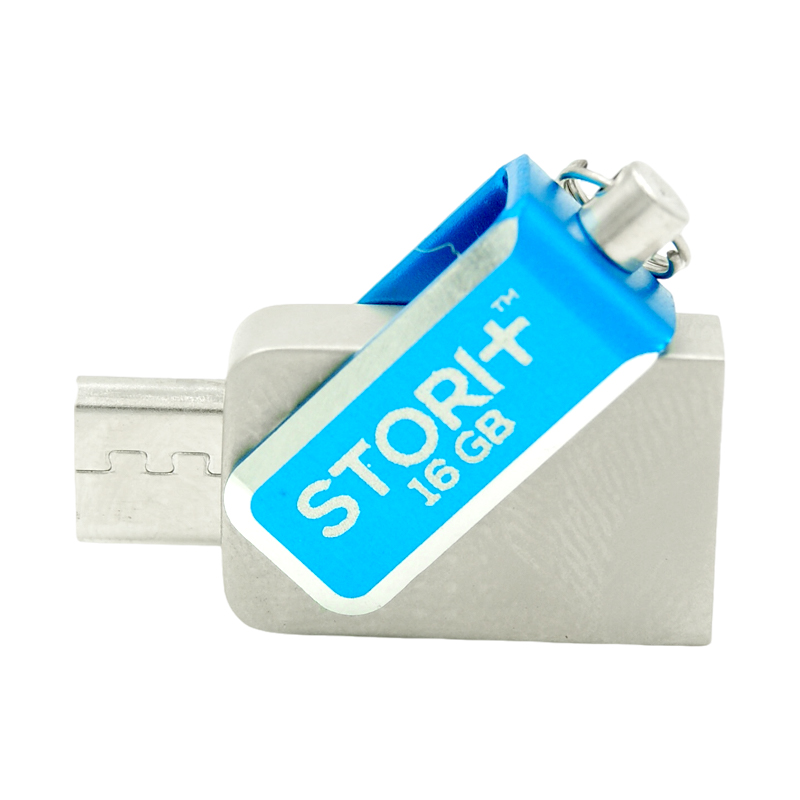
Der günstigste Clip-Dreh-Mobil-USB-Stick Detailansicht 1 – individuell gefertigter OTG-USB-Stick von YOUSAN

Rotating USB drive for android phone

SKU: SJ-A-01

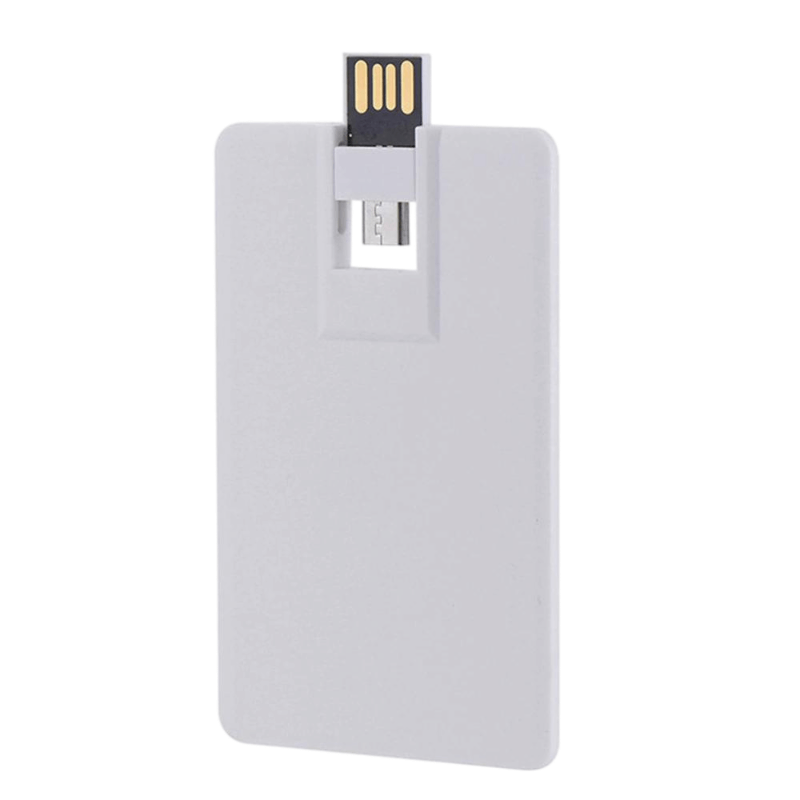
Kreditkarten-OTG-USB-Stick

Credit card flash drive for android phone

SKU: SJ-A-02

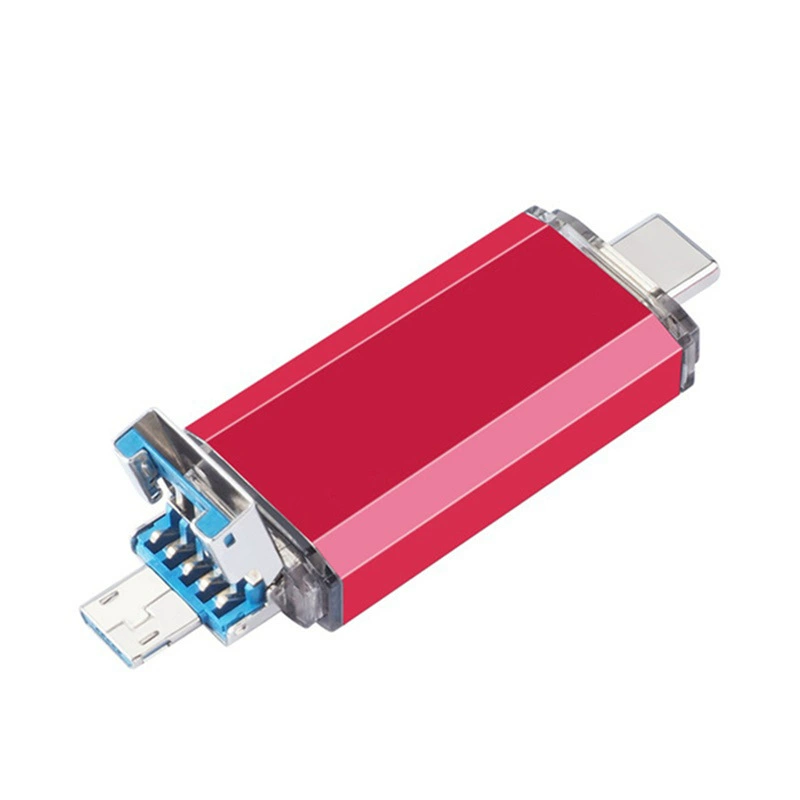
USB flash drive for android phone

usb flash drive for android phone

SKU: SJ-A-03

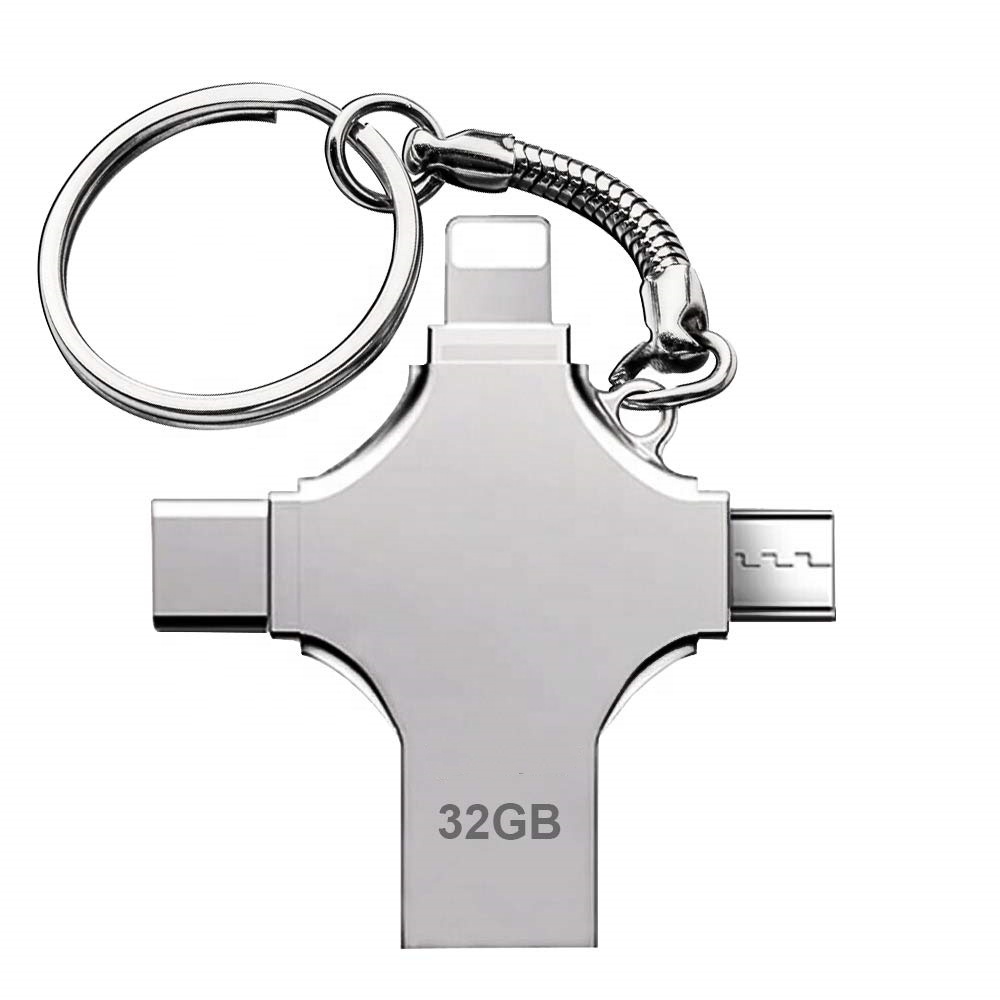
Kreuzförmiger 4-in-1-OTG-USB-Stick Detailansicht 3 – individueller OTG-USB-Stick von YOUSAN

4 in 1 usb flash drive for android phone

SKU: SJ-A-04

The Most Popular thumb drive for android phone

What are the Android interface phone USB drives?

Android Interface Phone USB Drives are portable storage devices specifically designed for Android devices, offering convenient data transfer and storage expansion capabilities. Below is a detailed introduction:
Schnittstellen-Typen:
Micro-USB-Schnittstelle: Compatible with most older Android phones. These flash drives can be directly inserted into Android phones with Micro USB ports for data transfer and storage expansion.
Typ-C-Schnittstelle: As technology advances, an increasing number of Android phones adopt Type-C interfaces. Type-C flash drives offer higher transfer speeds and better compatibility, supporting reversible plugging for greater convenience.
Dual-Interface: To accommodate diverse device needs, many Android flash drives feature a dual-interface design. One end includes either a Micro USB or Type-C port, while the other end has a standard USB-A port. This design allows seamless switching between Android phones and computers without requiring additional adapters.

memory stick for android phone FAQ

Prüfen Sie zuerst diese 3 Kernpunkte:
1. Verify if OTG functionality is enabled on your phone (search for “OTG” in Settings to activate). Note that some older models may not support OTG.
2. Inspect the custom USB drive’s interface (e.g., Type-C/Micro USB) to ensure compatibility with your phone’s port. Poor contact may result from manufacturing deviations in the interface. Third, test the USB drive on another Android device or computer to determine if it’s a hardware issue. If other devices also fail to recognize it, contact the manufacturer’s customer service.

This is primarily due to file system incompatibility or file format issues. Android natively supports FAT32 and exFAT formats. If the USB drive is formatted as NTFS by default, garbled text may occur. Additionally, if the files on the USB drive are computer-specific formats (like.dwg engineering files), the phone won’t be able to read them without the corresponding software. Solution: Format the USB drive as exFAT on your computer, or install an app on your phone that supports the specific file format (e.g., WPS, CAD viewer).

It’s most likely a permission issue or the USB drive is write-protected. First, in your phone’s file manager, long-press the USB drive icon to check if there’s a “Permissions Settings” option. Ensure “Read/Write Permissions” are granted. If write protection was enabled by default during customization to safeguard data (common for enterprise-customized USB drives), contact the customization provider to obtain the method for disabling write protection (such as a dedicated tool or password). Avoid formatting it yourself to prevent data loss.

Dies wird meist durch instabile Kontakte verursacht.
Prüfen Sie zuerst, ob der USB-Anschluss verstaubt oder oxidiert ist. Reinigen Sie ihn mit einem in Alkohol getränkten Wattestäbchen.
Second, see if the custom USB drive’s casing is too thick. If it’s squeezed by the phone’s casing after insertion, causing the port to loosen, try slightly adjusting the angle when inserting the USB drive.
Third, replace the OTG adapter cable (if using a Micro USB to Type-C custom USB drive) to rule out cable contact issues. If disconnections persist, it may indicate a hardware fault in either the USB drive’s port or the phone’s port, requiring separate inspection.

Großhandelspreise & individuelle Anfragen erhalten

Contact Us Right Now, Get Reply Today. WhatsApp: +86 138 2658 6481 · E-mail: sales@yousanusb.com

*Wir respektieren Ihre Vertraulichkeit, und alle Informationen sind geschützt.

Großhandels- und Individualisierungsanfragen erhalten

Contact Us Right Now, Get Reply Today. WhatsApp: +86 138 2658 6481 · E-mail: sales@yousanusb.com

*Wir respektieren Ihre Vertraulichkeit, und alle Informationen sind geschützt.