
Pemacu USB cap jari boleh menjadikan storan mudah alih dilindungi lebih mudah digunakan dengan menggantikan kemasukan kata laluan rutin dengan semakan cap jari. Nilainya kepada anda bergantung pada penyulitan, kawalan akses dan proses pemulihan di sebalik penderia. Cap jari sahaja tidak menjamin storan selamat, dan pemacu tidak dikunci masih mendedahkan fail anda kepada apa sahaja komputer yang anda palamkan.
Apakah itu Pemacu USB Cap Jari?
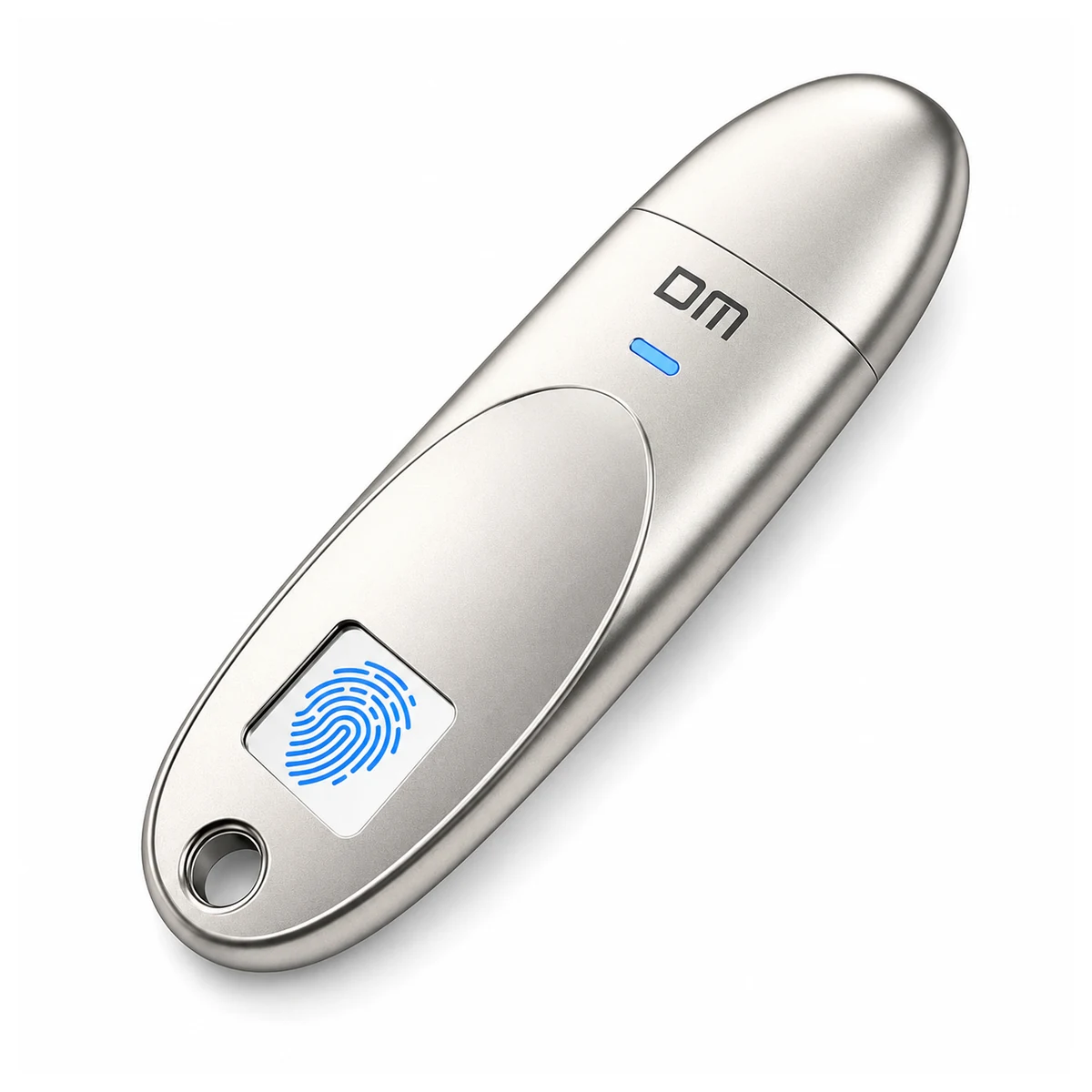
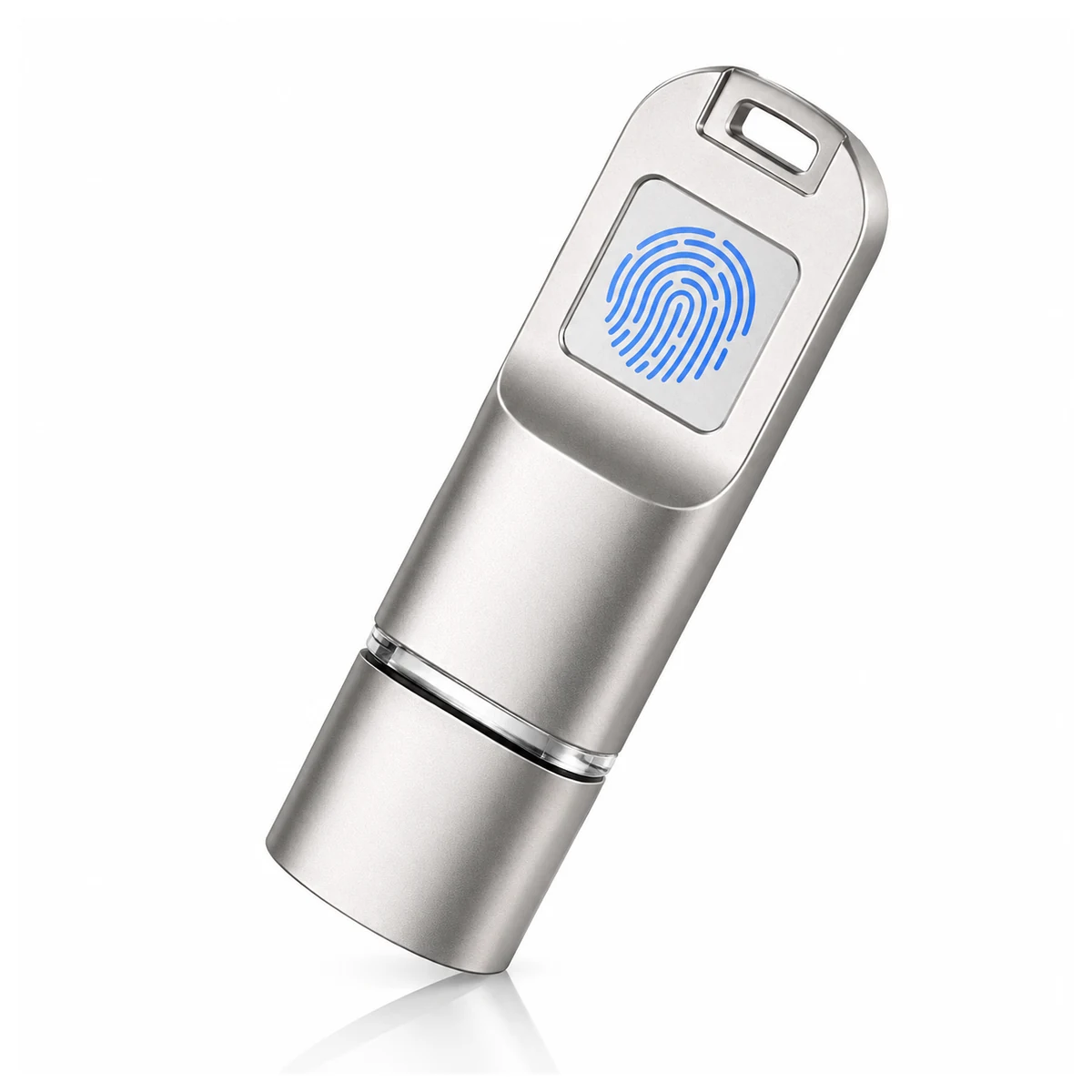
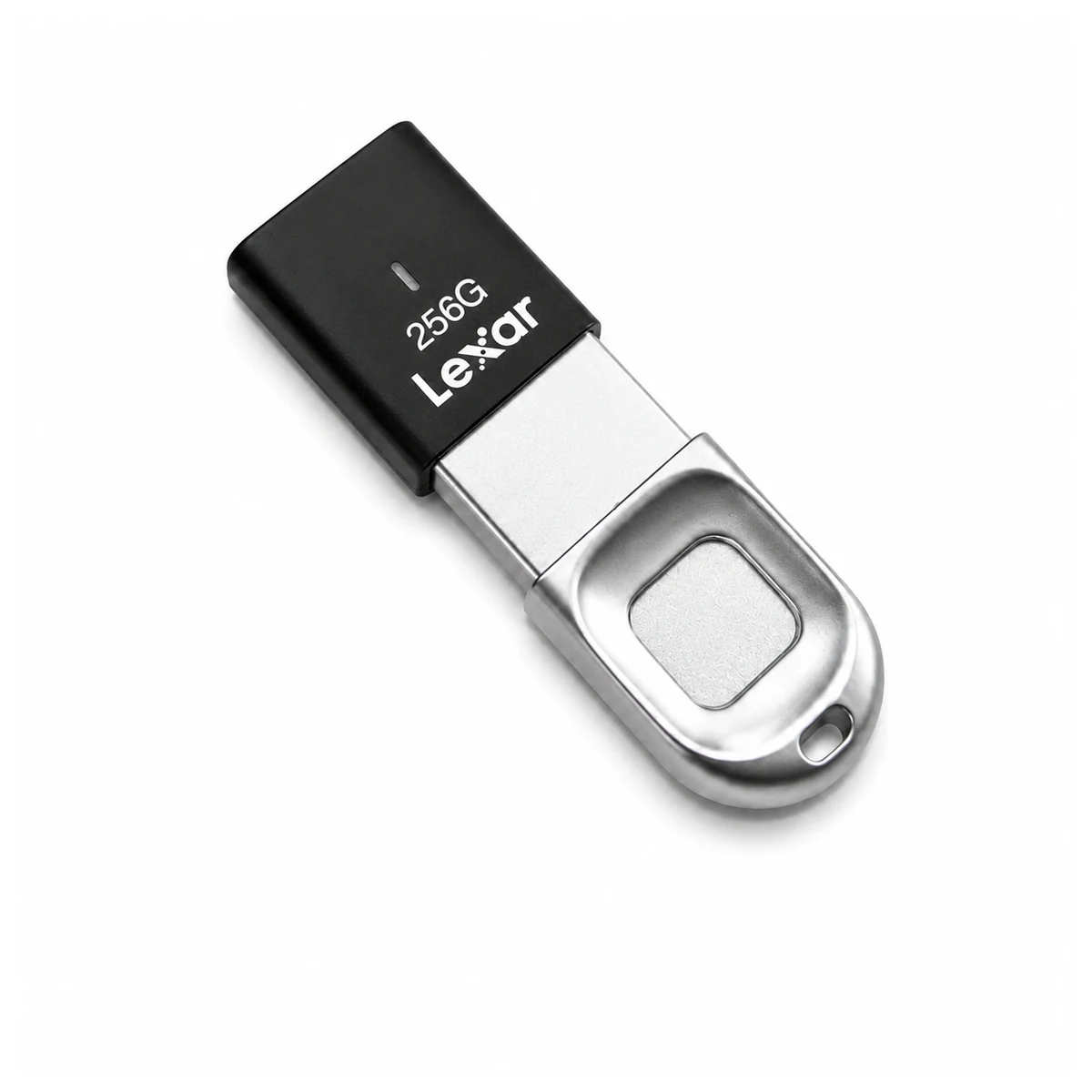
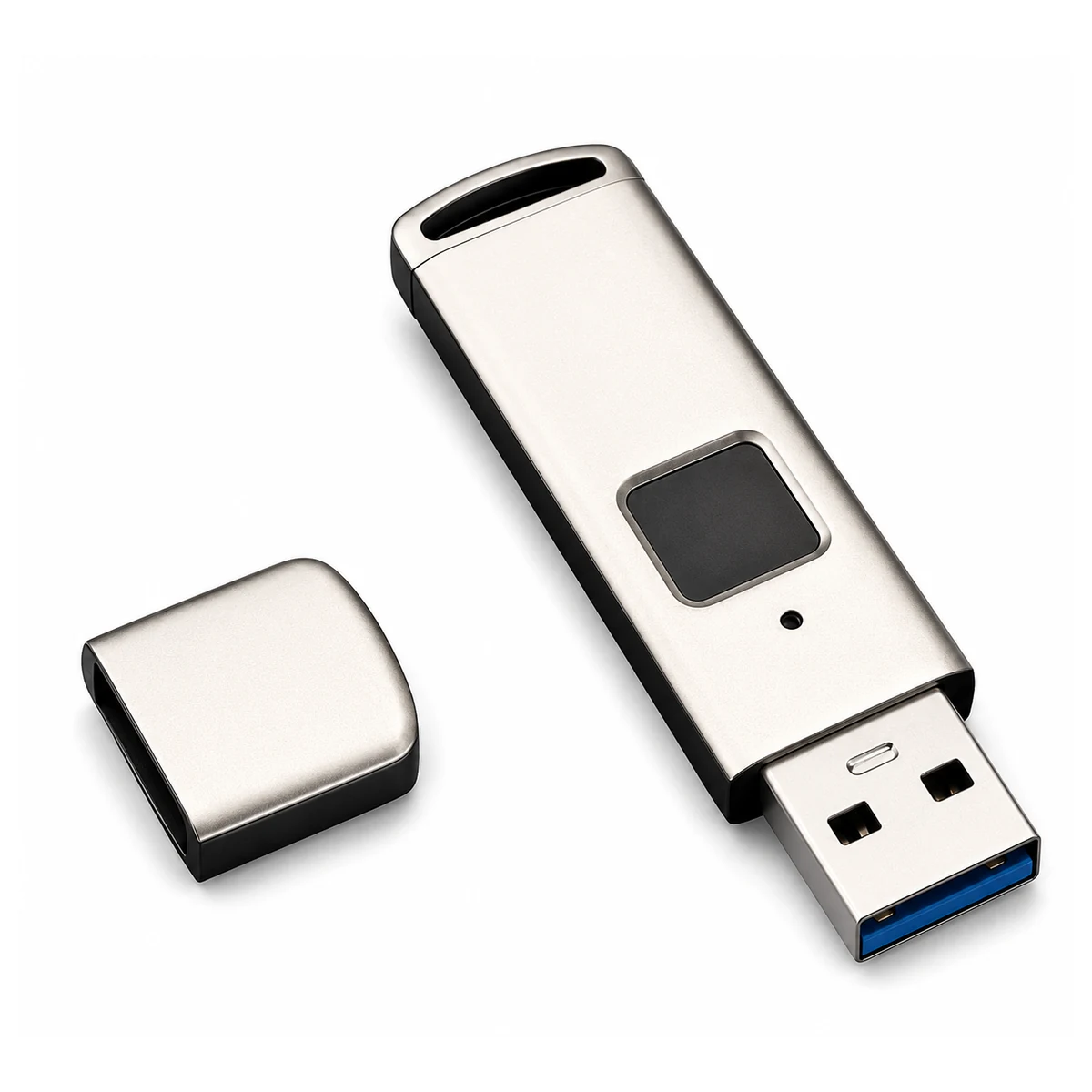
Pemacu USB cap jari adalah pemacu flash dengan penderia yang menyemak cap jari berdaftar sebelum membenarkan akses ke kawasan storan dilindungi. Pengesahan memutuskan siapa boleh membuka kawasan itu, penyulitan melindungi data disimpan. Ini fungsi berbeza. Semak model tepat yang anda pertimbangkan untuk penyulitan perkakasan, partition awam dan peribadi, dan keperluan perisian pendaftaran.
Dalam model dienkripsi perkakasan, pemacu melaksanakan penyulitan dan bukannya bergantung sepenuhnya pada aplikasi hos. Itu tidak menjadikan komputer tidak dipercayai selamat: perisian hasad mungkin membaca atau menyalin fail anda selepas pemacu dibuka. Panduan penyulitan storan NIST membezakan perlindungan data disimpan daripada ancaman lain kepada peranti aktif.
Di Mana Pemacu USB Cap Jari Masuk Akal
Pemacu cap jari berguna apabila anda perlu membawa fail sulit luar talian dan boleh mengikuti proses diluluskan untuk pendaftaran, storan dan pemulihan.
Contoh termasuk memindahkan kontrak antara rakan sekerja dibenarkan atau membawa fail reka bentuk ke mesyuarat. Ini aplikasi mungkin, bukan bukti bahawa pemacu tertentu memenuhi keperluan penjagaan kesihatan, kewangan atau kerajaan. Organisasi anda harus meluluskan model dan prosedur pengendalian sebelum memuatkan fail sensitif ke atasnya.
Untuk katalog awam dan risalah acara, pendaftaran cap jari boleh menambah persediaan dan sokongan tidak perlu untuk anda dan penerima anda. Pemacu standard mungkin mencukupi apabila anda mengedarkan kandungan secara awam. Pilih pengesahan kerana maklumat anda memerlukan perlindungan, bukan sekadar kerana hadiah premium memerlukan ciri tambahan.
Bagaimanakah Akses Cap Jari Banding dengan Perlindungan Kata Laluan?
Kaedah pengesahan bukan kedudukan keselamatan. Pemacu keypad direka baik mungkin menawarkan kawalan lebih kukuh daripada model cap jari dilaksanakan buruk. Bandingkan ciri perlindungan dan pengurusan produk sebenar yang anda pilih antaranya.
Kapasiti cap jari adalah khusus model. Halaman pemacu USB cap jari YOUSAN mengiklankan sokongan untuk 10 cap jari, sahkan had dan fungsi pentadbir bagi SKU yang anda pesan. Sepuluh jari yang didaftarkan tidak semestinya bermakna sepuluh akaun berasingan atau satu jejak audit. Sebagai satu contoh produk berasingan, Verbatim model 70369 menyenaraikan enam cap jari dan satu aplikasi pengurusan pengguna. Spesifikasinya tidak sepatutnya diaplikasikan pada produk YOUSAN.
| Pilihan | Kaedah akses | Apa yang perlu disahkan |
|---|---|---|
| Pemacu standard, tidak dienkripsi | Tiada pengesahan terbina dalam | Sesuai hanya di mana akses fail tanpa sekatan adalah boleh diterima |
| Pemacu dilindungi kata laluan atau PIN | Kata laluan perisian atau papan kekunci perkakasan | Lokasi enkripsi, had percubaan, pemulihan dan keserasian hos |
| Pemacu dilindungi cap jari | Cap jari didaftarkan, kaedah lain berbeza-beza | Partition terlindung, pengendalian templat, pentadbiran dan pemulihan |
Apa Yang Perlu Anda Sahkan Sebelum Menggunakannya untuk Fail Sensitif?
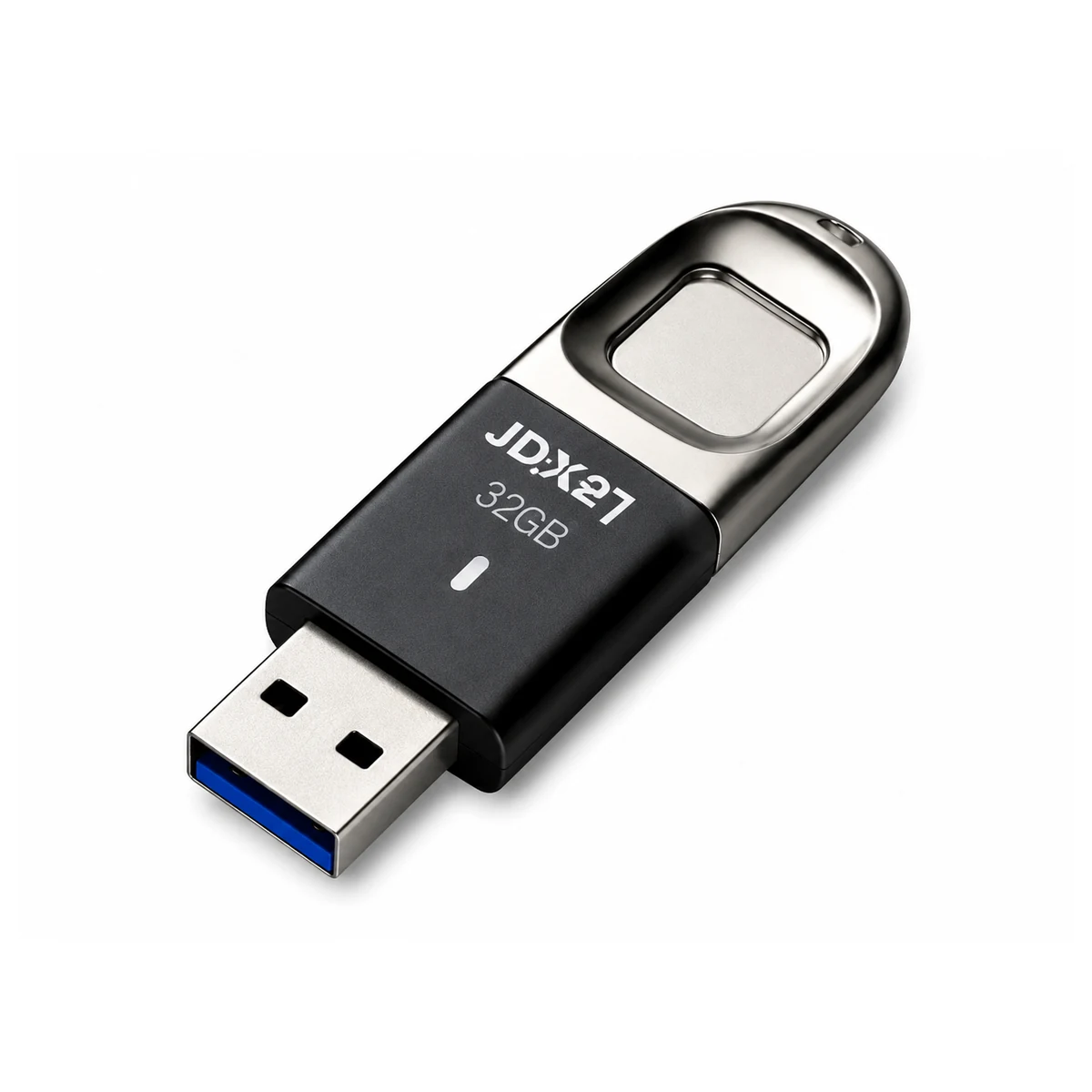
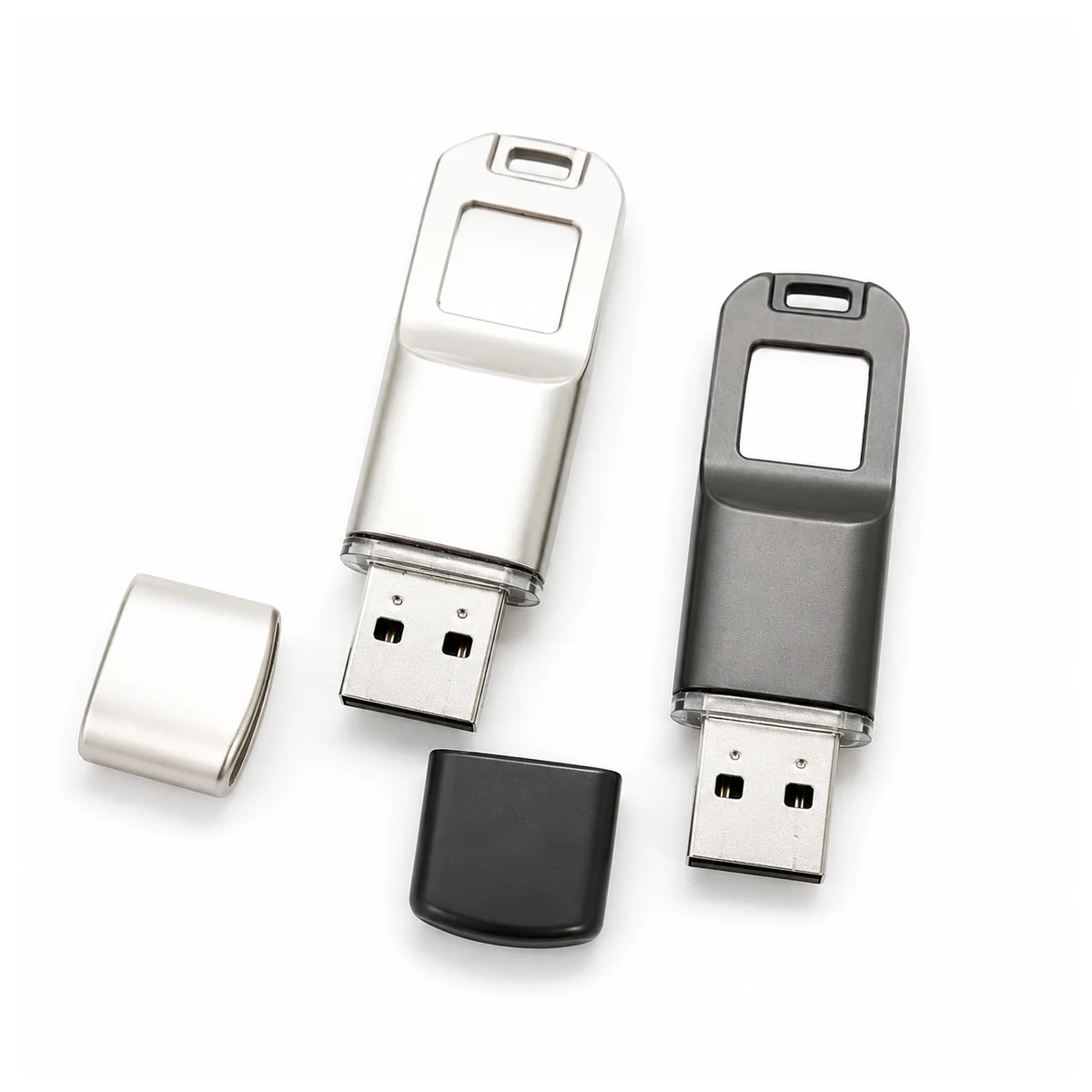
Mulakan dengan partition terlindung dan tingkah laku pemulihan, kemudian uji pemacu pada komputer yang anda benar-benar akan menggunakannya. Demonstrasi cap jari yang berjaya sahaja bukanlah penilaian keselamatan yang lengkap.
Jika organisasi anda memerlukan modul kriptografi yang disahkan FIPS, semak sijil dan konfigurasi yang berkenaan dalam Program Pengesahan Modul Kriptografi NIST. Spesifikasi AES bukan, dengan sendirinya, bukti pengesahan modul. Tiada pengesahan FIPS dituntut di sini untuk produk YOUSAN.
Senarai Semak Penilaian Sampel
- Sahkan partition mana yang dienkripsi dan yang mana antara fail anda, jika ada, kekal boleh dibaca secara umum.
- Uji pendaftaran, penyahkunci biasa, dan tindakan pentadbir secara berasingan pada sistem pengendalian yang anda benar-benar jalankan.
- Semak had percubaan gagal, penguncian automatik, dan prosedur untuk membuang pengguna yang telah meninggalkan pasukan anda.
- Baca arahan pemulihan dan tetap semula. Uji tingkah laku tetap semula hanya pada sampel yang mengandungi data boleh buang.
- Tanya bagaimana templat cap jari dan kunci enkripsi dilindungi, dan minta bukti untuk sebarang pensijilan keselamatan yang dituntut oleh pembekal.
- Kekalkan sandaran terlindung berasingan dan bersetuju siapa di pihak anda yang bertanggungjawab untuk pemulihan dan pengendalian insiden.
Bagaimanakah Pemacu Cap Jari Boleh Memperbaiki Aliran Kerja Storan Masa Hadapan?
Peluang praktikalnya ialah akses harian yang lebih mudah kepada storan boleh tanggal yang dienkripsi. Jika anda menilai pemacu untuk penggunaan lebih meluas dalam perniagaan anda, cari prosedur pemulihan yang jelas, alat pengurusan yang disokong, dan tuntutan keselamatan yang anda boleh sahkan secara bebas. Ini adalah keutamaan untuk menilai produk masa hadapan, bukan ramalan bahawa pemacu cap jari akan menggantikan kata laluan atau storan awan untuk anda.
Bincangkan Konfigurasi yang Sesuai
Untuk pesanan perniagaan, tanya YOUSAN tentang julat pemacu USB cap jarinya dengan sistem pengendalian sasaran anda, kapasiti diperlukan, dasar akses, kuantiti, dan keperluan penjenamaan. Mohon dokumentasi model tepat dan penilaian sampel sebelum meluluskan penggunaan. MOQ, caj sampel, dan masa penghantaran hendaklah disahkan untuk pesanan tersebut.
Soalan Lazim
Apa yang berlaku jika penderia berhenti mengenali cap jari saya?
Gunakan kaedah pemulihan yang didokumentasikan, jika model tersebut menyediakannya. Sesetengah pemacu menyokong kata laluan pentadbir atau kelayakan pemulihan lain, yang lain mungkin memerlukan tetap semula yang memadam data anda. Jangan mengandaikan bahawa sandaran wujud atau bahawa pembekal boleh memulihkan fail dienkripsi anda.
Bolehkah beberapa cap jari berdaftar memberikan akauntabiliti individu?
Tidak semestinya. Beberapa jari berdaftar mungkin hanya membuka kawasan storan yang sama. Jika anda memerlukan kebenaran individu atau rekod akses, minta ciri tersebut secara eksplisit dan bukannya menganggap slot cap jari sebagai akaun pengguna.
Bolehkah saya mendaftar cap jari pada komputer Mac atau Linux?
Semak perisian pendaftaran dan pentadbiran secara berasingan daripada akses fail harian. Sebuah pemacu mungkin berfungsi sebagai storan pada sistem pengendalian yang tidak dapat menjalankan utiliti persediaannya. Enkripsi perkakasan sahaja tidak mewujudkan keserasian perisian.
Adakah penderia cap jari menjadikan fail disalin selamat di tempat lain?
Tidak. Setelah pengguna yang diberi kuasa menyalin fail ke peranti lain, kawalan akses pemacu USB tidak lagi melindungi salinan tersebut. Gunakan kebenaran dan enkripsi sistem penerima sendiri untuk memastikannya kekal dilindungi di sana juga.
Sumber
- NIST: Panduan kepada Teknologi Enkripsi Storan untuk Peranti Pengguna Akhir (2007)
- NIST: Program Pengesahan Modul Kriptografi
- Verbatim: Pemacu USB Selamat Cap Jari, model 70369
- YOUSAN: Julat pemacu USB cap jari (maklumat produk pihak pertama)
Sumber disemak: 28 Ogos 2026. Maklumat produk adalah khusus untuk setiap model.

 Bahasa Melayu
  English
  Español de México
  Italiano
  Deutsch (Österreich)
  Русский
  Français
  Türkçe