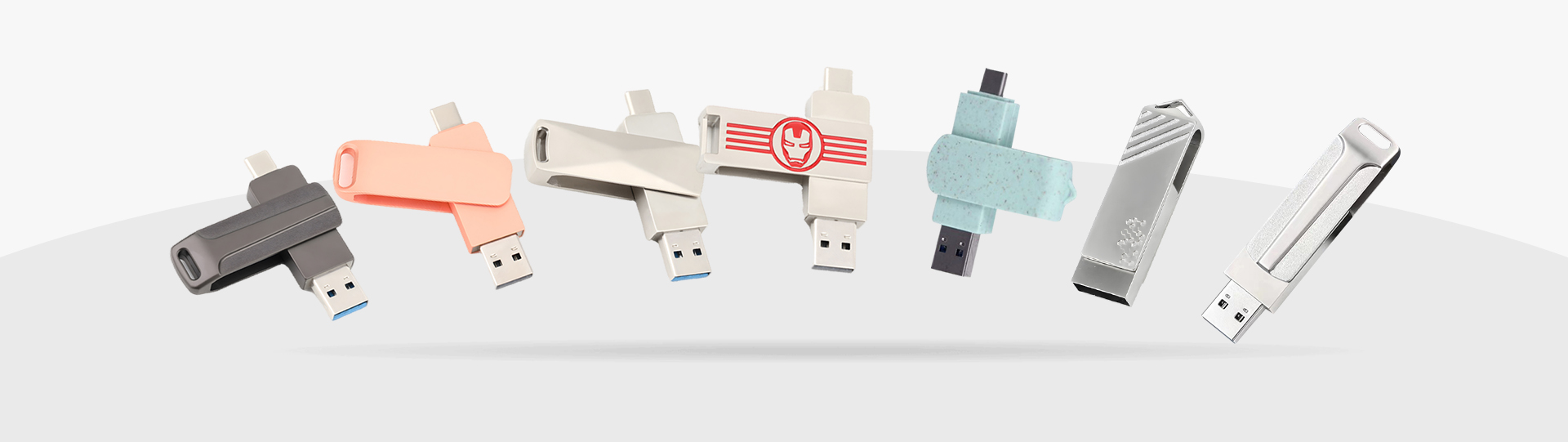


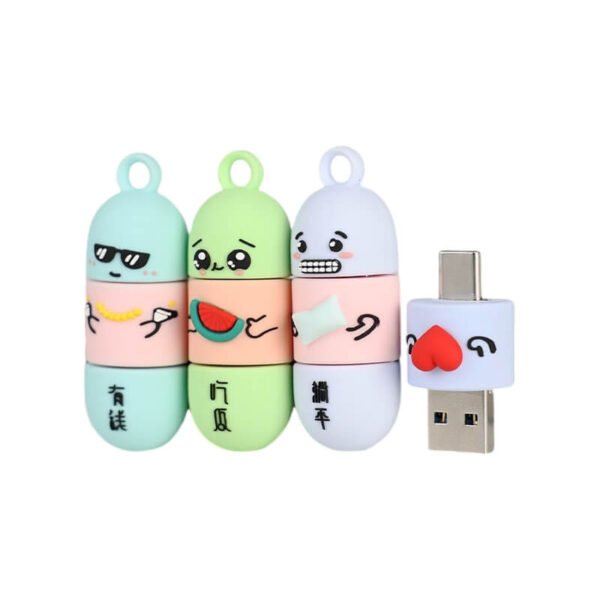
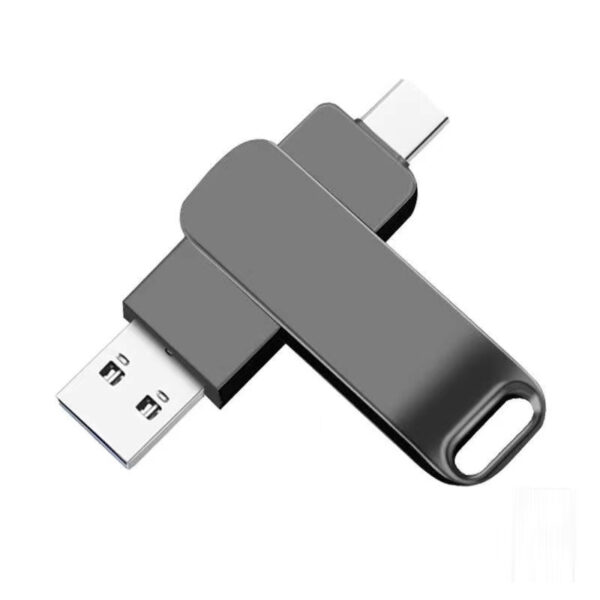
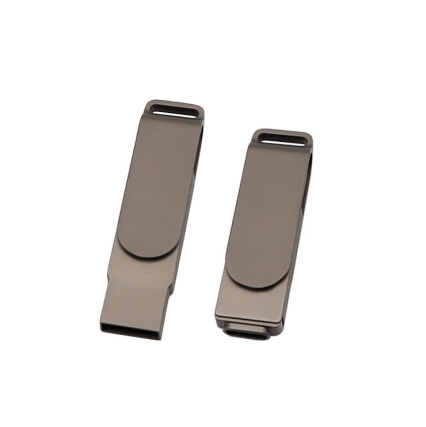
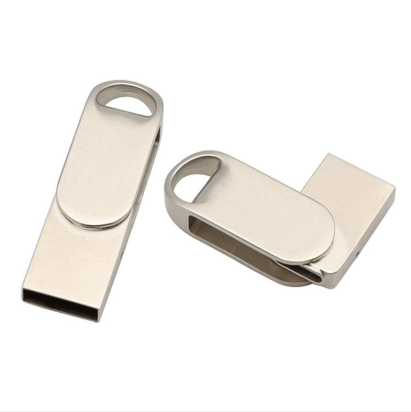
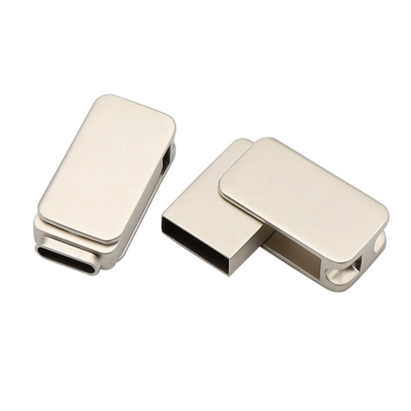
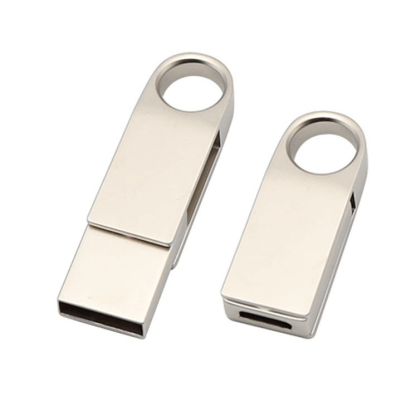
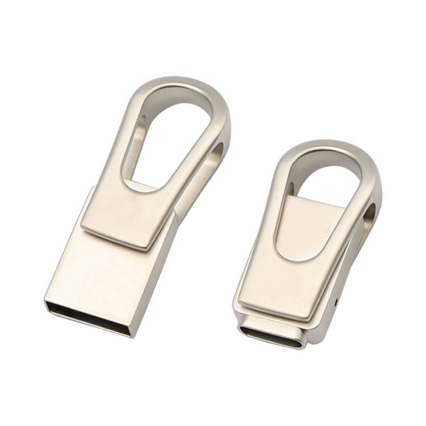
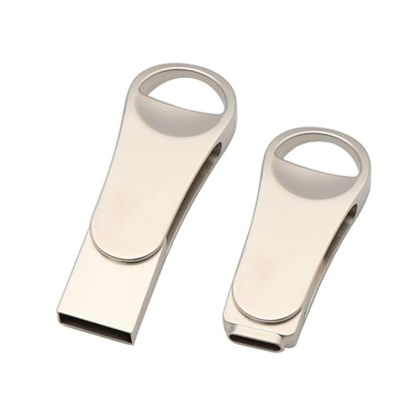
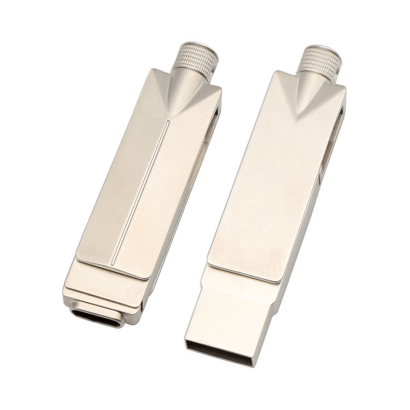
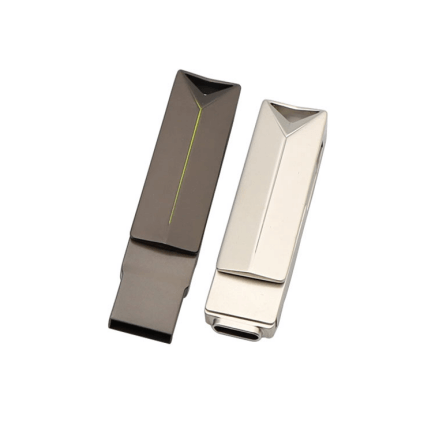
usb c flash drive banner

Pemacu Denyar USB C

What is a usb-c flash drive?

USB c flash drive also named USB Type-C™ Flash Drives,Learn more about USB c flash drives, including how they work, how to use them,how to find the right drive for your favorite devices.
Features of Mobile Phone USB Drives
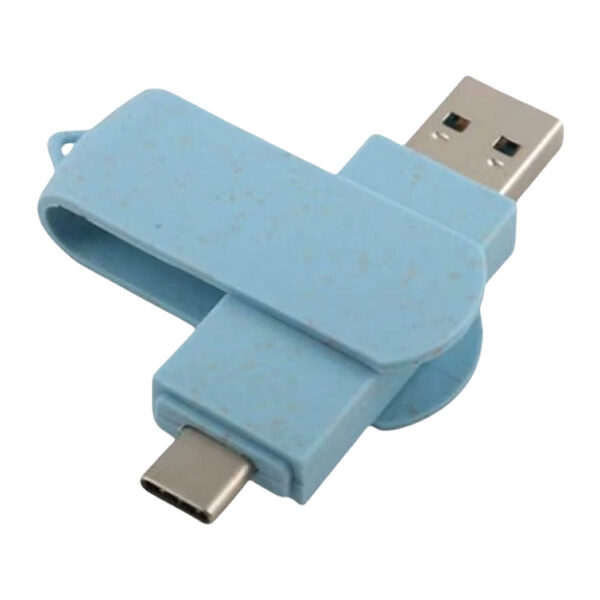
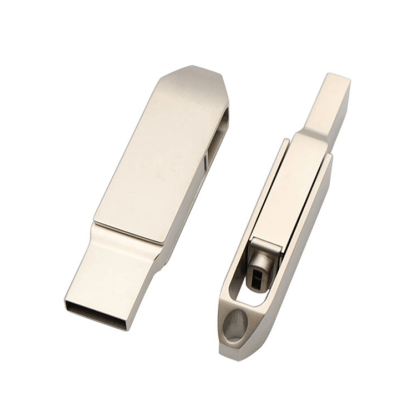
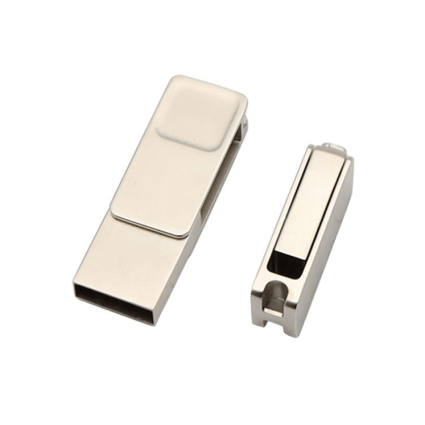
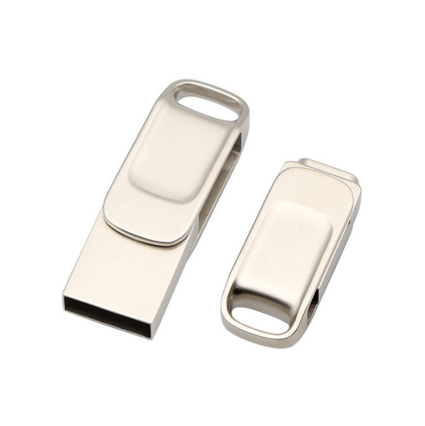
Dual-port design: The most common configuration is “Type-C + USB-A” dual ports. The Type-C end connects to your phone, while the USB-A end connects to your computer, enabling data transfer without additional adapters.
Plug-and-Play: Most mobile phone USB drives require no driver installation after connecting to the phone. Files can be viewed, accessed, or managed directly within the phone’s “File Manager” app, offering low operational barriers.
Storage and Transfer: Expands phone storage for holding space-intensive files like photos, videos, and documents. Simultaneously supports high-speed data transfer between phones, computers, and tablets without requiring a network connection.

Sehingga 1TB1 storan denyar kompak

Kelajuan bacaan sehingga 400MB/s2

Sandarkan gulungan kamera telefon pintar anda

Pilihan yang serasi untuk iOS dan Android®

USB a and USB c flash drive Categories

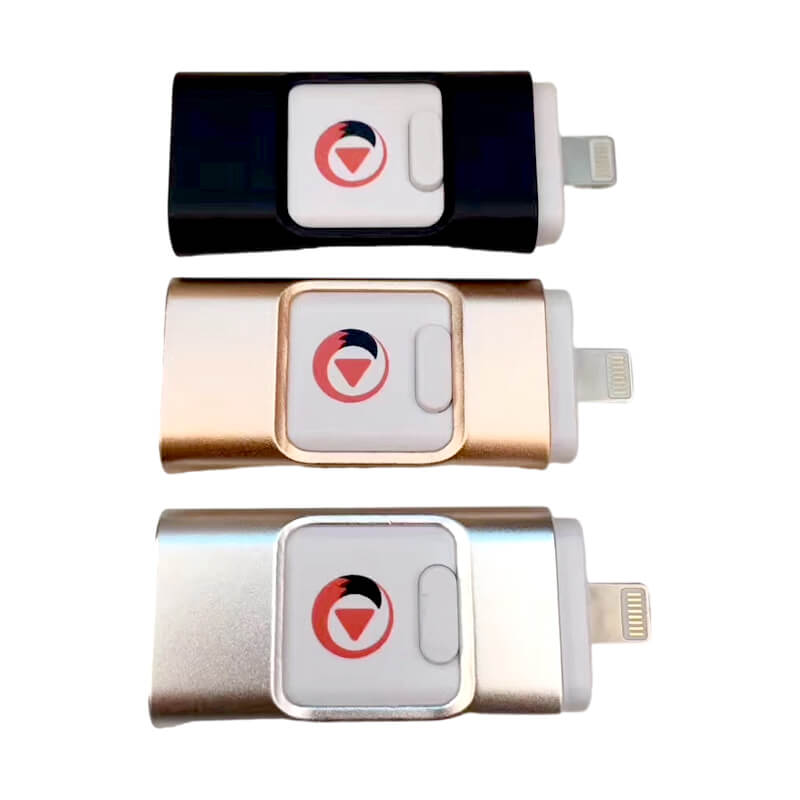
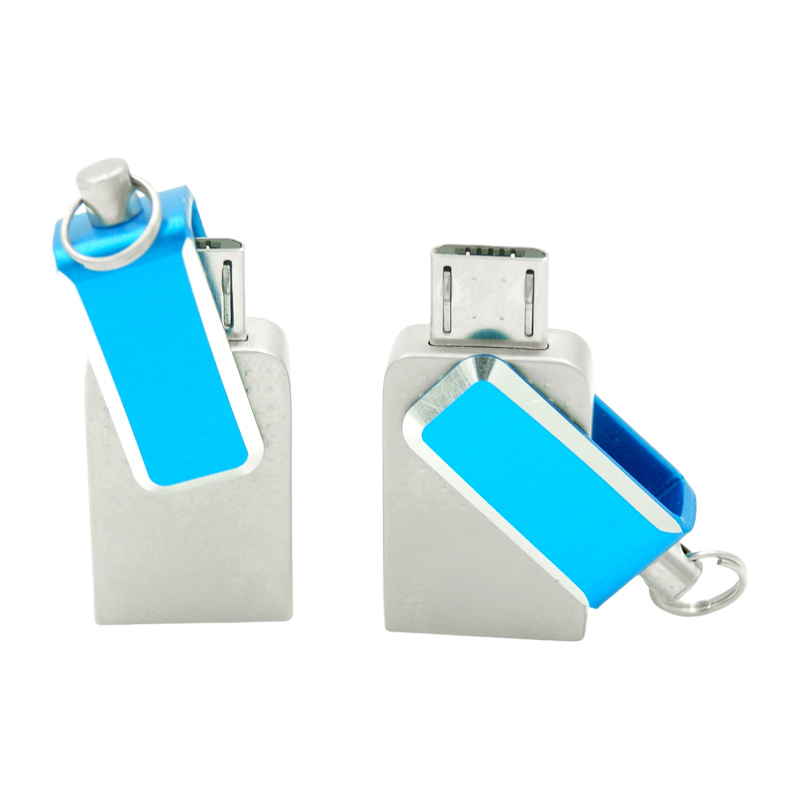
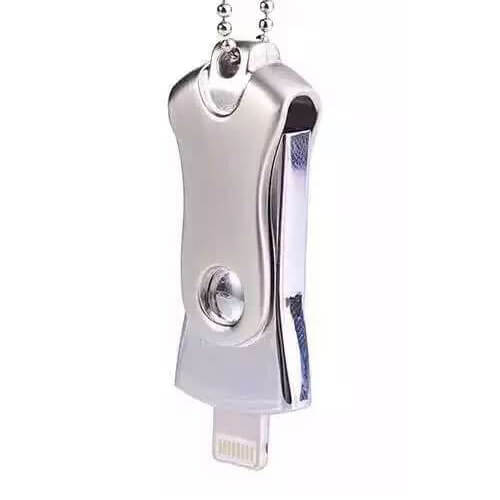
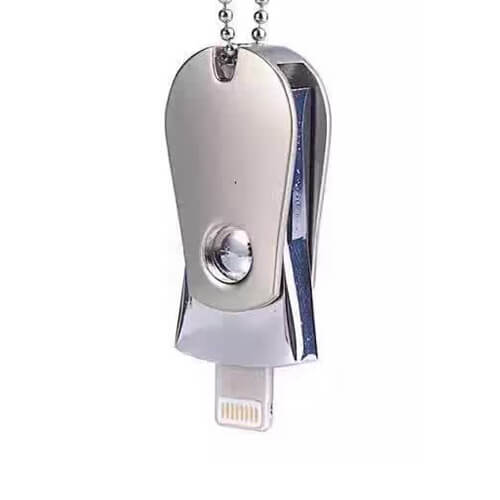
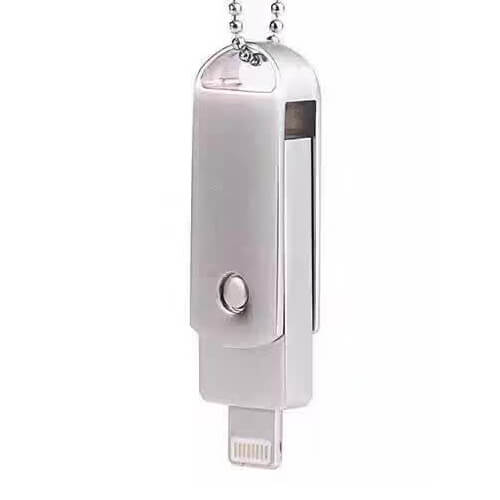
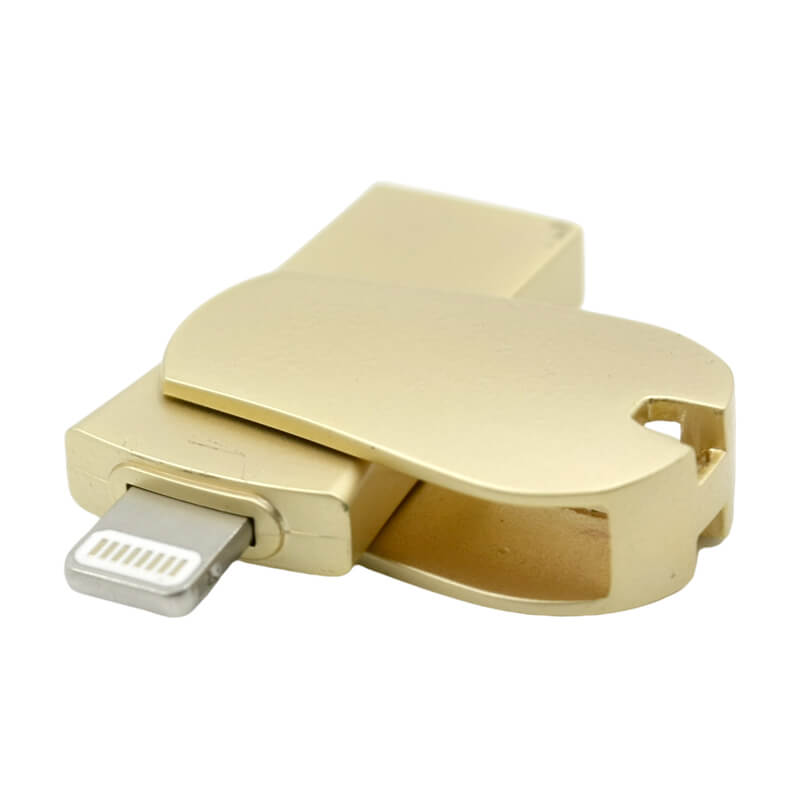
USB flash drives are primarily categorized into three types based on their interfaces. The most common is the Type-C USB flash drive, followed by Android micro-USB flash drives. Additionally, some Apple devices use Lightning interface flash drives. The future trend is expected to consolidate toward Type-C USB flash drives.

Free design, free samples ,contact us:info@yousanusb.com

lightning-flash-drive.

Pemacu kilat Kilat

SJ-L-01

Lightning Usb Stick

Tongkat Usb Kilat

SJ-L-02

Pemacu Denyar Usb Kilat Logam

SJ-L-03

Tongkat Usb Kilat Untuk Iphone

SJ-L-04

lightning-flash-drive.

Pemacu kilat Kilat

SJ-L-01

Lightning Usb Stick

Tongkat Usb Kilat

SJ-L-02

Pemacu Denyar Usb Kilat Logam

SJ-L-03

Tongkat Usb Kilat Putar

SJ-L-04

SJ-MC-01

SJ-MC-02

SJ-MC-03

SJ-MC-04

SJ-MC-05

SJ-MC-06

SJ-MC-07

SJ-MC-08

SJ-MC-09

SJ-MC10

SJ-MC-11

SJ-MC-12

SJ-MC-13

SJ-MC-14

SJ-MC-15

How to use the USB a USB c flash drive?

How to use an OTG flash drive? Simply connect the mobile flash drive directly to your phone or computer. Especially with Type-C flash drives, the same interface works on both devices. Currently, mobile flash drives no longer require installing apps—just plug and play for instant convenience.

Open files on OTG flash drive

Open files on OTG flash drive

OTG flash drive photo storage

OTG flash drive photo storage

OTG USB Drive File Editing

OTG USB Drive File Editing

OTG USB Drive Video Playback

Beri kami e-mel atau hubungi kami dan mari bercakap.

USB c and usb a flash drive interface

How to choose an OTG flash drive? Generally, select a model compatible with your phone’s port. Avoid using adapters whenever possible—the most convenient option is one that plugs directly into your phone.

USB

USB2.0/USB3.0/USB3.1

Android

Android interface

Type-C

TYPE-C interface

Our Custom dual drive USB c flash drive Clients

OTG USB-C flash drives are currently the most popular USB drives and the style with the highest number of custom client cases. Only a portion is displayed here. Type-C flash drives are currently the most frequently chosen style and can serve as a reference.

apple usb and usbc flash drive

Beri kami e-mel atau hubungi kami dan mari bercakap.

Custom USB and USB c memory stick FAQ

BrandOperation Path
HuaweiFile Manager → USB Storage Device → Long press the USB drive → Properties
XiaomiFile Manager → USB Device → Tap the “…” in the top right corner → Details
SamsungMy Files → All Files → USB Storage → Tap “More” in the top right corner → Properties
iPhoneFiles App → Long press the USB drive icon → Show Info
OnePlusFile Manager → Storage → OTG Device → Tap the USB drive name to view details

The  MOQ for usb c USB drives varies significantly based on supplier type, customization requirements, and product specifications. Below is a detailed analysis incorporating the latest 2025 market data:
1. General MOQ Range Stock Wholesale (Non-Custom)
Small Wholesalers/Retailers: Typically support small-batch purchases of 1-50 pcs.
Medium-sized factories: MOQ for standard in-stock orders is generally 50-200 pcs.
Customized Orders
Basic customization (e.g., laser-engraved logos): MOQ is typically 100-500 pcs, depending on supplier mold costs and process complexity.
Advanced customization (e.g., exterior design, packaging printing): MOQ may increase to 500-1000 pcs.

Customization ProcessCore FeaturesGeneral Minimum Order Quantity
Laser EngravingWear-resistant and waterproof, permanent marking, supports only single color/gradient10-50 pieces
Silk Screen/Pad PrintingVivid colors, low cost, slight fading possible with long-term friction50-100 pieces
Digital PrintingSupports full color, clear details, suitable for complex patterns/IP images30-80 pieces
3D Stereo MoldingHighly personalized shape, additional mold fee required500+ pieces
LED Light-up LOGOLOGO lights up when powered, strong sense of technology, requires built-in LED components100-200 pieces

Untuk peranti anda dengan port USB-C™, termasuk telefon pintar, tablet, desktop, komputer riba dan dok.

Dapatkan Sebut Harga Dalam Masa Kurang Dari 15 Minit

Di YOUSAN, kami akan menawarkan anda sokongan sebelum & selepas jualan, termasuk lukisan 3D reka bentuk produk, sampel, perkhidmatan pramuat dan banyak lagi secara percuma.

Dapatkan Harga Borong & Permintaan Tersuai

Hubungi Kami Sekarang, Dapatkan Balasan Hari Ini,whtasapp:86-13826586481,E-mel:sales@yousanusb.com

*Kami menghormati kerahsiaan anda dan semua maklumat dilindungi.

Dapatkan Harga Borong & Permintaan Tersuai

Hubungi Kami Sekarang, Dapatkan Balasan Hari Ini,whtasapp:86-13826586481,E-mel:sales@yousanusb.com

*Kami menghormati kerahsiaan anda dan semua maklumat dilindungi.