
USB-визитка с памятью — это флешка размером с банковскую карту, которая одновременно несёт ваши файлы и ваш бренд: она помещается в кошелёк как обычная визитная карточка и напрямую подключается к любому USB-порту компьютера. Компания YOUSAN производит фирменные USB-флешки в формате карты с печатью логотипа по всей поверхности, объёмом от 1GB до 256GB, с разъёмами USB-A или USB-C, по оптовым ценам напрямую с завода. Также известная как флешка-визитка, она — один из самых запоминающихся корпративных подарков и раздаточных материалов для выставок — и это руководство рассказывает, как использовать её на ПК и телефоне.
Что такое USB-флешка в виде визитной карточки?
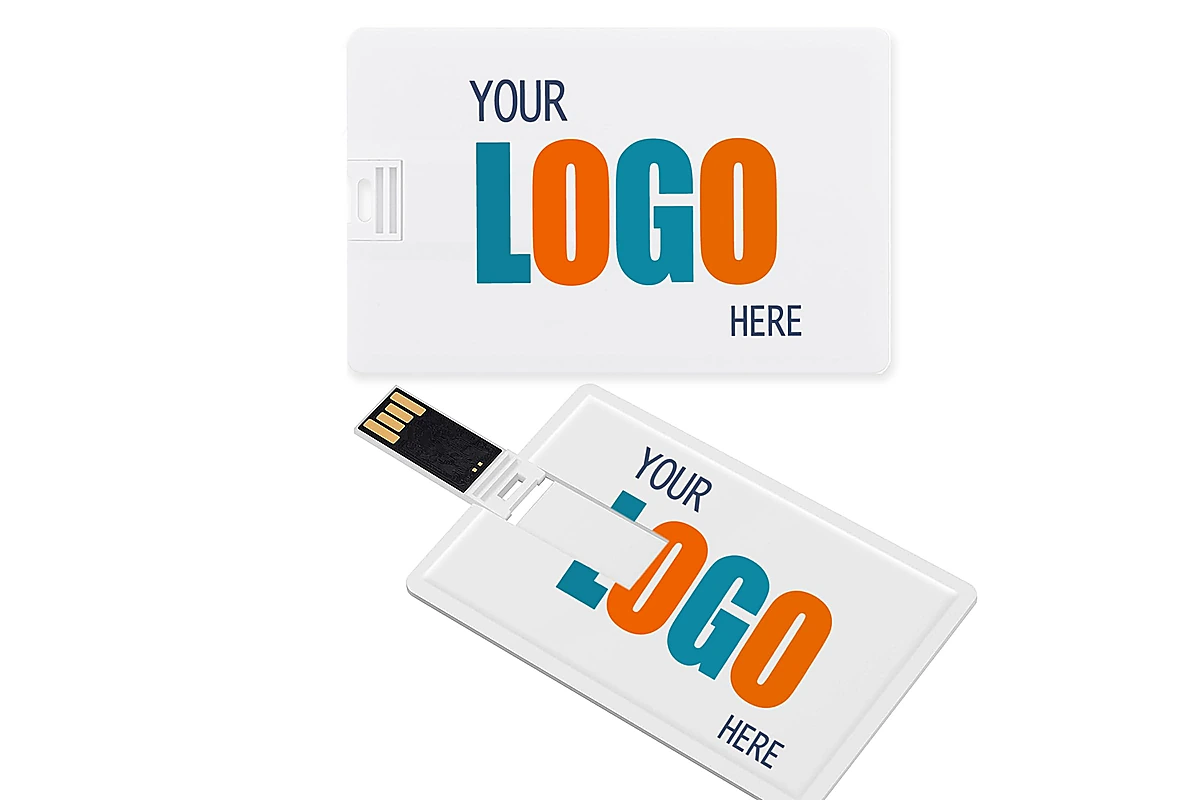
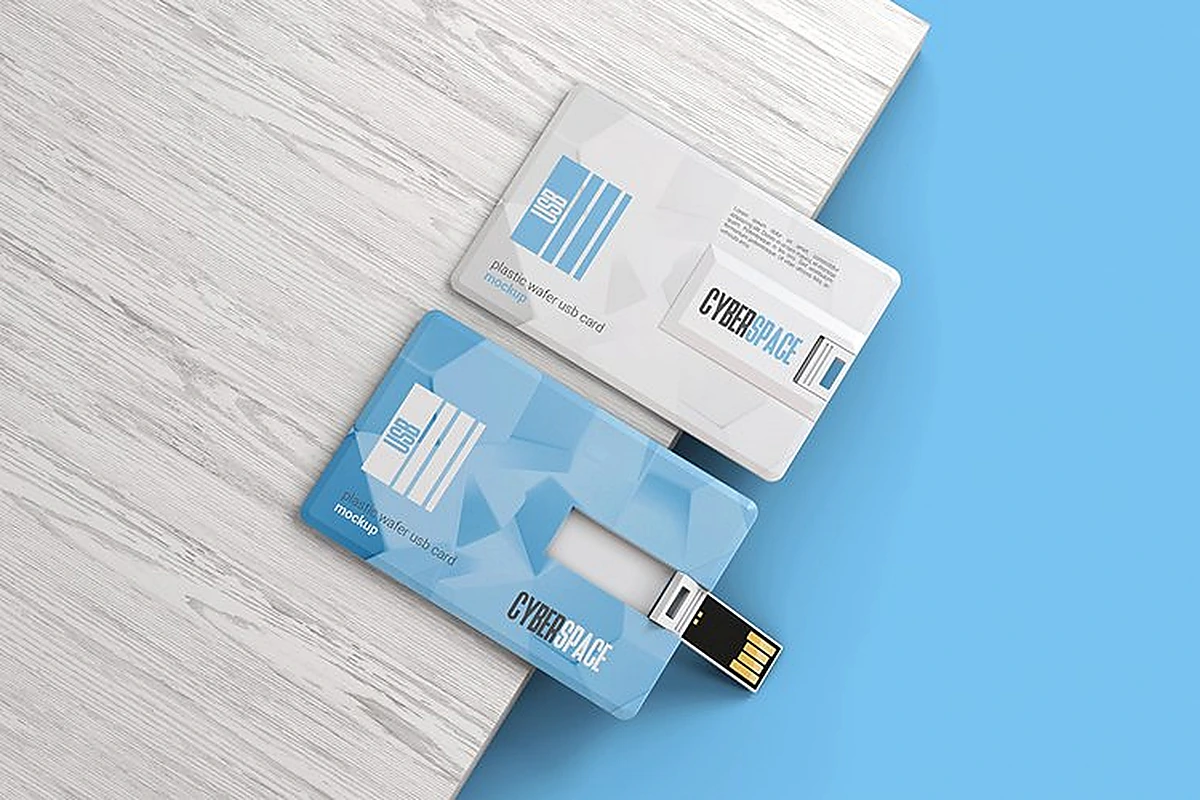
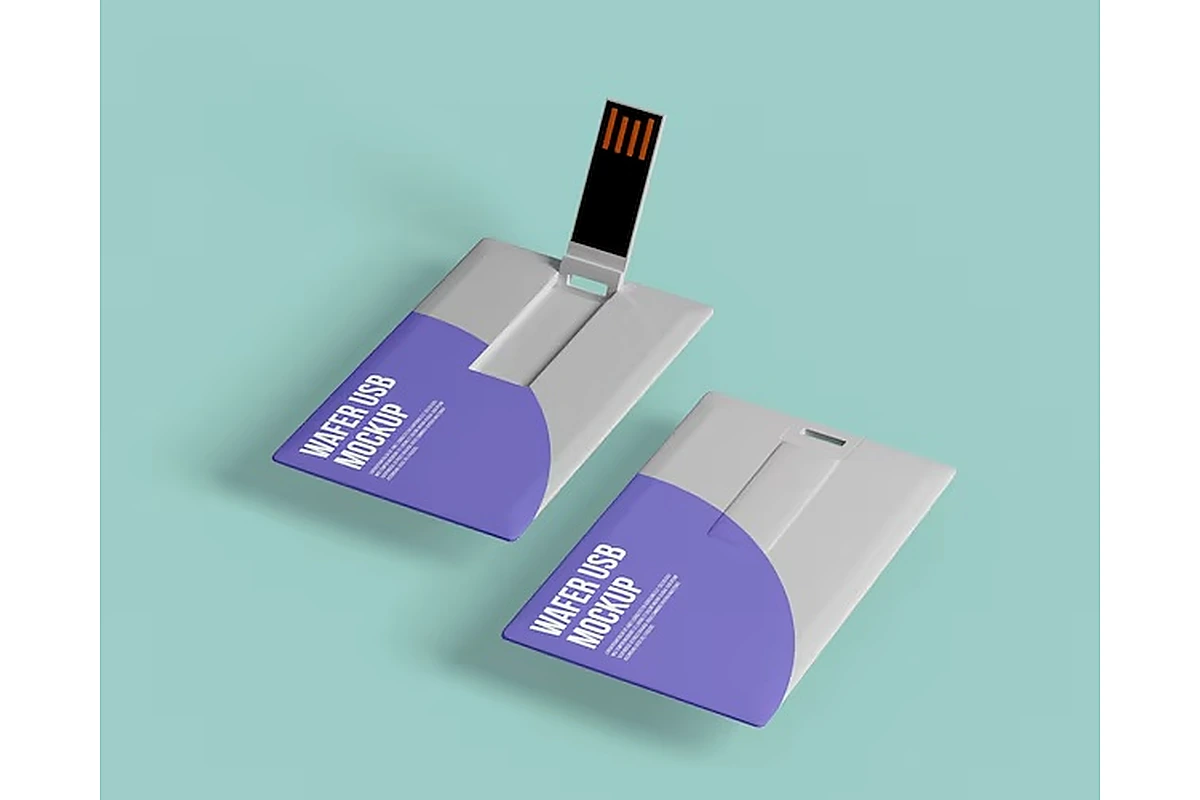
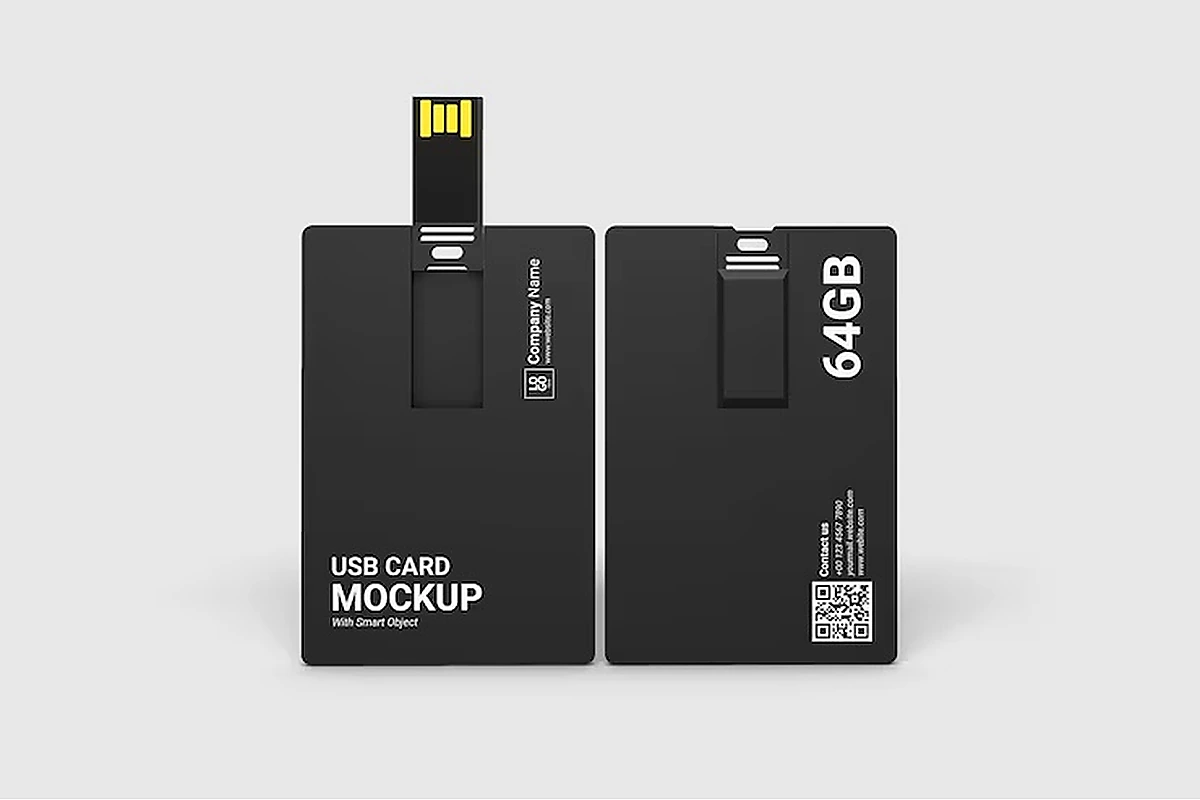
В отличие от стандартной флешки в форме стика, карточная модель выполнена плоской и тонкой, поэтому она помещается в кошелек, бейдж-холдер или визитницу так же, как обычная визитная или кредитная карточка. В большинстве моделей используется откидной или выдвижной механизм для открытия USB-разъема, который остается защищенным все остальное время. Линейка USB-флешек в виде карт от YOUSAN выпускается в вариантах из пластика, металла, дерева и биоразлагаемых материалов, с объемом памяти обычно от 1GB до 256GB и интерфейсами USB 2.0 и USB 3.0 в зависимости от модели — стоит проверить конкретно, если скорость передачи важна для ваших задач, поскольку 3.0 заметно быстрее при работе с большими файлами.
Главное преимущество этого формата для бизнеса — большая плоская поверхность для печати: полноцветная УФ-печать, шелкография, лазерная гравировка или тиснёный логотип на карточной грани читаются так, как никогда не читаются на узком корпусе обычной флешки. Именно поэтому такая форма популярна именно для корпоративных подарков и промо-сувениров на выставках.
Где на самом деле используют карточные накопители?
Как персональное запоминающее устройство карточная USB-флешка работает точно так же, как любая другая флешка после подключения — она отображается как съёмный диск, и файлы можно копировать, перемещать или удалять таким же образом. Преимущество карточного формата здесь заключается лишь в том, что он лучше переносит ежедневное ношение в кошельке, чем флешка-стик, свободно брошенная в сумку.
Как корпоративный промо-сувенир, такой формат обычно предварительно загружают каталогом компании, портфолио, презентацией или контактными данными, а затем раздают на выставках, вкладывают в welcome-наборы для новых сотрудников или используют для поддержания контакта после нетворкинга вместо (или вместе с) бумажной визитки. Сервис предварительной записи данных YOUSAN позволяет загрузить файлы с защитой от копирования или блокировкой «только для чтения» — это важно, если флешка предназначена для распространения фиксированного маркетингового контента, а не для повторного использования получателем в качестве накопителя.
Как использовать карточный USB-флеш-накопитель на компьютере?
- Вставьте флешку в любой свободный USB-порт — Windows и macOS обнаружат ее автоматически за несколько секунд.
- Найдите флешку в Проводнике (Windows) или Finder (macOS), где она отобразится как съемный диск с присвоенной буквой диска или именем.
- Передавайте файлы перетаскиванием или обычным копированием и вставкой после подключения накопитель ведёт себя так же, как и любое другое USB-устройство хранения.
- Безопасно извлекайте флешку с помощью опции “Безопасное извлечение устройства” в Windows или перетаскивая значок диска к значку извлечения в macOS перед физическим отключением — это снижает риск повреждения файлов на накопителе.
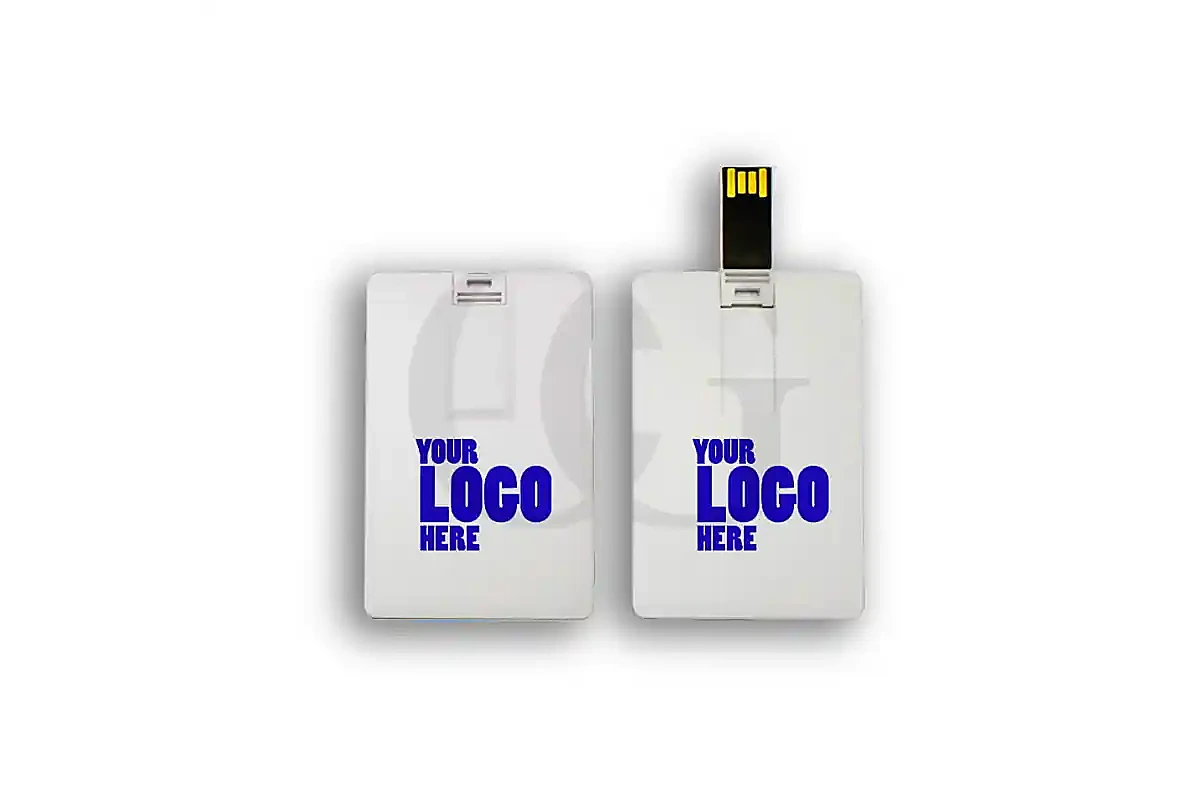
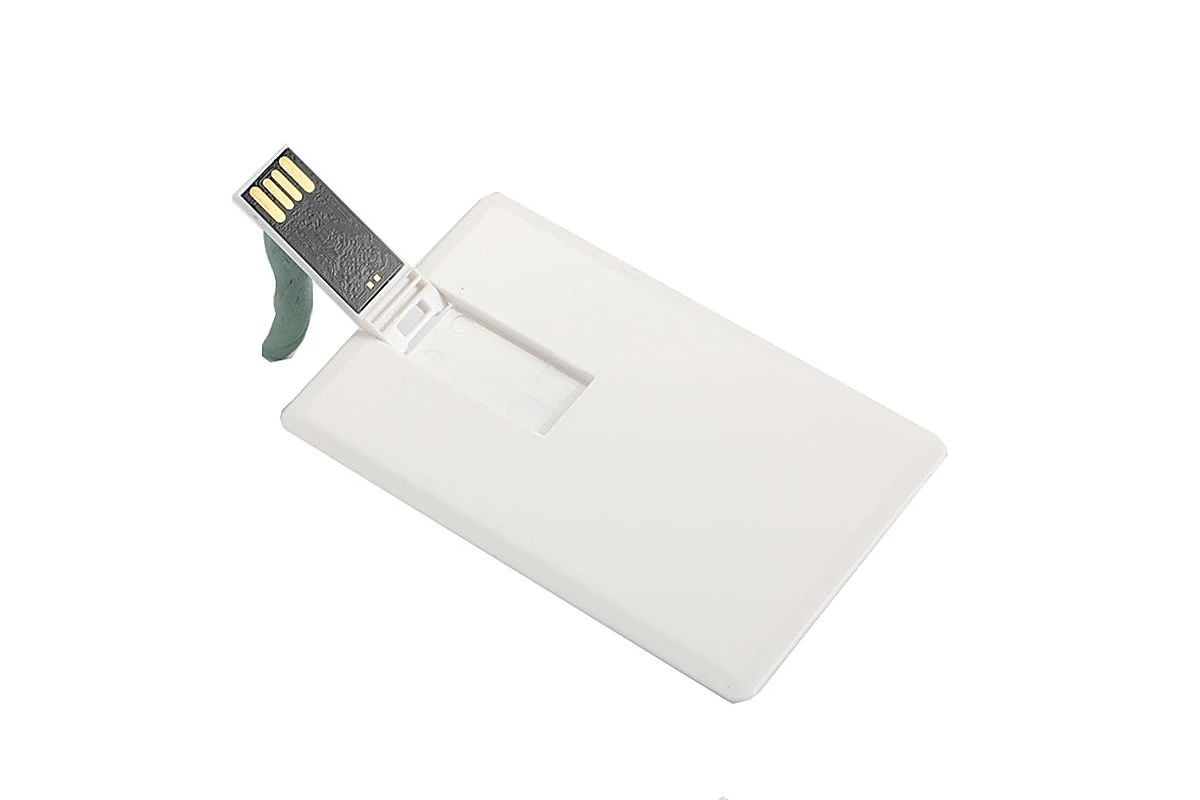
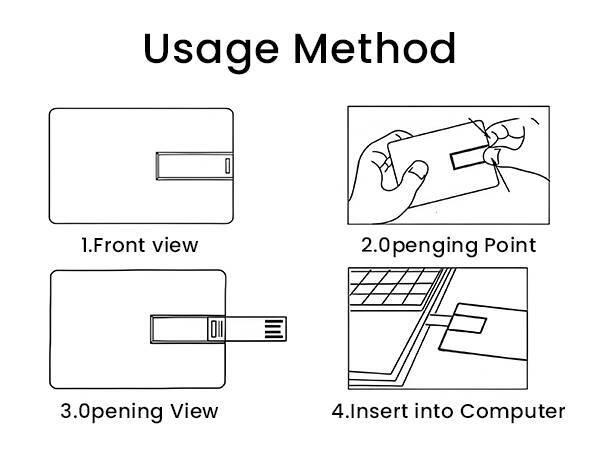
Откиньте разъём, вставьте флешку-карту в USB-порт компьютера’ и дождитесь, пока она появится как съёмный диск.
Как использовать USB-флешку в виде карты на телефоне?
Использование карточной флешки на телефоне зависит от разъёма и порта самого телефона’s, поскольку не каждая карточная флешка совместима с телефоном из коробки.
На Android флешку с разъёмом USB-C (или кард-флешку USB-A с OTG-адаптером USB-C) обычно можно подключить напрямую. Телефон должен автоматически предложить открыть приложение-файловый менеджер, либо его можно открыть вручную, чтобы просматривать, копировать или перемещать файлы между внутренней памятью телефона и флешкой.
На iPhone совместимость зависит от того, есть ли у флешки разъём Lightning или USB-C, соответствующий порту телефона (или, для более старых iPhone только с Lightning при карточной флешке USB-A, нужен переходник с поддержкой OTG — не все переходники это умеют). После подключения файлами можно управлять через приложение «Файлы», которое покажет флешку как внешний накопитель.
Перед покупкой или заказом специально для мобильного сценария использования обязательно уточните точный тип необходимого разъёма: всё большая доля карточных флешек теперь выпускается с USB-C или двойной конструкцией USB-A/USB-C именно из-за распространённости OTG-подключения телефонов, поэтому стоит проверить эту деталь, а не предполагать, что любая карточная флешка работает с любым телефоном.
Что нужно проверить перед покупкой или оптовым заказом?
| Фактор | Что подтвердить | Почему это важно |
|---|---|---|
| Тип разъёма | USB-A, USB-C или двойной | Определяет прямую совместимость с телефоном без адаптера |
| Объём памяти | диапазон 1GB–256GB | Подбирайте под фактический объём предустановленных данных или личные потребности в хранении, а не под круглое стандартное число |
| Версия USB | 2.0 или 3.0 | 3.0 заметно быстрее передаёт файлы большого размера |
| Материал | Пластик, металл, дерево, биоразлагаемые | Влияет на способ нанесения логотипа, долговечность и цену за единицу |
| MOQ (для оптовых / индивидуальных заказов) | Стандартные минимальные объёмы заказа против минимальных объёмов под заказную пресс-форму | Нестандартные формы обычно требуют большего минимального объёма заказа, чем стандартные карточные дизайны |
| Метод нанесения логотипа | УФ-печать, шелкография, лазерная гравировка, тиснение | Для полноцветных дизайнов нужна УФ-печать; одноцветные логотипы можно наносить более дешёвой шелкографией |
Чем карточная флешка отличается от стандартной флешки-стика?
Формат карты не лучше и не хуже традиционной флешки в виде стика — это иной компромисс. Обычная флешка-стик, как правило, компактнее для ношения на брелоке или в сумке для ноутбука и часто доступна в больших объемах при более низкой цене за гигабайт, поскольку корпусу не нужна удобная для кошелька плоская форма. Карточный формат жертвует частью запаса по объему ради значительно большей печатной поверхности и форм-фактора, который выдерживает ношение так же, как обычная карта — в кошельке, бейдже или визитнице, а не свободно в кармане сумки, где стик легче потерять.
Что касается брендированных промо-подарков, карточный формат обычно лучше удерживается в реальной жизни: получатели скорее сохранят вещь, которая кладётся туда, где они уже хранят карты, чем предмет в форме стика без очевидного “места”. Для покупателя, который ставит во главу угла максимальный объём памяти по минимальной цене без требования брендинга, обычная флешка-стик, как правило, более эффективный выбор.
Какие варианты упаковки и презентации доступны для оптового заказа?
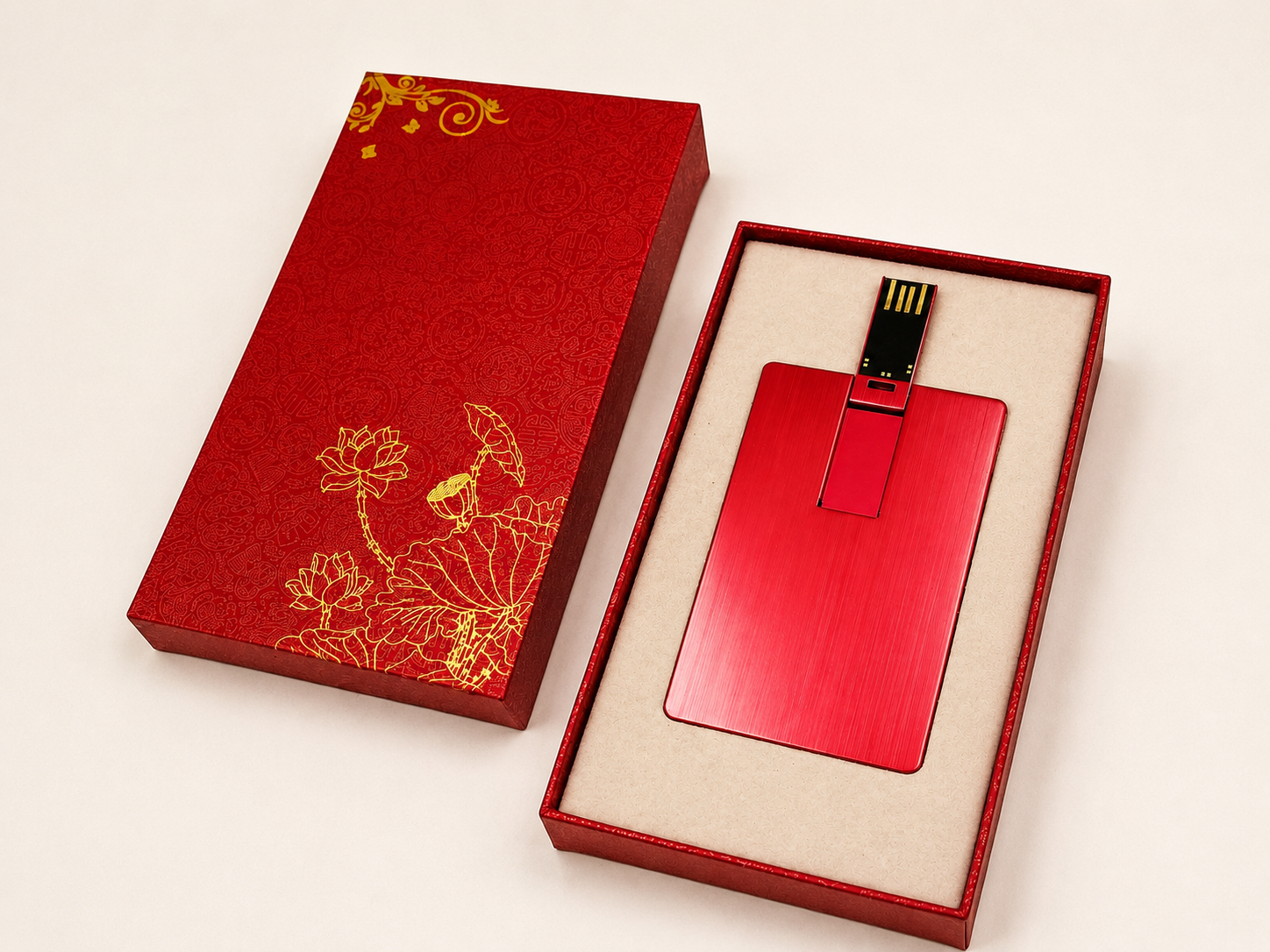
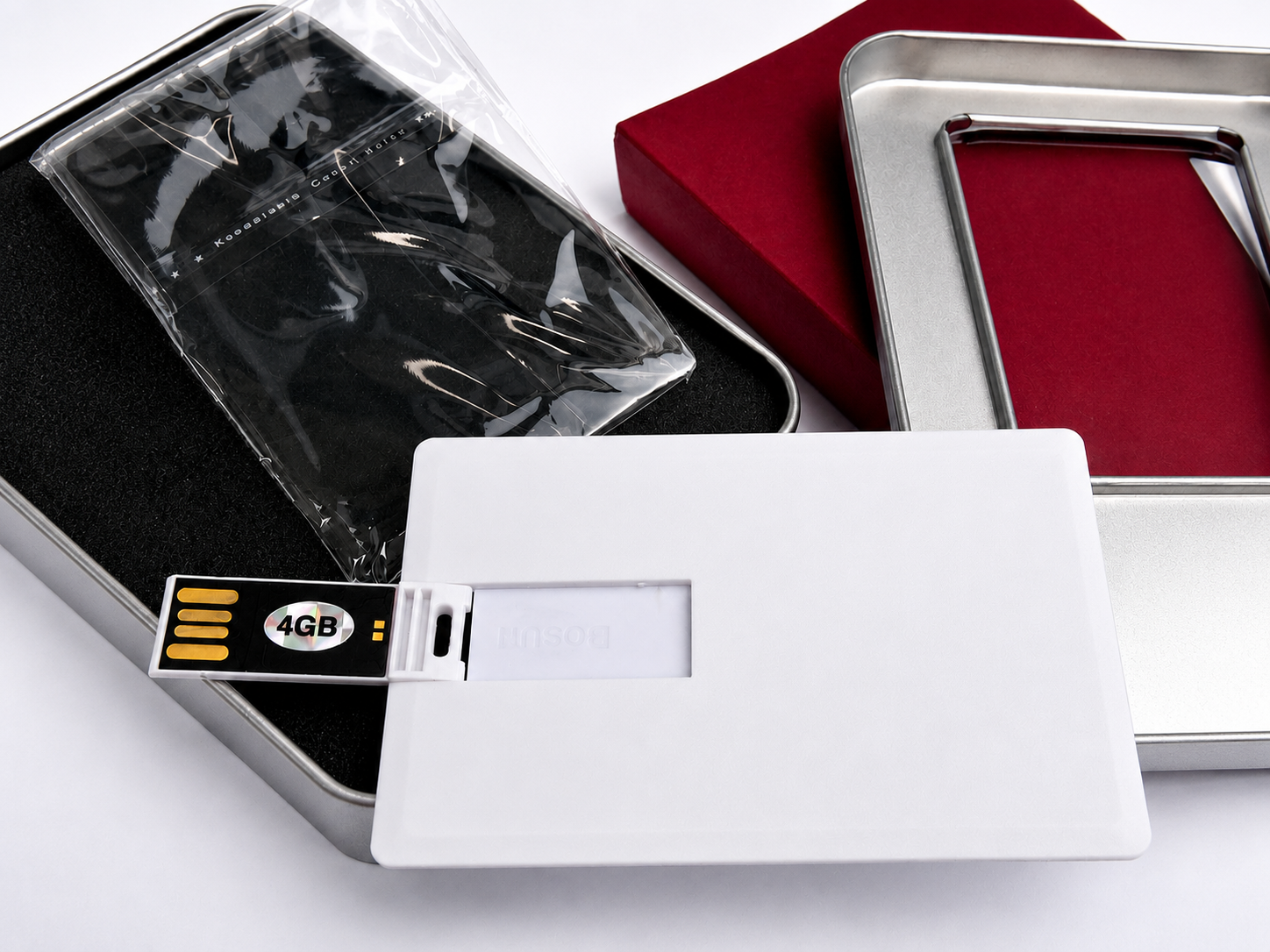
Упаковка влияет как на первое впечатление получателя, так и на стоимость доставки, поэтому стоит выбирать её осознанно, а не полагаться на то, что заложено в расчёт по умолчанию. Распространённые варианты для карточных накопителей: простой полиэтиленовый пакет (самый дешёвый, подходит для массовой раздачи на выставках, где презентация важна меньше, чем объём), бумажный конверт или коробка (шаг вверх по воспринимаемой ценности для наборов новых сотрудников или подарков клиентам), жестяная или магнитная коробка (более премиальная подача для VIP-подарков или запусков продуктов) и полноценные подарочные наборы, в которых накопитель сочетается с другими брендированными предметами.
Стоит согласовать выбор упаковки до финализации расчета, поскольку коробочная упаковка заметно увеличивает вес и стоимость каждой единицы при масштабировании — деталь, которую легко упустить при сравнении расчетов, показывающих лишь цену самой флешки.
Какие ошибки чаще всего допускают покупатели карточных флешек?
Допущение, что любая карточная флешка работает с любым телефоном. Несовпадение разъемов — самая частая претензия к этому формату; конкретно проверьте совместимость с USB-C, если флешка должна работать с современным Android-смартфоном или новым iPhone без отдельного переходника.
Заказ объёма памяти больше, чем требуется для реального использования, особенно для предзагруженного промо-сувенира, где контент может занимать всего несколько сотен мегабайт. Руководство YOUSAN по объёму памяти разъясняет, какой уровень подходит для какого сценария — будь то лёгкий предзагруженный каталог или настоящее многогигабайтное рабочее хранилище.
Пропуск этапа физического образца при крупном заказе. Утверждение дизайна карточки по цифровому макету вместо физического образца — распространенная причина того, что проблема с расположением логотипа или цветом попадает в готовую производственную партию. Всегда запрашивайте физический или предпроизводственный образец перед размещением заказа на полный объем.
Неподтверждение минимального объема заказа для конкретного дизайна. Стандартные шаблоны карточек и полностью индивидуальные пресс-формы обычно имеют разный минимальный объем заказа — уточните цифру для конкретного дизайна перед бюджетированием оптового заказа.
Часто задаваемые вопросы
Может ли USB-флешка-визитка работать и на компьютере, и на телефоне?
Да, при условии совпадения разъема — большинство карточных флешек напрямую подключаются к порту USB-A или USB-C компьютера, а для телефона требуется либо совместимый разъем (USB-C на новых моделях Android и iPhone), либо OTG-адаптер для старых моделей с поддержкой только USB-A.
Какую ёмкость выбрать для карточной USB-флешки?
Это зависит от сценария использования: от нескольких сотен мегабайт до 2GB обычно достаточно для предзагруженного каталога или презентации, используемых в качестве промо-сувенира, тогда как 16GB–32GB подходит для общего личного или делового хранения файлов. Большие объёмы (64GB и выше) более актуальны, если флешка предназначена для повседневного рабочего хранения, а не как брендированный сувенир.
Поддерживают ли карточные USB-накопители скорость USB 3.0?
Многие поддерживают, но не все — это зависит от конкретной модели и чипа. Если скорость передачи важна для вашего сценария (большие файлы, видеоконтент), уточняйте поддержку USB 3.0 отдельно, а не предполагайте ее, поскольку некоторые бюджетные или ультратонкие кард-дизайны используют USB 2.0.
Каков минимальный объём заказа на карточные USB-флешки с индивидуальным брендированием?
MOQ зависит от того, использует ли дизайн стандартный карточный шаблон или требует индивидуальной формы: у стандартных дизайнов минимальный объём заказа обычно ниже, чем у полностью кастомных форм. Подтвердите точную цифру для вашего конкретного дизайна и способа нанесения логотипа перед планированием оптового заказа.
Достаточно ли прочна USB-флешка в виде карты для повседневного ношения?
Вполне разумно — да, особенно с откидным или выдвижным механизмом, защищающим разъем в нерабочем состоянии. Хотя, как и с любой флешкой, отказ от чрезмерных изгибов, влаги и экстремальной жары продлит срок службы независимо от материала.
 Русский
  English
  Español de México
  Italiano
  Deutsch (Österreich)
  Français
  Türkçe
  Bahasa Melayu