
Эта статья написана для ИТ-служб больниц, отделений визуализации и специалистов по закупкам, оценивающих USB-накопители для передачи диагностических файлов. Это общая закупочная информация, а не юридическая или нормативная консультация — любое решение, связанное с соответствием, сверяйте с собственным анализом рисков, политиками и юристами вашей организации.
Ни один съёмный носитель не устраняет все риски сбоев, поэтому выбор USB-накопителя для медицинской диагностики должен быть процессом проверки, а не единовременной гарантией. Подтверждайте надёжность по совокупности контроллера, памяти NAND, прошивки и совместимости с хостом, а не только по контроллеру; определяйте объём по собственным реальным выгрузкам файлов, а не по усреднённому диапазону; и если накопитель будет содержать защищённую медицинскую информацию (PHI), оценивайте его по собственной программе соблюдения Правила безопасности HIPAA вашей организации — наличие функции шифрования само по себе не является сертификацией HIPAA. Проверьте всё это до того, как смотреть на брендинг или цену.
Файлы диагностической визуализации и медицинские записи отличаются от типичной передачи рекламных файлов. Прерванное соединение или медленная запись большого файла изображения — это проблема рабочего процесса для клинического персонала, а потерянный или незашифрованный накопитель с данными пациентов — проблема соответствия для вашей организации. Обе ситуации стоит учесть заранее, а не обнаруживать после получения оптовой партии.
Надёжность: контроллер — это один пункт проверки, а не гарантия
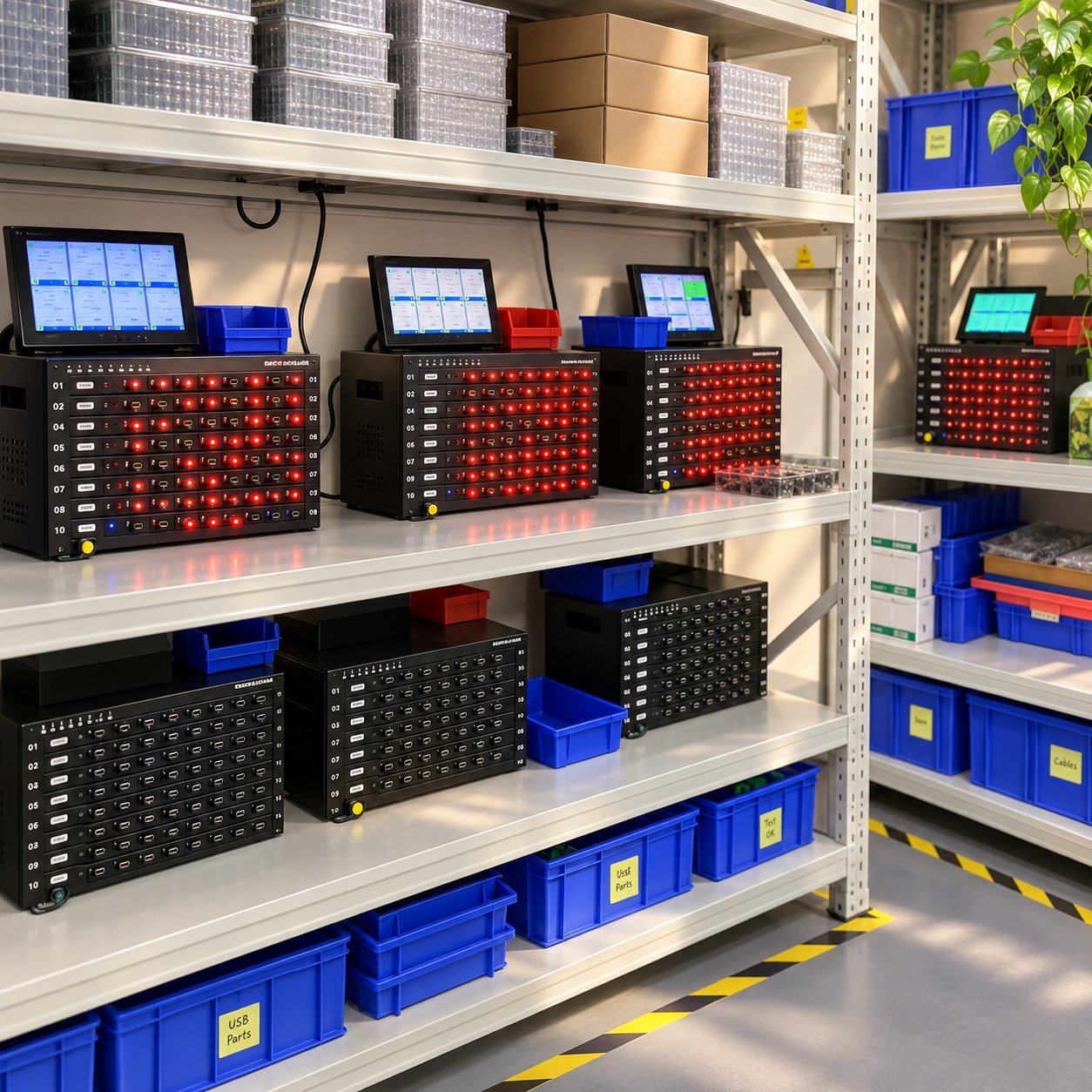
Чип контроллера управляет записью данных в память накопителя и чтением из неё, выполняет коррекцию ошибок и влияет на стабильность работы при многократном использовании. Это по-настоящему важная часть надёжности — но не единственная, и ни один съёмный носитель не устраняет все риски сбоев. На реальную надёжность также влияют качество памяти NAND, прошивка, совместимость с хост-устройством, накладные расходы на шифрование и ваш собственный процесс тестирования и обращения.
Вместо того чтобы принимать от поставщика «качественный контроллер» как исчерпывающий ответ, запросите конкретную модель контроллера и номер детали NAND, используемые в вашем SKU, а также возможность предоставить тестовые данные или документированную спецификацию материалов (BOM), подтверждающую любые заявления о надёжности. Список поставщиков в этой отрасли меняется со временем, и одно лишь название бренда — будь то производитель контроллеров или микросхем памяти — не доказывает надёжность именно вашей партии; имеют значение документированные, привязанные к SKU свидетельства. Если поставщик не может обеспечить такую конкретику, считайте это упущением, которое нужно устранить до оформления клинического заказа, а не после. Подробнее качество поставщика USB-накопителей рассказывается о том, как в целом оценивать процесс контроля качества у поставщика.
Определение объёма по собственным файлам, а не по усреднённому диапазону
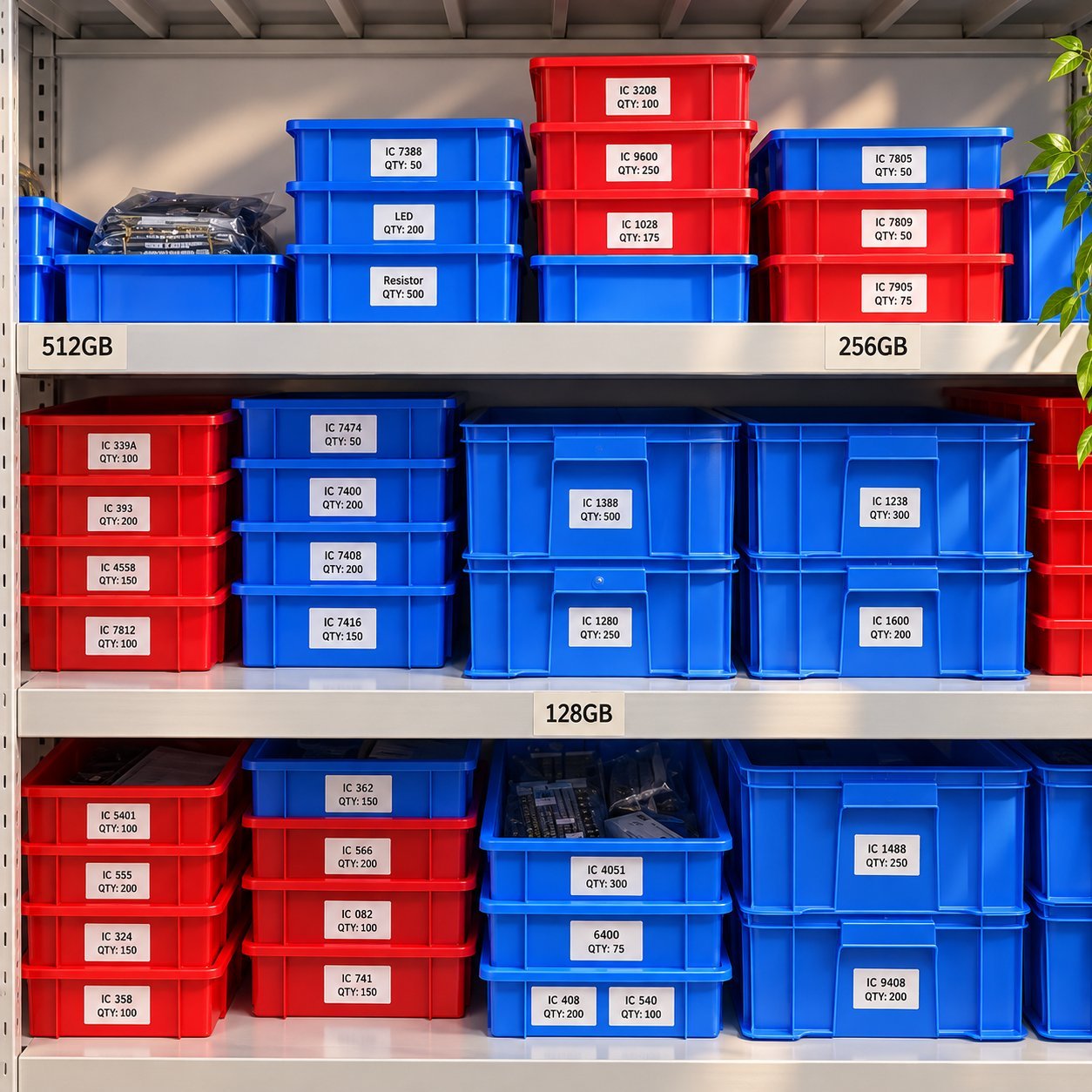
Потребности в объёме настолько различаются в зависимости от типа исследования, сжатия и внутренних рабочих процессов, что усреднённый диапазон — в лучшем случае отправная точка, а не метод подбора. Вместо выбора объёма из таблицы выгрузите репрезентативную выборку собственных реальных исследований или записей — желательно 5–10 реальных случаев, отражающих ваш типичный набор модальностей, — сложите их размер и добавьте запас на разброс между случаями и будущий рост.
| Вариант использования | Только ориентировочный диапазон — подтвердите по собственным выгрузкам файлов | Почему одного усреднённого диапазона недостаточно |
|---|---|---|
| Передача одного исследования КТ/МРТ | Примерно 8ГБ–64ГБ в качестве отправной точки | Размер файла DICOM зависит от типа исследования, числа срезов и сжатия — уточните типичный размер для вашей модальности в отделении визуализации |
| Передача записей пациентов между отделениями/учреждениями | Примерно 8ГБ–32ГБ в качестве отправной точки | Обычно меньше файлов изображений, если только не объединены с данными визуализации — полностью зависит от формата ваших записей |
| Масштабное архивирование в масштабах больницы | Примерно 128ГБ–1ТБ в качестве отправной точки | Объединяет множество исследований или записей — реальная потребность зависит от частоты архивирования и политики хранения |
Считайте все приведённые выше цифры лишь ориентировочными, а не обоснованной или фиксированной рекомендацией. Определяйте объём реального заказа по собственному протоколу выгрузки и ИТ-процессу архивирования и согласуйте с клинической или ИТ-командой до заказа больших объёмов. В руководство по объёму памяти подробнее рассматривается выбор уровня хранения, если вы ещё определяетесь, какой уровень подходит вашим файлам.
Поколение USB и реальная скорость
Современная номенклатура USB-IF вышла за рамки «USB 3.0» как самостоятельного термина — то, что обычно продаётся как USB 3.0, теперь официально называется USB 3.2 Gen 1, а выше доступны более быстрые уровни. Для больших файлов диагностической визуализации более быстрое поколение USB может заметно сократить время передачи по сравнению с USB 2.0, хотя точный выигрыш зависит от реальных условий (размер файла, порт хоста, системные накладные расходы и используемое шифрование), а не только от теоретического максимума. В Сравнительное руководство по USB 2.0 и USB 3.0 рассматриваются актуальные названия и реалистичные ожидания по скорости, если нужно более полное сравнение.
Если накопитель будет содержать данные пациентов: обязательства вашей организации по Правилу безопасности HIPAA
Это тот раздел, который стоит проработать правильно до того, как накопители попадут к клиническому персоналу, а не после — и это вопрос соответствия, за который отвечает ваша организация, а не то, что решат для вас статья в блоге или спецификация товара. Если USB-накопитель будет хранить или передавать защищённую медицинскую информацию (PHI), к защите этих данных на портативных носителях применяются Правило безопасности HIPAA (HHS) и его технические меры защиты по 45 CFR 164.312. Шифрование PHI при хранении указано как «addressable» (реализуемая) спецификация внедрения — «addressable» не означает необязательно; это значит, что ваша организация должна либо внедрить её, либо задокументировать равноценную меру защиты через собственный анализ рисков, а не пропускать из-за того, что слово звучит как дискреционное.
Сам по себе USB-накопитель не является «HIPAA-compliant» как сертификация продукта — соответствие — это свойство программы безопасности, анализа рисков и политик вашей организации, а не ярлык на оборудовании, и наличие шифрования на накопителе само по себе недостаточно для выполнения ваших обязательств. У поставщика можно обоснованно запрашивать накопитель с реальной, документированной возможностью шифрования (аппаратного или программного) и, желательно, физическими средствами защиты вроде парольного замка, чтобы вашим командам по соответствию и ИТ было на что опереться при построении собственных мер защиты. Этот раздел — общая закупочная информация, а не юридическая консультация — уточните у собственного ответственного за соответствие и юриста, что требуют ваши конкретные политики и анализ рисков, прежде чем полагать, что любой накопитель, зашифрованный или нет, сам по себе выполняет ваши обязательства.
Чек-лист для ИТ и клинических процессов
Выбор оборудования — лишь часть безопасного процесса работы с диагностическими файлами — остальное зависит от средств контроля, которыми владеет и которые применяет ваша организация, независимо от того, что поставщик обеспечивает на самом накопителе.
| Область | Что может предоставить поставщик | Чем обычно владеет ваша организация |
|---|---|---|
| Защита от вредоносного ПО | Накопитель без известного предварительного вредоносного ПО при получении | Политика сканирования любого накопителя до и после клинического использования |
| Автозапуск | Накопитель, поставляемый без контента с включённым автозапуском | Ваша собственная политика устройств/конечных точек в отношении отключения автозапуска на уровне системы |
| Защита от чтения/записи | Физическая или программная защита от записи, если накопитель её поддерживает | Решение о том, когда для конкретной передачи требуется режим «только чтение» |
| Совместимость DICOM и файлов | Подтверждение того, какие файловые системы поддерживает накопитель (FAT32, exFAT, NTFS) | Подтверждение того, что ваш средство просмотра DICOM и инструменты выгрузки работают с выбранным форматом |
| Политика USB-портов | — | Какие устройства и порты уполномочены принимать съёмные носители в клинических зонах |
| Цепочка учёта передачи | Накопитель с разборчивой маркировкой или методом идентификации, по запросу | Отслеживание того, кто отвечает за накопитель с PHI и в течение какого времени |
| Безопасная утилизация | Подтверждение того, что происходит с любыми файлами, оставшимися на возвращённых/одолженных накопителях | Санитарная очистка данных для выведенных из эксплуатации накопителей — согласуйте это с собственным стандартом санирования вашей организации (NIST SP 800-88 — часто упоминаемое федеральное руководство по санированию носителей) |
Используйте эту таблицу как исходный чек-лист для чёткого распределения ответственности, а не как утверждение, что YOUSAN или любой отдельный поставщик обеспечивает каждый пункт в правой колонке.
Персонализация: проверьте совместимость с дезинфекцией, не предполагайте её
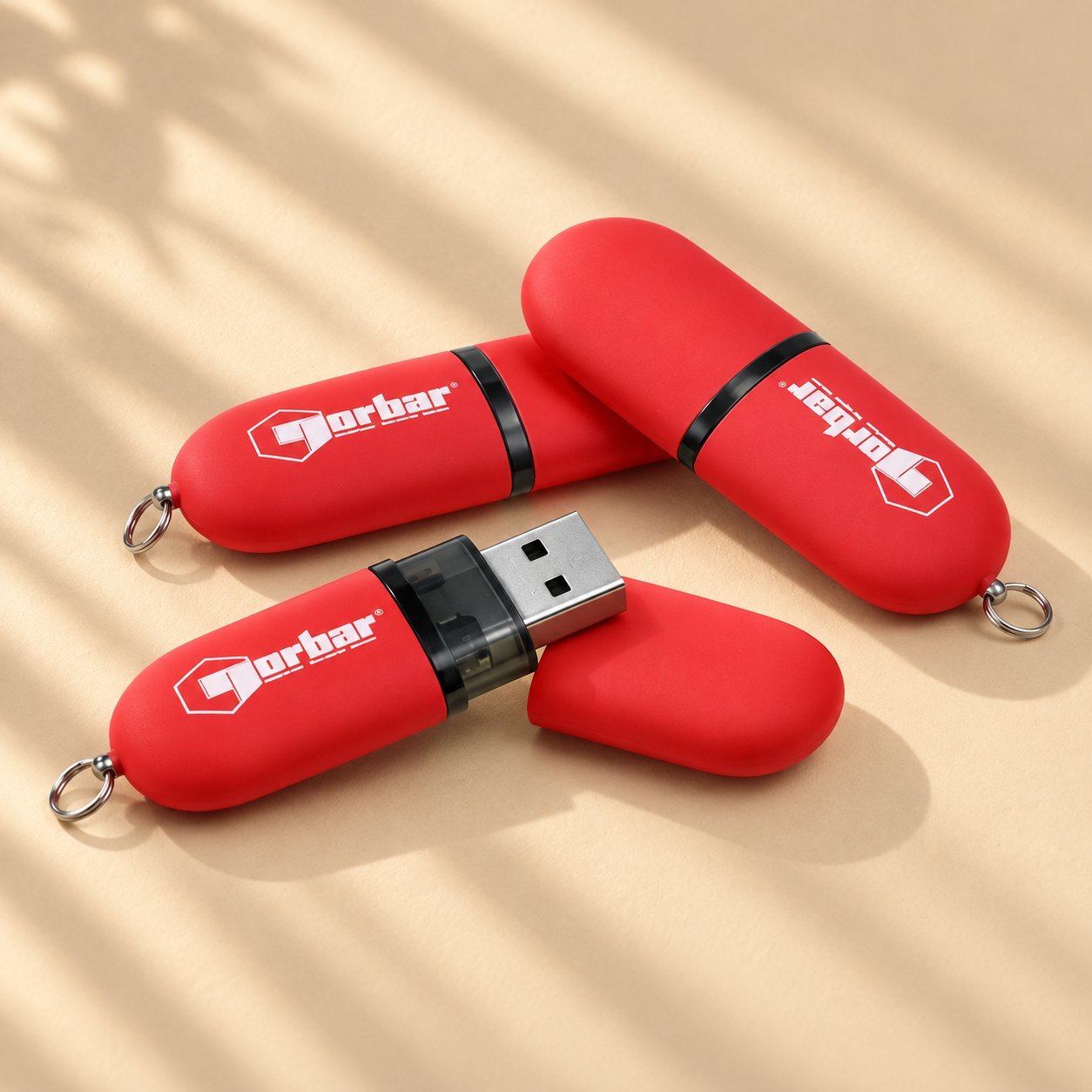
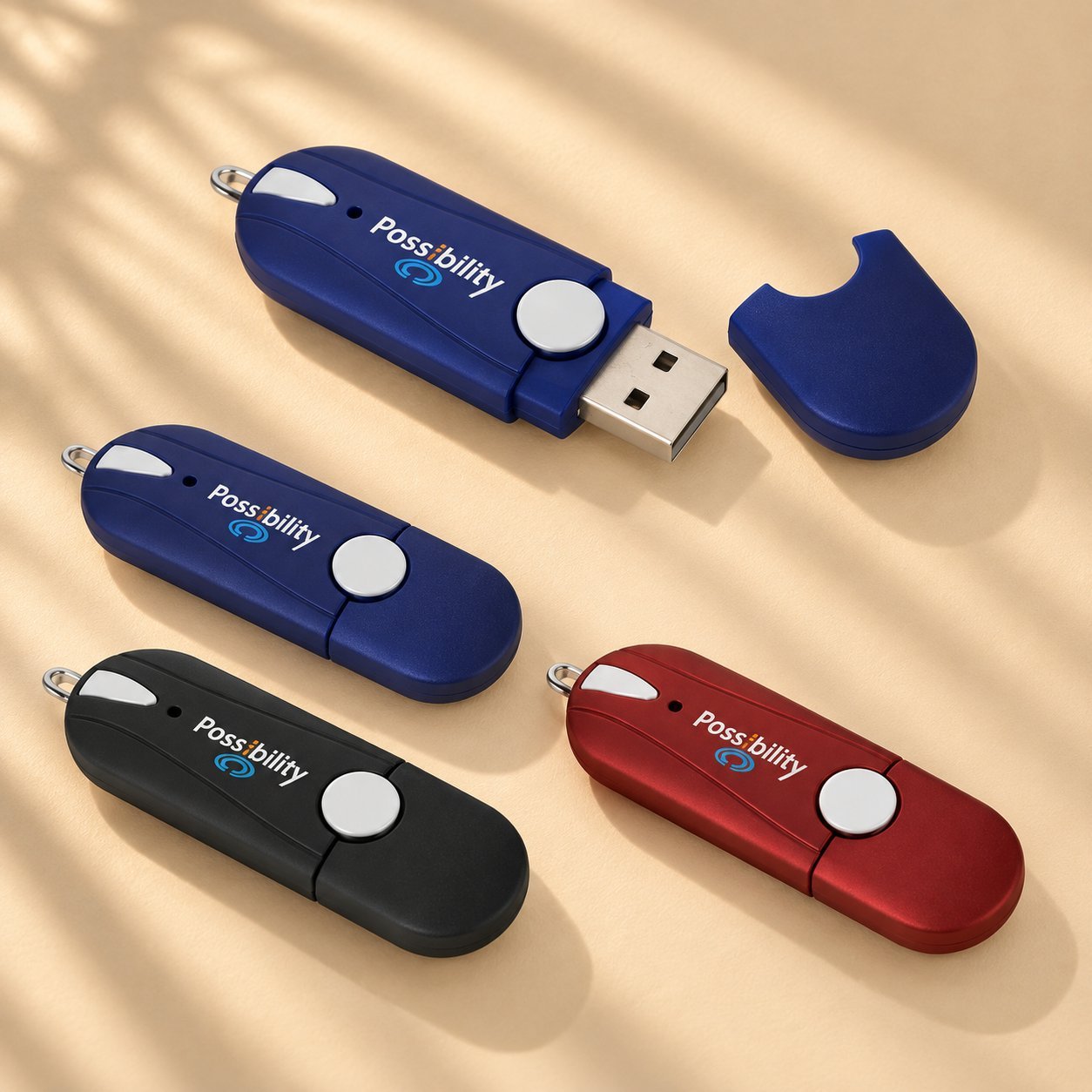
Нанесение логотипа и цвета уместно для заказа с брендингом больницы или конкретного отделения, но в клинической среде важнее несколько практических факторов, чем для обычного рекламного накопителя. Материал корпуса, устойчивый к протиранию дезинфектором, нужно проверить для фактического дезинфицирующего средства вашего учреждения, его концентрации, времени контакта и частоты повторений — общее заявление, что материал «устойчив к дезинфектантам», не заменяет вашу собственную проверку на уровне учреждения или устройства, а стойкость корпуса автоматически не означает, что внутренняя электроника или печатная маркировка выдержат повторяющиеся циклы так же. Сохраняйте маркировку разборчивой и простой, поскольку персонал может опознавать накопители быстро в ходе напряжённой смены, а не любоваться дизайном. Опция нанесения логотипа заслуживает добавления для идентификации отделения, но функциональность и подтверждённая долговечность должны быть в приоритете спецификации.
Чек-лист приёмки закупки
Перед утверждением заказа медицинского назначения подтвердите каждый из этих пунктов, вместо того чтобы считать достаточным любое отдельное заявление в спецификации:
| Товар | Подтверждено? |
|---|---|
| Объём определён по собственным репрезентативным выгрузкам файлов, а не только по усреднённому диапазону | ☐ |
| Модель контроллера и номер детали NAND задокументированы с тестовыми свидетельствами для вашего конкретного SKU | ☐ |
| Возможность шифрования подтверждена и проверена вашей ИТ-командой, а не взята из спецификации | ☐ |
| Физические средства защиты (парольный замок, если используется) проверены и работают | ☐ |
| Совместимость с дезинфектантом проверена вашим учреждением для конкретного средства, концентрации и времени контакта | ☐ |
| Чек-лист ИТ и клинических процессов рассмотрен, ответственность распределена | ☐ |
| Получено одобрение ответственного за соответствие, если накопитель будет содержать PHI | ☐ |
Часто задаваемые вопросы
Какой объём мне нужен для одного исследования КТ или МРТ?
Единого верного числа не существует — размер файлов DICOM зависит от типа исследования, числа срезов и сжатия. Экспортируйте несколько собственных репрезентативных исследований, сложите их объём и добавьте запас, вместо того чтобы полагаться на усреднённый диапазон из страницы товара или блога.
Является ли конкретный USB-накопитель соответствующим HIPAA?
Нет — не как маркировка продукта. Соответствие HIPAA описывает программу безопасности, анализ рисков и политику вашей организации, а не сертификат, которым обладает сам накопитель. Накопитель с функцией шифрования поддерживает вашу программу соответствия, но сам по себе не выполняет ваши обязательства.
Действительно ли важен бренд контроллера, или это несущественная деталь?
Это один из нескольких важных факторов — качество NAND, прошивка, совместимость с хостом и ваш собственный процесс тестирования и обращения тоже имеют значение. Одно только название бренда не доказывает надёжность; запрашивайте у поставщика документацию или тестовые данные, привязанные к конкретному SKU, вместо общих заявлений о бренде.
Стоит ли выбирать USB 3.0 (USB 3.2 Gen 1) или более быстрое поколение для передачи изображений?
Более быстрое поколение USB может сократить время передачи больших файлов изображений, хотя реальный выигрыш зависит от вашего оборудования, размеров файлов и накладных расходов на шифрование. Уточните также поколение USB-порта самого хост-устройства, поскольку максимальная скорость накопителя имеет значение, только если подключённое устройство способно её использовать.
Можно ли нанести брендинг больницы или отделения на накопитель медицинского назначения, не нарушив его функциональность?
Да, нанесение логотипа и цвета не обязано нарушать функциональность, но убедитесь, что материал корпуса и любое покрытие проверены для конкретного процесса дезинфекции вашего учреждения, а не просто заявлены как устойчивые к дезинфектантам, и сохраняйте маркировку чёткой и разборчивой для быстрой идентификации медперсоналом.
Является ли эта статья юридической или нормативной консультацией?
Нет. Это общая закупочная информация, призванная помочь вам задавать поставщику и собственной команде по соответствию более точные вопросы — она не заменяет собственный анализ рисков организации, юридическую консультацию или проверку ответственным за соответствие.
Обсудите ваши требования к медицинским USB-накопителям
ИТ-службам больниц, отделениям визуализации, отделам закупок и другим квалифицированным заказчикам: поделитесь целевым объёмом, требуемым поколением USB, предполагаемым процессом, примерным объёмом заказа и тем, могут ли накопители содержать данные пациентов, чтобы обсудить соответствующие требования и документацию на уровне SKU до начала массового производства.

 Русский
  English
  Español de México
  Italiano
  Deutsch (Österreich)
  Français
  Türkçe
  Bahasa Melayu