
This article is written for hospital IT, imaging department, and procurement buyers evaluating USB flash drives for diagnostic file transfer. It’s general procurement information, not legal or compliance advice — validate any compliance-related decision against your own organization’s risk analysis, policies, and legal counsel.
No removable medium eliminates all failure risk, so treat USB drive selection for medical diagnostic use as a verification process, not a single guarantee. Confirm reliability through the controller, NAND memory, firmware, and host compatibility together, not the controller alone; size capacity from your own real file exports rather than a generic range; and if the drive will carry protected health information (PHI), evaluate it against your organization’s own HIPAA Security Rule program — a drive with encryption capability is not, by itself, a HIPAA certification. Get these verified before you look at branding or price.
Diagnostic imaging files and patient records aren’t like a typical promotional file transfer. A dropped connection or a slow write on a large imaging file is a workflow problem for clinical staff, and a lost or unencrypted drive carrying patient data is a compliance problem for your organization. Both are worth designing around upfront rather than discovering after a bulk order arrives.
Reliability: the controller is one verification item, not a guarantee
A controller chip manages how data gets written to and read from a drive’s memory, handles error correction, and affects how consistently a drive performs under repeated use. It’s a genuinely important part of reliability — but it isn’t the only one, and no removable medium can eliminate all failure risk. NAND memory quality, firmware, host device compatibility, encryption overhead, and your own testing and handling workflow all affect real-world reliability too.
Rather than asking your supplier for “a high-quality controller” as a complete answer, ask for the specific controller model and NAND part number used in your SKU, and whether they can provide test data or a documented bill of materials (BOM) backing up any reliability claim. Vendor rosters in this industry change over time, and a brand name alone — whether it’s a controller maker or a memory fabricator — isn’t proof of reliability for your specific batch; documented, SKU-specific evidence is what actually matters. If your supplier can’t provide that level of specificity, treat it as a gap to resolve before committing to a clinical-use order, not after. The broader USB flash drive supplier quality covers how to read a supplier’s quality process more generally.

Sizing capacity from your own files, not a generic range
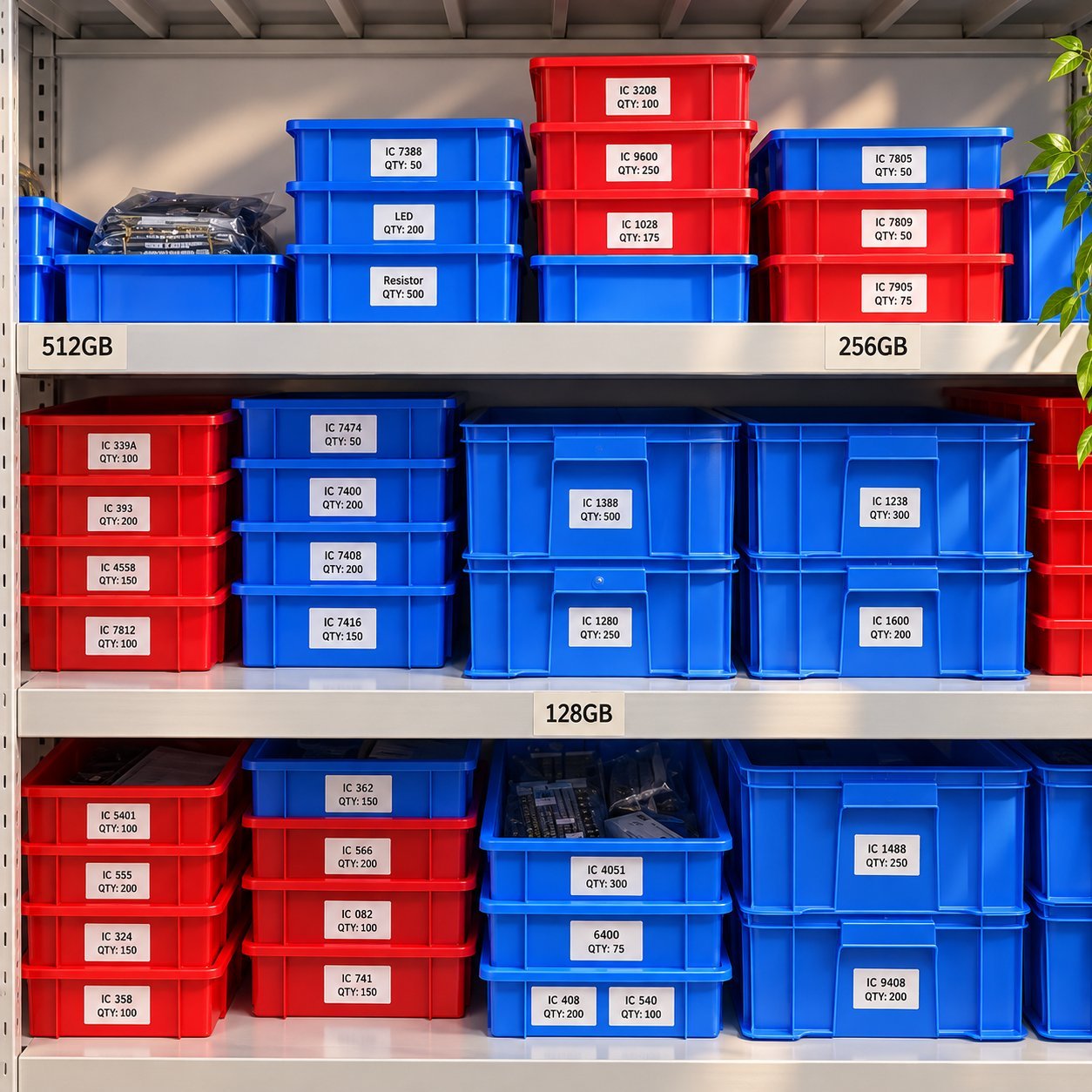
Capacity needs vary enough by modality, compression, and institutional workflow that a generic range is a starting point at best, not a sizing method. Rather than picking a capacity off a table, export a representative sample of your own actual studies or records — ideally 5-10 real cases reflecting your typical modality mix — and total their file size, then add headroom for variation between cases and future growth.
| Use case | Illustrative range only — confirm with your own file exports | Why a generic range isn’t enough on its own |
|---|---|---|
| Single CT/MRI study transfer | Roughly 8GB–64GB as a starting reference point | DICOM file size varies by modality, slice count, and compression — confirm your specific modality’s typical size with your imaging department |
| Patient record transfer between departments/facilities | Roughly 8GB–32GB as a starting reference point | Usually smaller than imaging files unless bundled with imaging data — depends entirely on your record format |
| Hospital-wide bulk archiving | Roughly 128GB–1TB as a starting reference point | Aggregates many studies or records — actual need depends on your archiving frequency and retention policy |
Treat every figure above as illustrative only, not a sourced or fixed recommendation. Size your actual order from your own export protocol and IT archiving workflow, and confirm with your clinical or IT team before ordering capacity in bulk. The storage capacity guide covers the storage-tier decision in more detail if you’re still working out which tier fits your files.
USB generation and real-world speed
Current USB-IF naming has moved past “USB 3.0” as a standalone term — what’s commonly sold as USB 3.0 is now formally USB 3.2 Gen 1, with faster tiers available above it. For large diagnostic imaging files specifically, a faster USB generation can meaningfully reduce transfer time compared to USB 2.0, though the exact improvement depends on real-world conditions (file size, host port, system overhead, and any encryption in use) rather than the theoretical maximum alone. The USB 2.0 vs. USB 3.0 comparison guide covers current naming and realistic speed expectations if you need the fuller comparison.
If the drive will carry patient data: your organization’s HIPAA Security Rule obligations
This is the part worth getting right before drives reach clinical staff, not after — and it’s a compliance question your own organization owns, not something a blog post or a product spec can resolve for you. If a USB drive will store or transfer protected health information (PHI), the HHS HIPAA Security Rule and its technical safeguards at 45 CFR 164.312 apply to how that data is protected on portable media. Encryption of PHI at rest is listed as an “addressable” implementation specification — addressable does not mean optional; it means your organization must either implement it or document an equivalent safeguard through its own risk analysis, not skip it because the word sounds discretionary.
A USB drive itself is not “HIPAA-compliant” as a product certification — compliance is a property of your organization’s security program, risk analysis, and policies, not a hardware label, and encryption capability on a drive is not by itself sufficient to satisfy your obligations. What you can reasonably ask your supplier for is a drive with real, documented encryption capability (hardware or software-based) and, ideally, physical security features like a password lock, so your compliance and IT teams have something functional to build your own safeguards around. This section is general procurement information, not legal advice — confirm with your own compliance officer and legal counsel what your specific policy and risk analysis require before assuming any drive, encrypted or not, satisfies your obligations on its own.
IT and clinical workflow checklist
Hardware selection is only part of a safe diagnostic-file workflow — the rest depends on controls your organization owns and operates, separate from anything a supplier provides on the drive itself.
| Area | What the supplier can provide | What your organization typically owns |
|---|---|---|
| Malware protection | A drive with no known pre-existing malware on receipt | Scanning policy for any drive before and after clinical use |
| Autorun | A drive that doesn’t ship with autorun-enabled content | Your own device/endpoint policy on whether autorun is disabled system-wide |
| Read/write protection | A physical or software write-protect feature, if the drive supports it | Deciding when read-only mode is required for a given transfer |
| DICOM and file compatibility | Confirmation of which file systems the drive supports (FAT32, exFAT, NTFS) | Confirming your DICOM viewer and export tools work with your chosen format |
| USB port policy | — | Which devices and ports are authorized to accept removable media in clinical areas |
| Chain of custody | A drive with a legible label or ID method, if requested | Tracking who has custody of a drive carrying PHI, and for how long |
| Secure disposal | Confirmation of what happens to any files left on returned/loaner drives | End-of-life data sanitization for drives no longer in use — align this with your organization’s own sanitization standard (NIST SP 800-88 is the commonly referenced federal guideline for media sanitization) |
Use this table as a starting checklist to divide responsibility clearly, not as a claim that YOUSAN or any single supplier provides every item on the right-hand side.
Customization: validate disinfection compatibility, don’t assume it
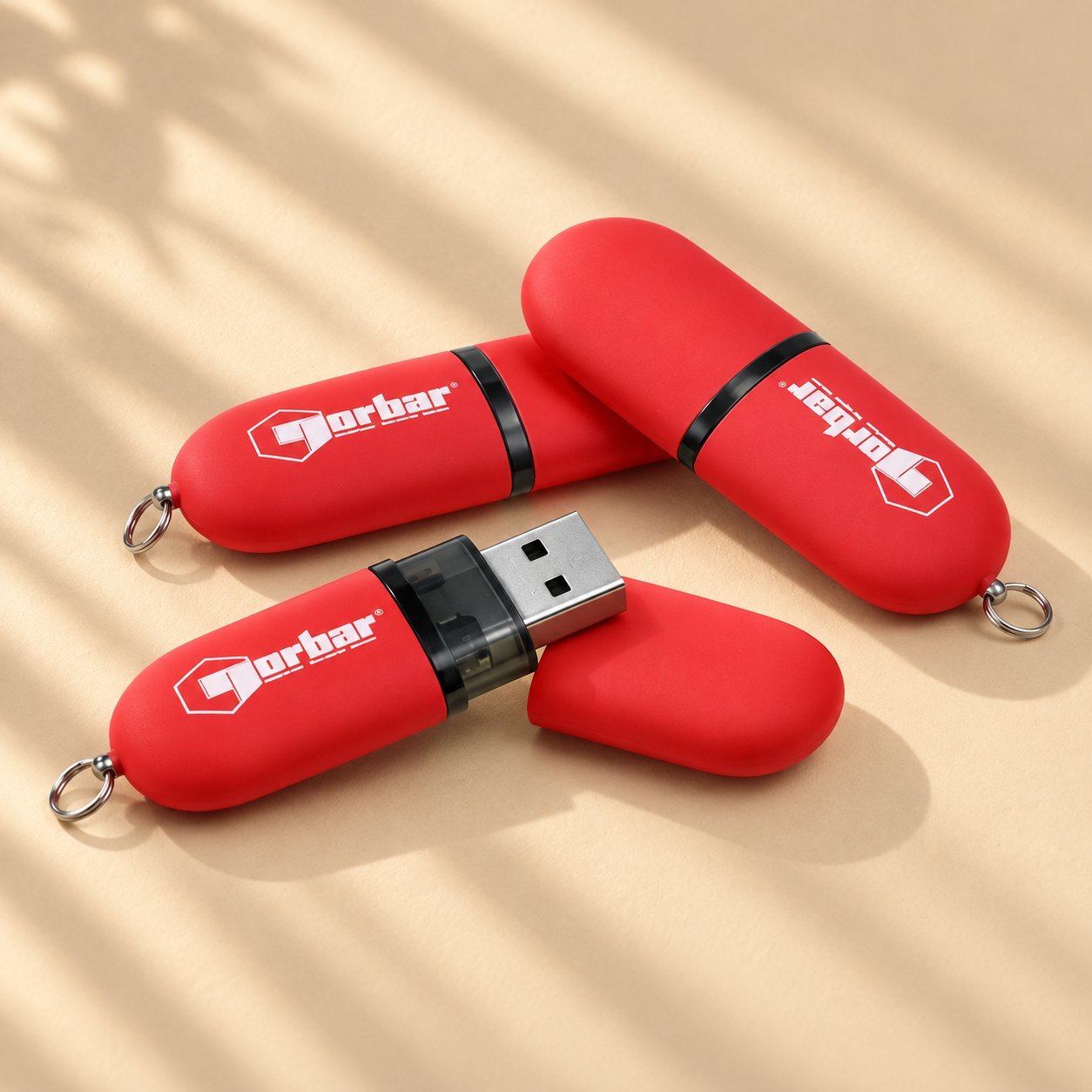
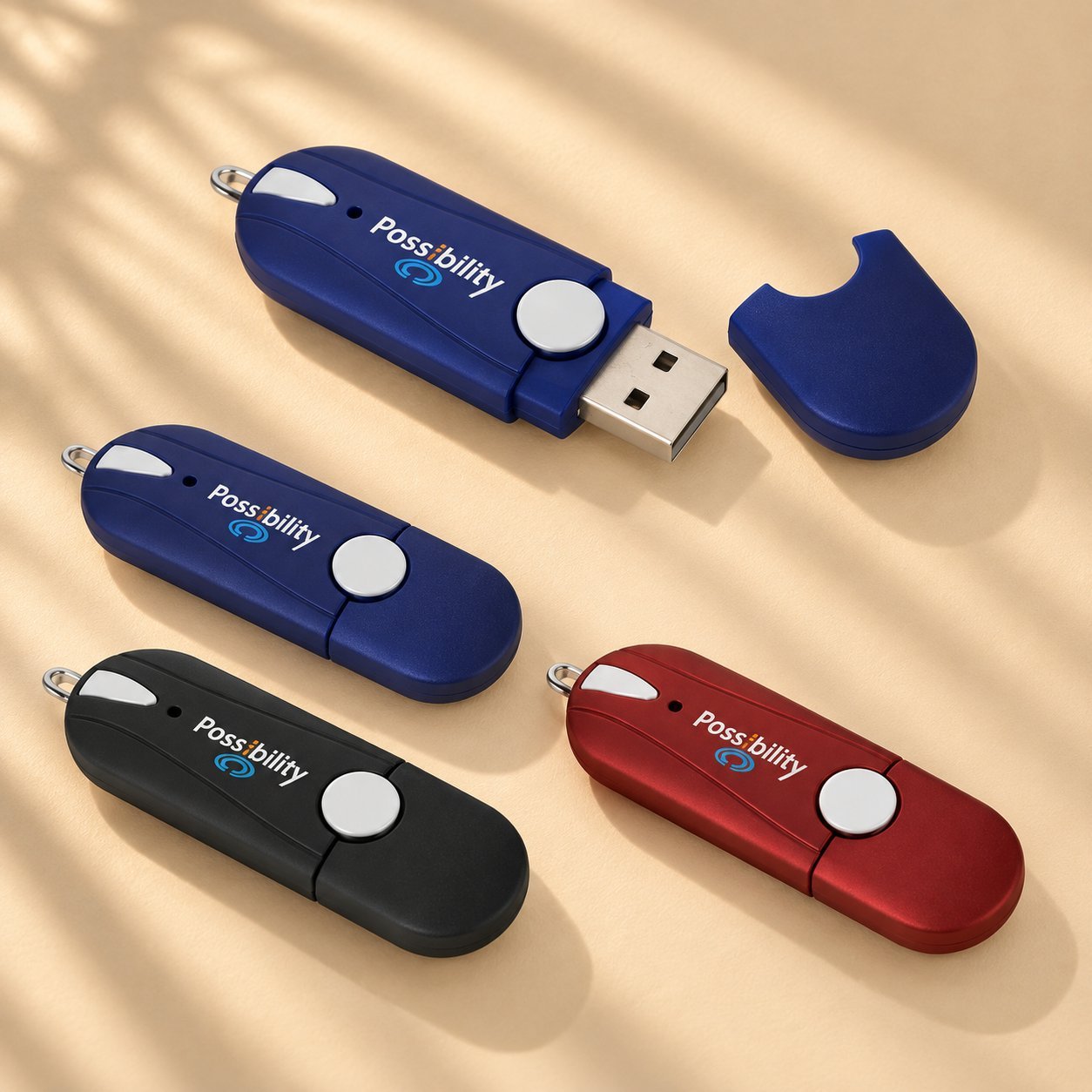
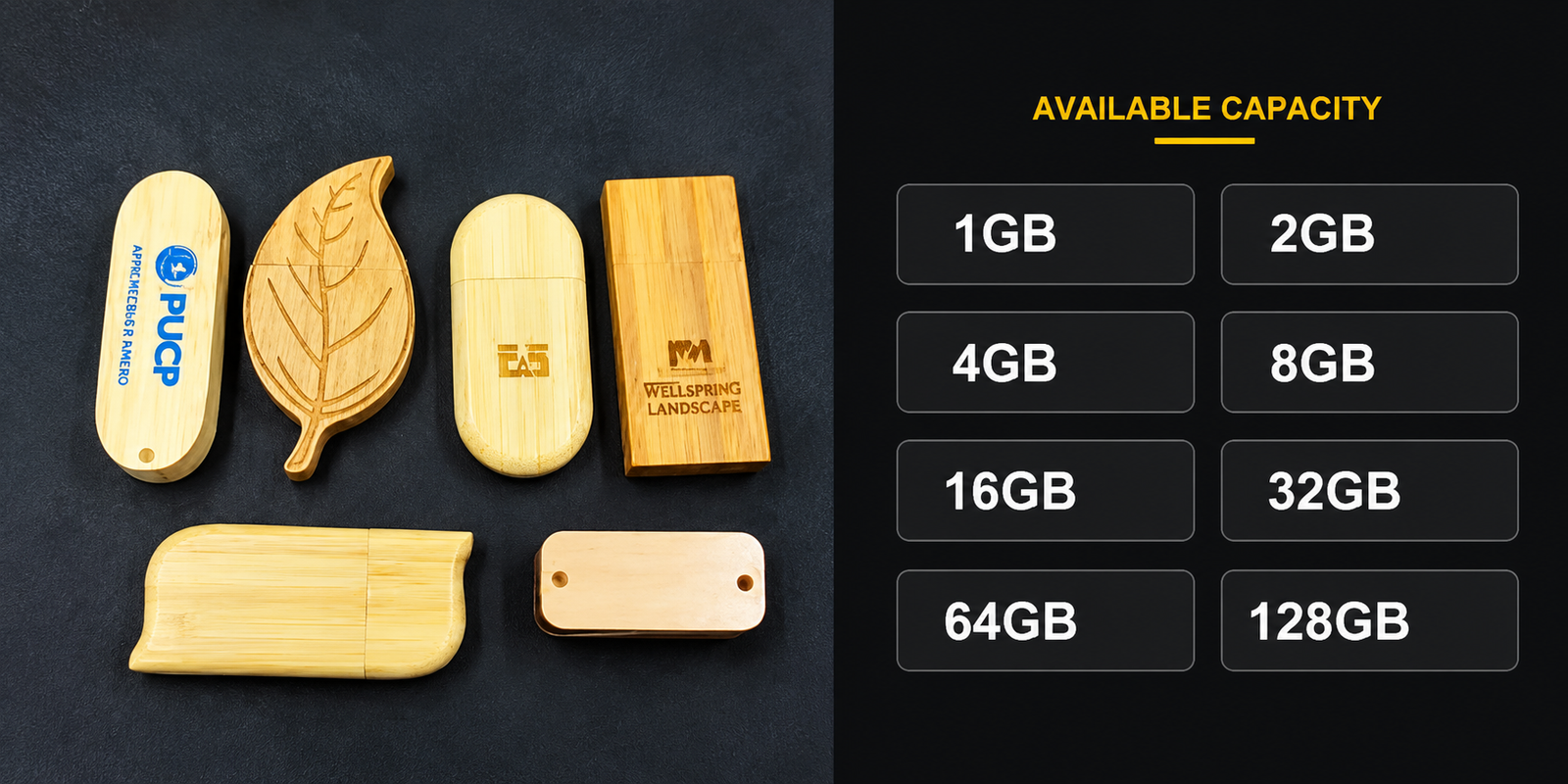
Logo and color customization are reasonable for a hospital-branded or department-specific order, but a few practical factors matter more in a clinical setting than they would for a general promotional drive. Casing material that tolerates disinfectant wipe-downs needs to be validated for your facility’s actual disinfectant, concentration, contact time, and repetition frequency — a general claim that a material “tolerates disinfectants” is not a substitute for your own facility or device-level validation, and casing resistance doesn’t automatically mean the internal electronics or printed labeling hold up the same way over repeated cycles. Keep labeling legible and simple, since staff may be identifying drives quickly during a busy shift rather than admiring the design. A custom logo option is worth adding for department identification, but function and validated durability should come first in the spec.
Procurement acceptance checklist
Before approving a clinical-use order, confirm each of these rather than treating any single spec claim as sufficient on its own:
| Item | Confirmed? |
|---|---|
| Capacity sized from your own representative file exports, not a generic range alone | ☐ |
| Controller model and NAND part number documented, with test evidence for your specific SKU | ☐ |
| Encryption capability confirmed and tested by your IT team, not assumed from a spec sheet | ☐ |
| Physical security features (password lock, if used) confirmed functional | ☐ |
| Disinfectant compatibility validated by your facility for your specific disinfectant, concentration, and contact time | ☐ |
| IT and clinical workflow checklist reviewed and responsibilities assigned | ☐ |
| Compliance officer sign-off obtained if the drive will carry PHI | ☐ |
Frequently asked questions
What capacity do I need for a single CT or MRI study?
There’s no single correct number — DICOM file size varies by modality, slice count, and compression. Export a handful of your own representative studies, total their size, and add headroom, rather than relying on a generic range from a product page or blog post.
Is a specific USB drive “HIPAA-compliant”?
No — not as a product label. HIPAA compliance describes your organization’s security program, risk analysis, and policies, not a certification a drive itself carries. A drive with encryption capability supports your compliance program; it doesn’t satisfy your obligations by itself.
Does the controller brand actually matter, or is that a minor detail?
It’s one important factor among several — NAND quality, firmware, host compatibility, and your own testing and handling workflow all matter too. A brand name alone isn’t proof of reliability; ask your supplier for SKU-specific documentation or test data instead of a general brand claim.
Should I choose USB 3.0 (USB 3.2 Gen 1) or a faster generation for imaging transfers?
A faster USB generation can reduce transfer time for large imaging files, though the real-world improvement depends on your host equipment, file sizes, and any encryption overhead. Confirm the actual host device’s USB port generation too, since the drive’s top speed only matters if the connected device can use it.
Can I get hospital or department branding on a medical-use drive without compromising function?
Yes, logo and color customization don’t need to compromise function, but confirm the casing material and any coating are validated for your facility’s specific disinfection process, not just described generally as disinfectant-tolerant, and keep labeling clear and legible for quick identification by clinical staff.
Is this article legal or compliance advice?
No. It’s general procurement information intended to help you ask better questions of a supplier and your own compliance team — it isn’t a substitute for your organization’s own risk analysis, legal counsel, or compliance officer review.
Discuss your medical USB requirements
Hospital IT, imaging, procurement and other qualified buyers: share your target capacity, required USB generation, intended workflow, approximate order quantity, and whether the drives may carry patient data so the relevant SKU-level requirements and documentation can be discussed before bulk production.

 English
  Español de México
  Italiano
  Deutsch (Österreich)
  Русский
  Français
  Türkçe
  Bahasa Melayu