
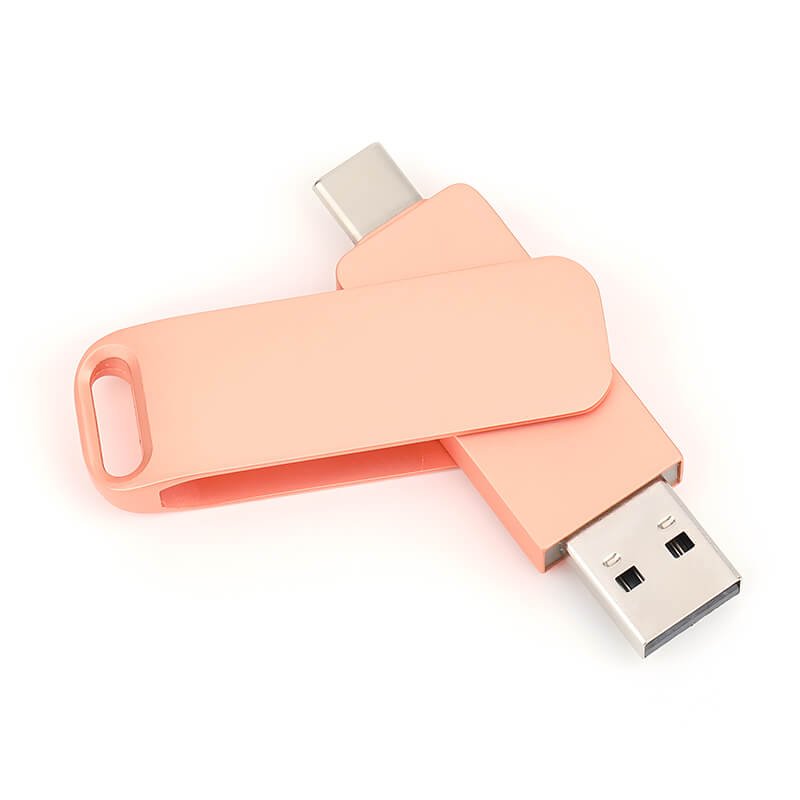
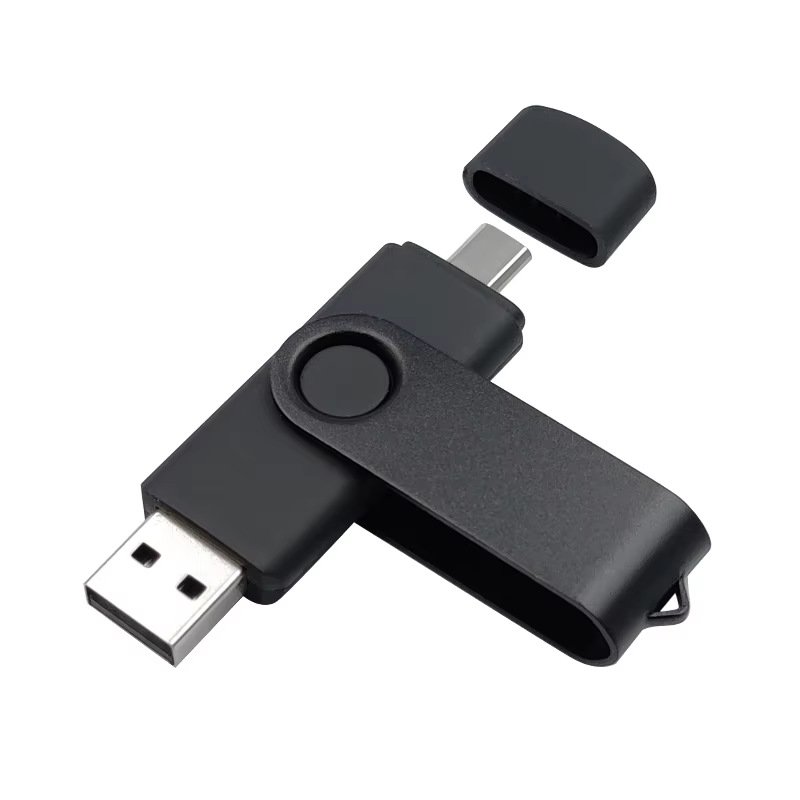
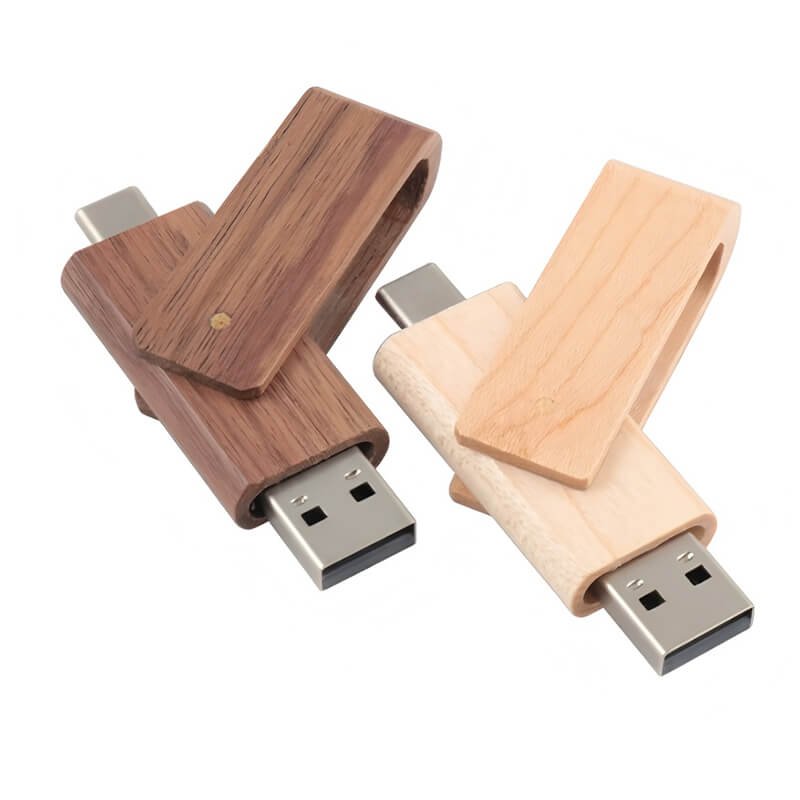

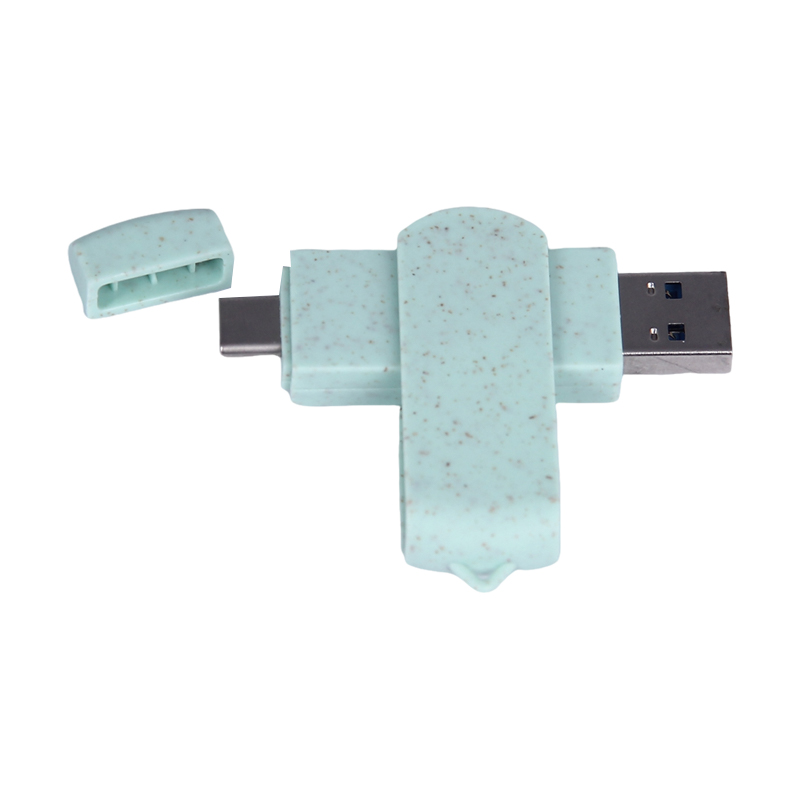


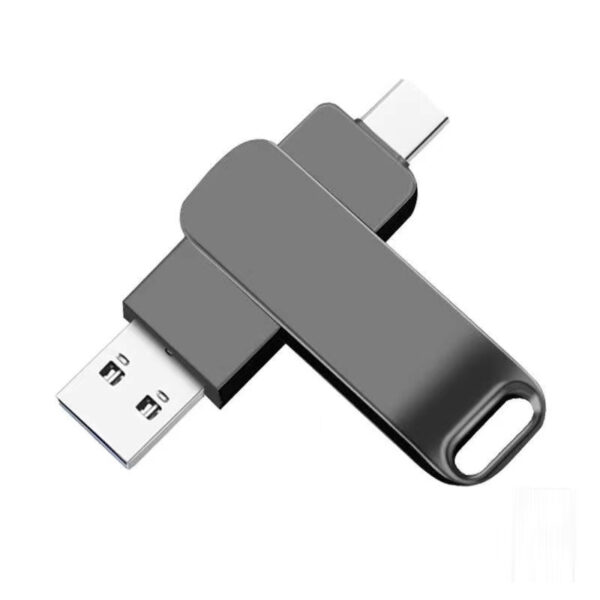


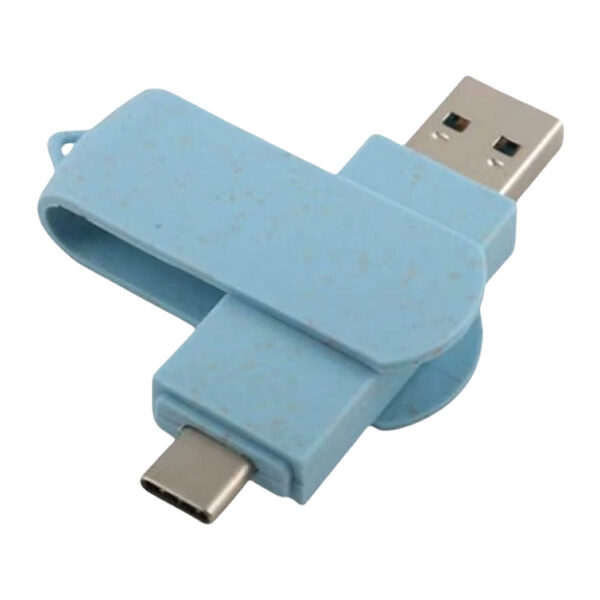


Die Mindestbestellmenge für bestehende Type-C-OTG-USB-Stick-Modelle beträgt 100 Stück pro Design. Für individuelle Formen gilt:
– Metallmodelle: 1.000 Stück
– Kunststoffmodelle: 2.000 Stk.
– Holzmodelle: 500 Stück
– PVC-Modelle: 200 Stück
Die Methode zur Überprüfung des verbleibenden Speicherplatzes auf einem Typ-C-USB-Stick variiert je nach mobilem Betriebssystem. Nachfolgend die konkreten Schritte für Android- und iOS-Geräte:
Android phones: After connecting the Type-C USB drive to your phone, open the built-in “File Manager” app. Locate the USB drive’s storage path, typically found under “External Storage” or a similar option. Long-press the USB drive icon, select the “Properties” option, and you can view the total capacity and remaining space.
iPhone: Connect the Type-C USB drive to the Type-C port on your iPhone or iPad. Open the “Files” app. In the sidebar, select “Browse,” then choose “On iPhone/iPad.” Select the connected USB drive, usually labeled “Untitled” or a name related to the drive. Scroll to the bottom to view the remaining available space on the USB drive.
Die USB-Stick-Hersteller von YOUSAN bieten Logo-Individualisierungsservices an; gängige Individualisierungstechniken umfassen Siebdruck, UV-Druck und Lasergravur.
 Deutsch (Österreich)
  English
  Español de México
  Italiano
  Русский
  Français
  Türkçe
  Bahasa Melayu