
Это руководство для менеджеров по закупкам, дистрибьюторов, event-агентств и бренд-команд, размещающих оптовый заказ кастомных промо USB-накопителей. Самые дорогие ошибки здесь связаны не столько с выбором неправильного поставщика, сколько с размещением заказа без полной спецификации, пропуском образца или принятием заявления о сертификации без уточнения, что оно охватывает. Перед запросом предложения вам потребуются как минимум: целевой объем памяти, файлы логотипа и способ нанесения, требования к совместимости устройств, количество, рынок назначения и дата поставки. Далее объясняется, почему каждый пункт важен и что проверять на каждом этапе.
YOUSAN производит USB-накопители на заказ с 2011 года, поставляя промо-USB-флешки дистрибьюторам и бренд-командам по всему миру. Это руководство обобщает самые частые ошибки закупок, которые мы видим, и что указывать вместо них.
Содержание
- Перед заказом: минимум, который нужно знать
- Ошибка 1: Заказ без четко определенной цели кампании
- Ошибка 2: Выбор цены вместо общей ценности
- Ошибка 3: отсутствие проверки качества памяти
- Ошибка 4: пропуск этапа образцов
- Ошибка 5: отсутствие проверки опыта поставщика
- Ошибка 6: недостаточно точное описание брендинга
- Ошибка 7: Игнорирование вариантов упаковки
- Ошибка 8: Предположение об универсальной совместимости устройств
- Ошибка 9: забыли о предварительной загрузке данных
- Ошибка 10: игнорирование сроков производства и условий доставки
- Ошибка 11: отношение к сертификациям как к галочке
- Ошибка 12: Пропуск финального тестирования перед отгрузкой
- Сколько это реально стоит: минимальный объём заказа, ценовые уровни и полная стоимость поставки
- Краткий чек-лист перед заказом
Перед заказом персонализированных промо-USB-флешек: минимум, который вам нужен
Подтвердите эти пункты перед отправкой RFQ: модель и материал, интерфейс USB (2.0 или 3.x) и разъем (USB-A или USB-C), объем памяти, способ нанесения логотипа и формат макета, количество, тип упаковки, необходимость предзагрузки файлов, рынок назначения и Инкотермс, а также требуемая дата поставки. По стандартам разъемов и протоколов см. документация USB Implementers Forum. Без этого поставщик не сможет’t дать вам точный расчёт или реалистичные сроки, а отправка этих данных заранее сэкономит вам несколько раундов переписки.
Ошибка 1: Заказ без четко определенной цели кампании
Риск: Без четкого понимания сценария использования вы рискуете выбрать не тот объем памяти, не то покрытие или упаковку, которая не будет соответствовать реальному применению флешек — будь то промо-сувенир на выставке, комплект для сотрудников или подарок клиенту.
Что указать: Поддерживают ли накопители акцию, внутреннюю программу, мероприятие или рекламную кампанию — это решение определяет ваши выборы объёма памяти, отделки и упаковки ниже.
Действие покупателя: Запишите цель рекламной кампании до того, как запросить расчёт, а не после того, как вы уже выбрали продукт. Если вы заказываете именно для мероприятий, наше руководство по рекламные USB-флешки для мероприятий и промо-сувениров разбирает, какие модели лучше всего подходят для разных типов мероприятий. Для корпоративных подарков см. какая индивидуальная USB-флешка подходит для какого корпоративного подарка.
Ошибка 2: Выбор цены вместо общей ценности
Риск: Самый низкий расчет может означать память более низкого класса, более слабую печать или ослабленный контроль качества — и эта цена позже проявится в проценте возвратов и репутации, а не в инвойсе.
Что указать: Уточните, что входит в цену: класс материала, источник памяти, условия гарантии и какие проверки качества реально выполняются, а не только стоимость единицы товара.
Действие покупателя: Сравнивайте предложения по совокупной ценности, а не только по цене. Поставщик, который не может’ объяснить, что’ стоит за низкой ценой, представляет больший риск, чем сама цена. Подробную разбивку затрат читайте в нашем анализе сколько стоят USB-флешки на заказ в 2026 году и наши советы, чтобы снизить расходы на закупку персонализированных USB-флешек.
Ошибка 3: отсутствие проверки качества памяти
Риск: Память NAND и контроллеры различаются по качеству. Новая память NAND работает иначе, чем восстановленная, а флешка с завышенной маркировкой объема или непроверенными бракованными блоками может выйти из строя задолго до ожидаемого срока службы.
Что указать: Спросите напрямую, новая память или восстановленная, какой используется контроллер, какова реальная доступная емкость по сравнению с заявленной и как отбираются битые блоки. Очень низкая цена не означает автоматически поддельную память, но это повод задать эти вопросы до оформления заказа, а не после.
Какое подтверждение запросить: Метод проверки реального объема памяти, например полное тестирование записи и чтения с помощью подходящего инструмента, а также различие между номинальной заявленной емкостью и фактическим полезным объемом после форматирования. Запрашивайте показатели скорости чтения и записи для конкретных моделей с указанием условий тестирования и размера выборки, а не одну цифру для всех объемов и интерфейсов. Наш разбор Типы чипов USB-флешек и как выбрать рассказывает о том, что на самом деле находится внутри накопителя до сборки, а также вы можете узнать как проверить объём USB-флешки с помощью бесплатного программного обеспечения.
Ошибка 4: пропуск этапа образцов
Риск: Без утвержденного образца дефекты качества сборки, расположения печати или объема памяти не проявятся до начала массового производства, когда их устранение станет дорогим.
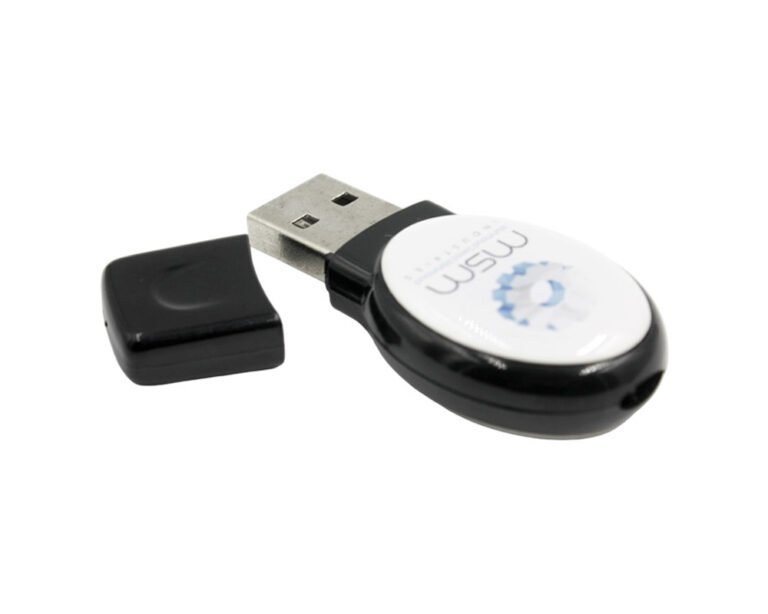
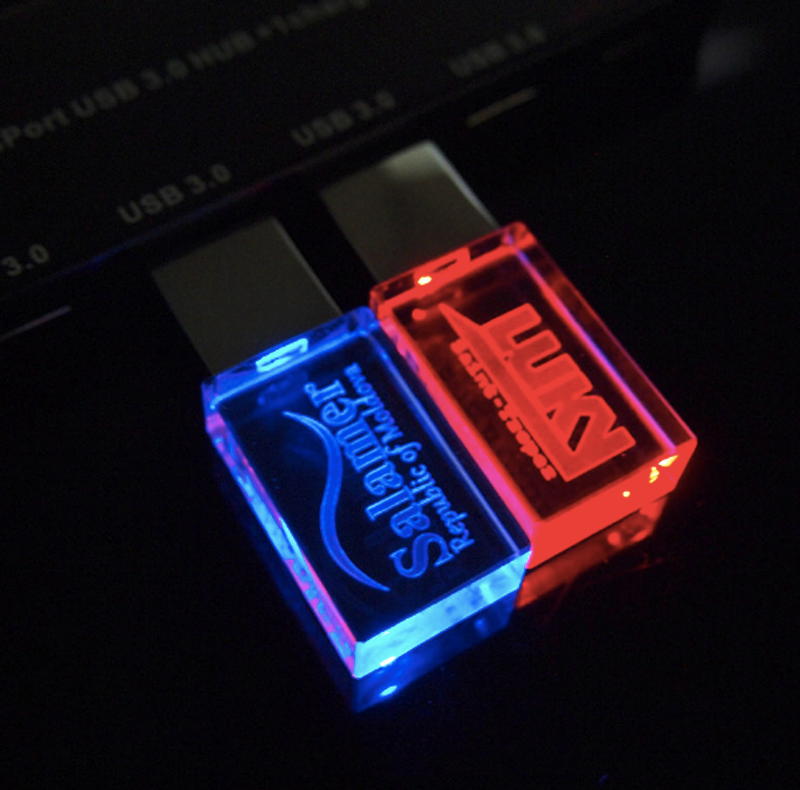
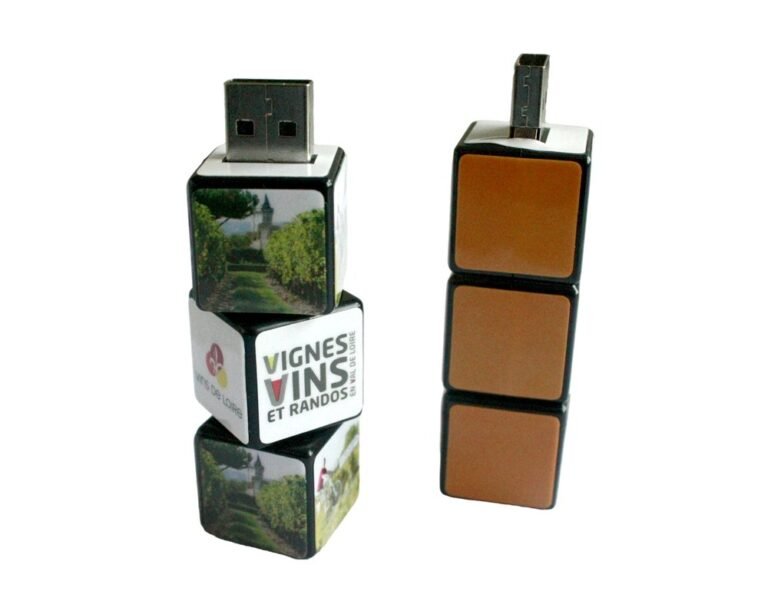
Что указать: Какой этап выборки вам действительно нужен. Готовый образец показывает базовый продукт. Цифровой макет подтверждает размещение вашего дизайна. Предсерийный образец изготавливается по вашей фактической спецификации. Золотой образец — это финальный подписанный эталон, с которым сверяется каждое серийное изделие.
Действие покупателя: Утвердите физический образец, полностью соответствующий серийной продукции, до начала массового производства, и назначьте ответственного за утверждение с вашей стороны, чтобы согласование не затягивало график.
Ошибка 5: отсутствие проверки опыта поставщика
Риск: Поставщик без опыта работы именно с этой категорией товаров чаще допускает нестабильное качество, срывает сроки или плохо коммуницирует на протяжении производственного процесса.
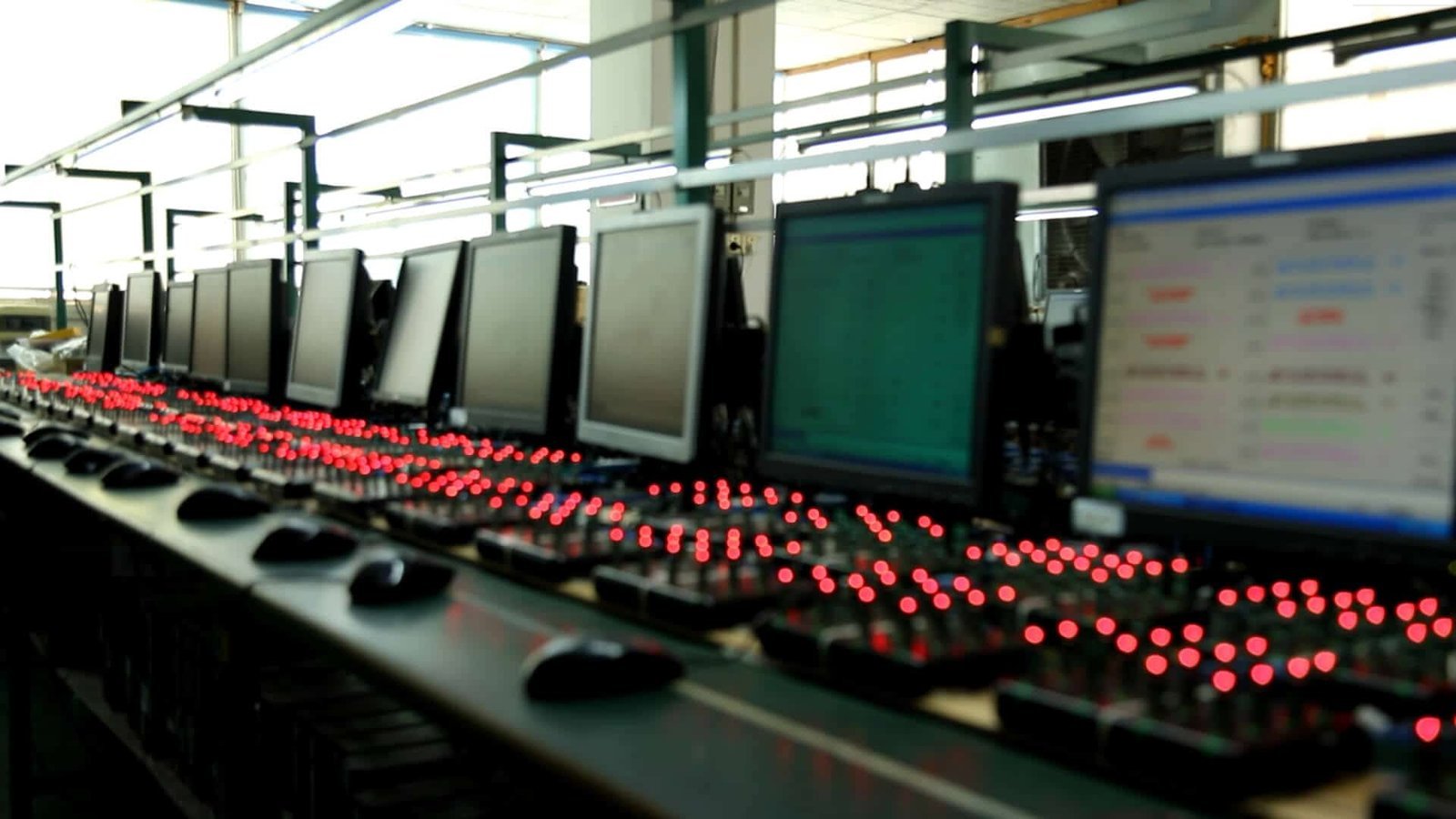
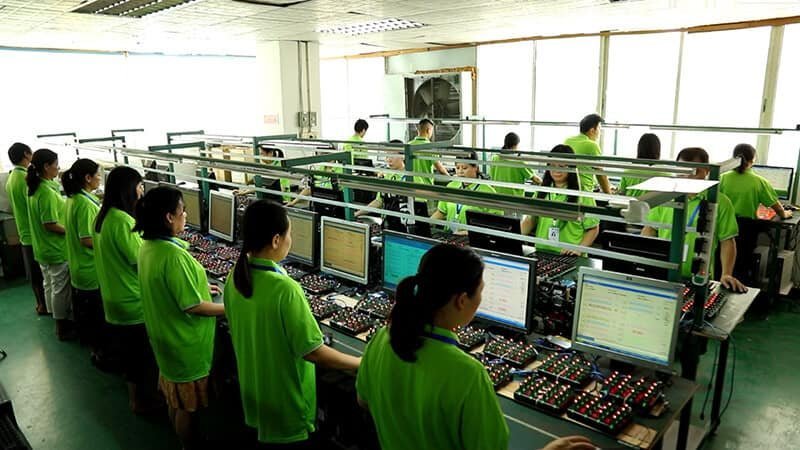
Какое подтверждение запросить: Годы производства персонализированных USB-продуктов, обслуживаемые экспортные рынки, возможности OEM и ODM, а также проверяемые рекомендации или примеры кейсов — а не просто заявления о “высоком качестве” или “быстром производстве” на странице продаж. Именно такой фон стоит проверять напрямую у поставщика… страница компании и производства а не принимать на веру. Вы также можете ознакомиться с нашим списком ведущие производители USB-флешек и узнайте больше о YOUSAN как производитель USB-флешек.
Действие покупателя: Требуйте доказательства, которые вы можете проверить сами, вместо того чтобы принимать на веру заявления об общей репутации.
Ошибка 6: недостаточно точное описание брендинга
Риск: Логотип, нанесенный чуть в стороне от утвержденного места, напечатанный не тем цветом или предоставленный в низком разрешении, может получиться нечитаемым или непрофессиональным, а обнаружение этого после производства означает перепечатку.
Что указать: Векторный макет, где это возможно, точные цветовые стандарты Pantone, CMYK или RGB, размеры и безопасную зону нанесения, ориентацию и указанного утверждающего для финального макета.
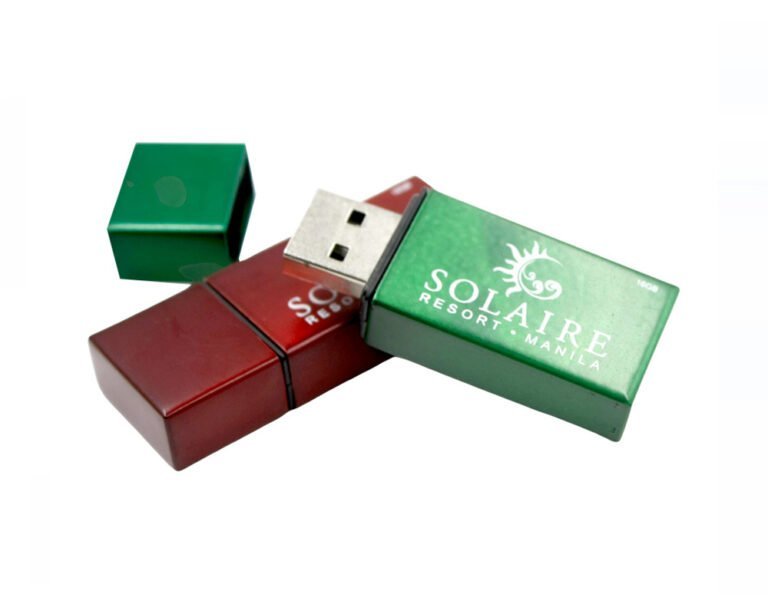
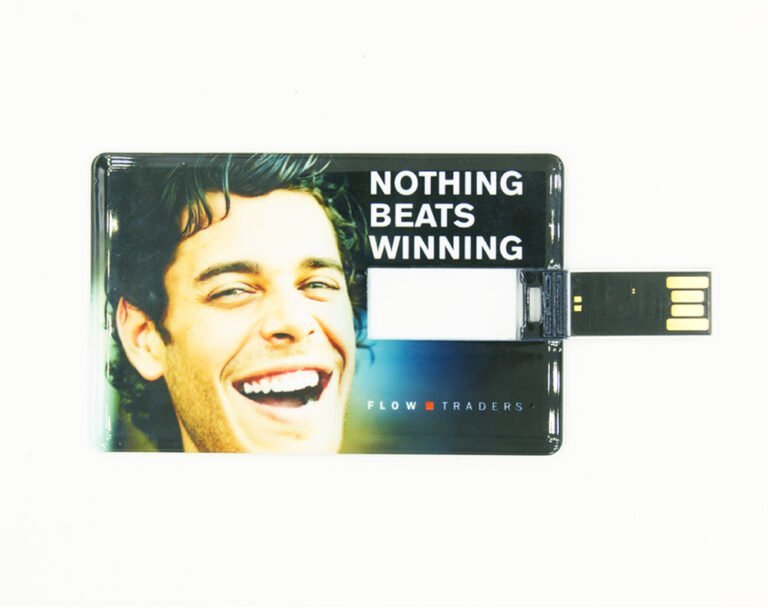
Методы нанесения логотипа тоже различаются, поэтому спросите, какой подходит вашему дизайну: шелкография или тампопечать подходят для простых логотипов по низкой цене, лазерная гравировка дает несмываемое изображение без краски, УФ-печать поддерживает полноцвет и мелкие детали, а тиснение добавляет физическую текстуру. У каждого метода свои требования к минимальной толщине линий и своя долговечность, поэтому подберите метод под ваш макет, прежде чем утверждать цветопробу. Наш гид по способы нанесения логотипа на заказ для флешек рассказывает, как каждый из них ведёт себя со временем и сколько стоит при разных объёмах заказа. Пошаговое руководство по брендированию — в нашем гайде о как изготовить флешки с логотипом на заказ, или узнайте как заказать флешки на заказ с логотипом вашей компании.
Ошибка 7: Игнорирование вариантов упаковки
Риск: Упаковка формирует первое впечатление не меньше, чем сам накопитель, и её легко недооценить, когда решение о продукте уже принято.
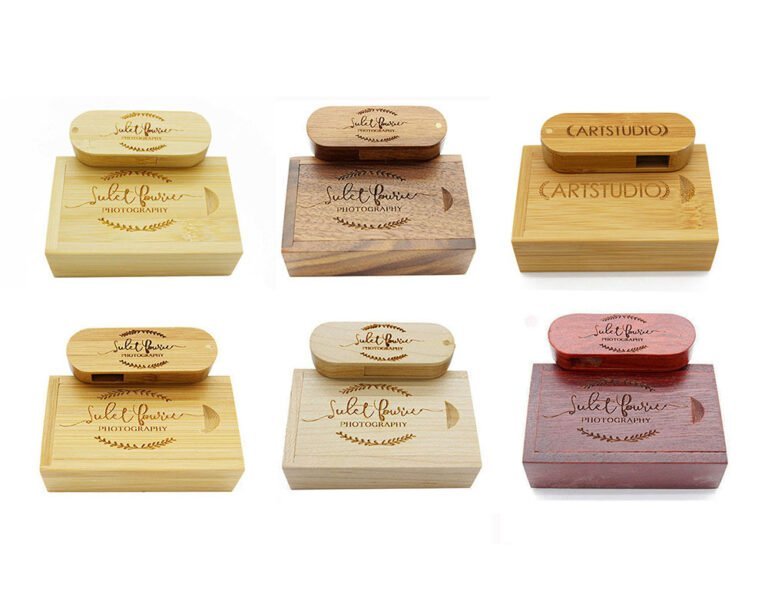
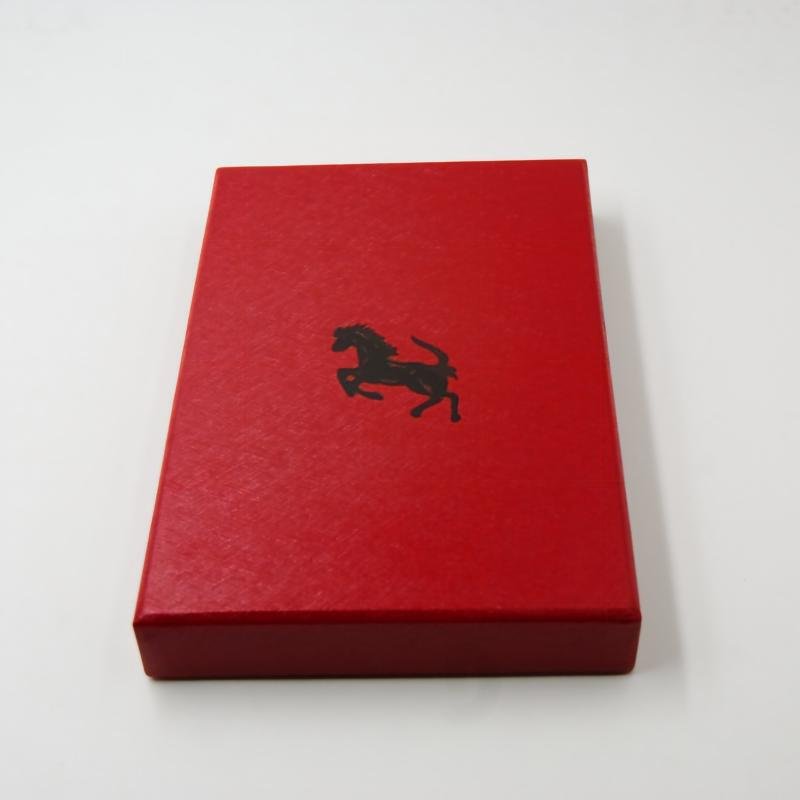
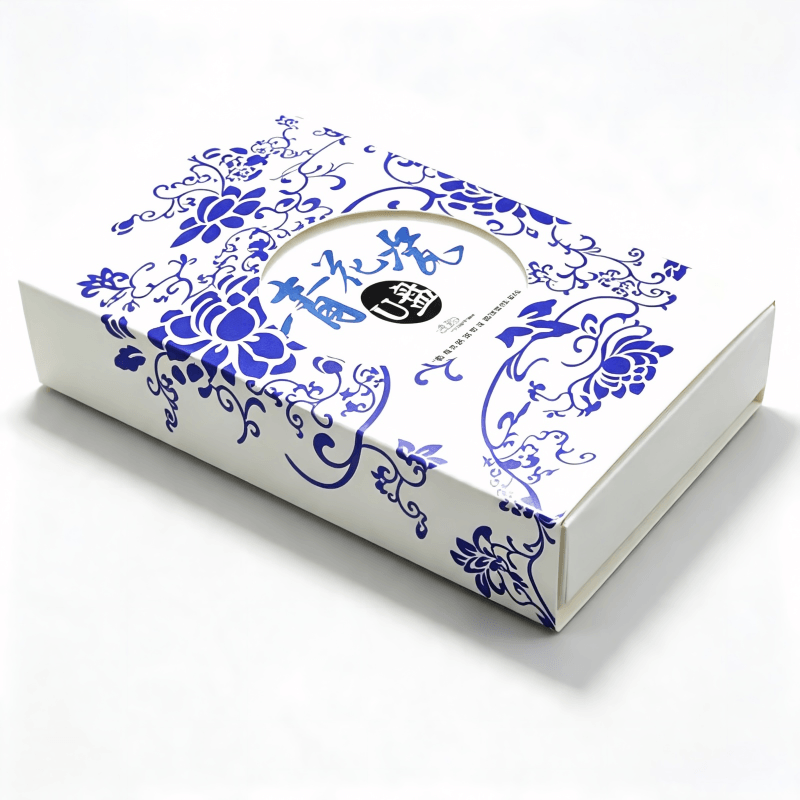
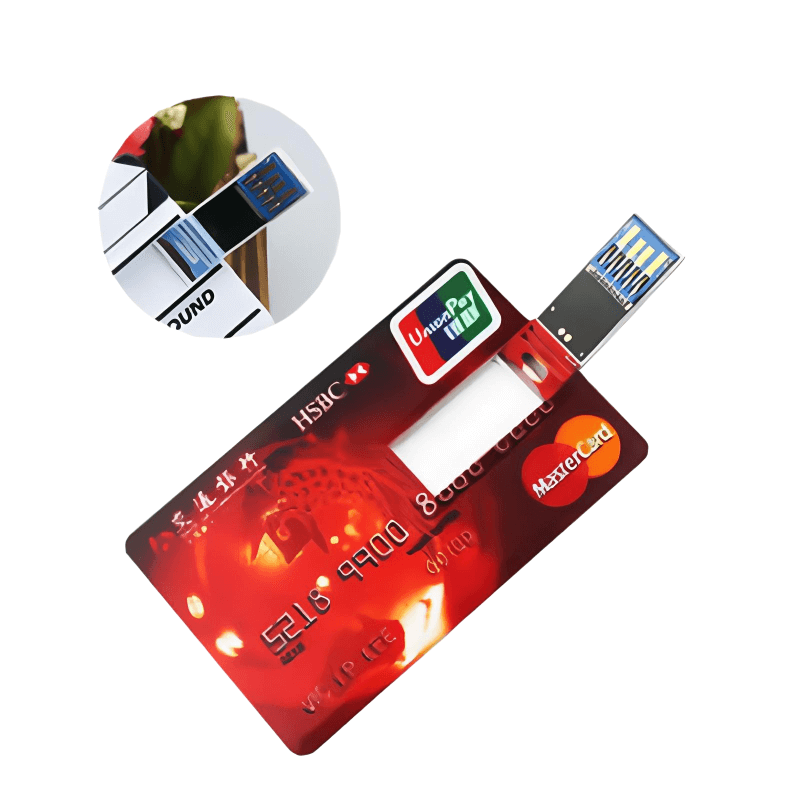
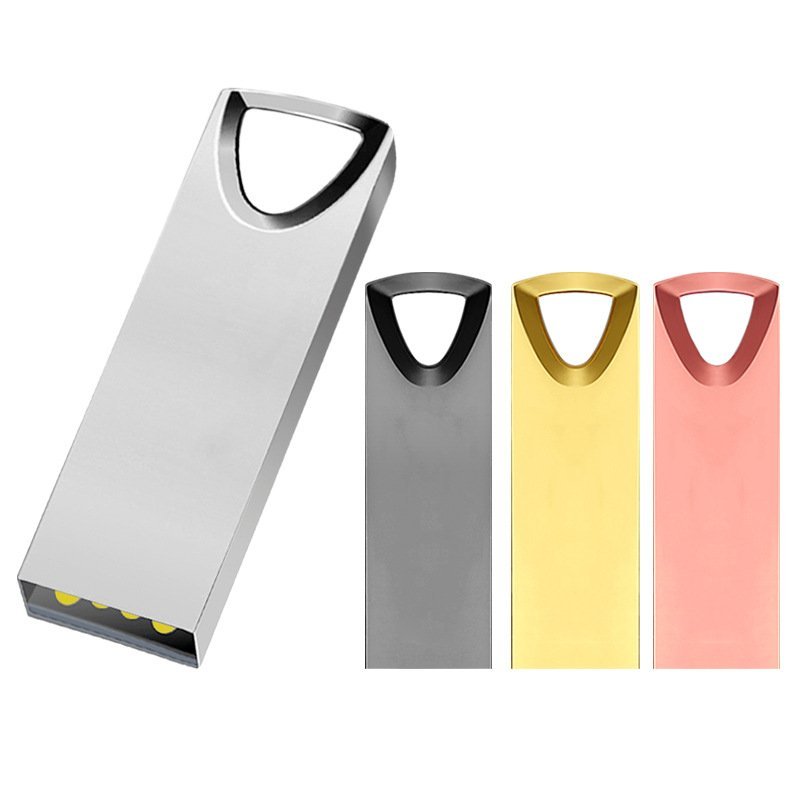
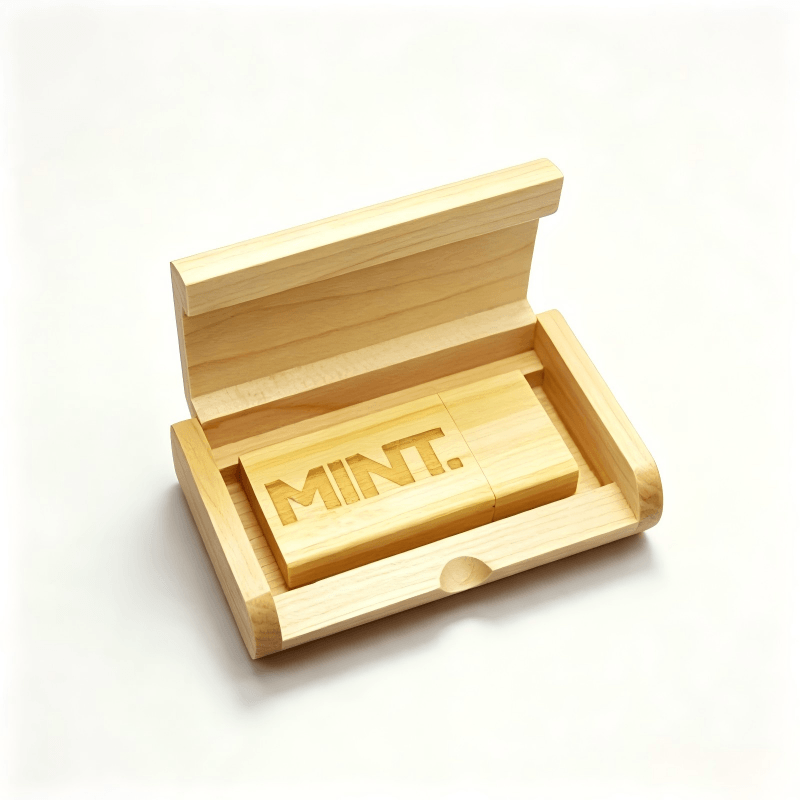
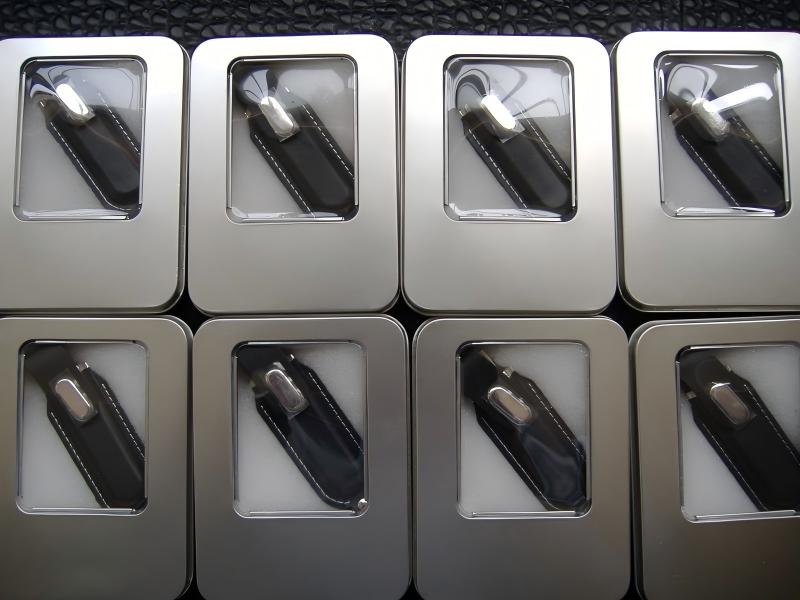
Что указать: Подарочная коробка, пластиковый кейс, переработанная или экологичная упаковка, блистерная упаковка для розницы или корпоративная подарочная упаковка — подбирается под то, как именно флешки будут вручаться или отправляться. Просмотрите наш полный ассортимент Варианты упаковки USB-флешек или изучите 10 креативных решений упаковки для USB-флешек для вдохновения.
Действие покупателя: Определяйтесь с упаковкой вместе с продуктом, а не после начала производства, поскольку для некоторых форматов упаковки нужны собственные сроки и утверждение макета. Наше руководство по выбор правильной USB-флешки и упаковки для вашего бизнеса подробнее рассматривает это решение.
Ошибка 8: Предположение об универсальной совместимости устройств
Риск: USB-A и USB-C — это формы разъемов; USB 2.0 и USB 3.x — поколения интерфейсов, влияющие на скорость передачи. Путаница между ними приводит к флешкам, которые не работают с устройствами вашей аудитории так, как вы ожидали.
Что указать: Какой разъем и поколение интерфейса вам нужны и важно ли использование OTG или мобильных устройств: учтите, что функциональность USB-C/OTG зависит от аппаратной части принимающего устройства, его операционной системы, используемой файловой системы и необходимости адаптера. Она не гарантированно работает одинаково на каждом Android-устройстве. Наша сравнение USB-флешек Type-C с традиционными USB-флешками и наше руководство по USB 2.0 против USB 3.0 для вашего бизнеса — больше информации о том, какие комбинации разъемов действительно имеют смысл для аудитории с разными устройствами. Для пользователей iPhone и iPad смотрите нашу руководство по оптовому заказу кастомных USB-C флешек.
Действие покупателя: Уточняйте фактические устройства вашей аудитории перед указанием совместимости, а не запрашивайте «совместимость со всем» как характеристику.
Ошибка 9: заказ неправильного объёма памяти
Риск: Избыточный объём памяти увеличивает стоимость без выгоды; недостаточный объём ограничивает то, что вы можете предзагрузить, или заставляет пользователей удалять файлы для использования накопителя.
Что указать: Подбирайте объем памяти под ваш реальный контент, а не под общую рекомендацию. Учитывайте ваш типичный объем контента, самый крупный отдельный файл (у FAT32 есть ограничение на размер файла, которого нет у exFAT, поэтому при предзагрузке крупных файлов уточните файловую систему), частоту обновления контента и ваш бюджет.
| Рассмотрение | На что это влияет |
|---|---|
| Типичный объём контента | устанавливает ваш минимальный полезный объём |
| Самый большой единичный файл | Определяет, подойдёт ли FAT32 или вам нужен exFAT |
| Частота обновления | Влияет на то, нужен ли запас объёма памяти для будущего содержимого |
| Устройства аудитории | Влияет на выбор файловой системы и разъёма |
| Бюджет | Компромисс между ёмкостью и отделкой |
Воспринимайте любой показатель объёма памяти как отправную точку для сверки с вашим реальным сценарием использования, а не как фиксированную рекомендацию. Чтобы помочь с выбором, прочитайте наше руководство о какой объем USB-флешки вам нужен. Если вы заказываете накопители большей ёмкости, наше руководство по выбор надёжных производителей 512GB и 1TB рассматривает риск поддельной ёмкости более подробно, чем уместно здесь.
Ошибка 10: недооценка сроков производства и доставки
Риск: “Несколько недель” — это не план. Согласование макета, изготовление образцов, закупка комплектующих, массовое производство, контроль качества и доставка — на каждое уходит свое время, и задержка на любом этапе сдвигает весь срок поставки.
Что указать: Запросите поэтапный график, охватывающий утверждение макета, изготовление образцов, закупку комплектующих, серийное производство, проверку и отгрузку, где каждый этап четко помечен как оценка, а не гарантия.
Действие покупателя: Закладывайте резервное время вокруг жесткой даты поставки и уточняйте, что именно увеличивает каждый этап (медленное согласование макета, дефицит комплектующих, непройденная проверка), чтобы понимать, где именно находится риск для графика. Наша руководство по оптовой закупке USB-флешек для оптовых покупателей включает ориентировочные типовые сроки производства.
Ошибка 11: отношение к сертификациям как к галочке
Риск: Не каждой конфигурации продукта нужны все сертификаты, и отношение к “CE, FCC, RoHS, REACH” как к фиксированному чек-листу для каждого заказа может означать, что вы платите за документацию, которая вам не нужна, или упускаете ту, которая нужна.
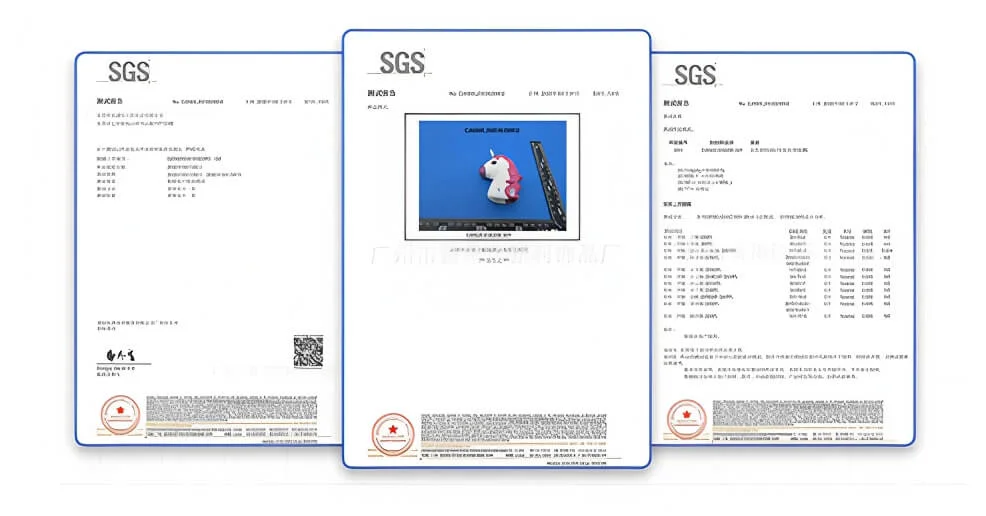
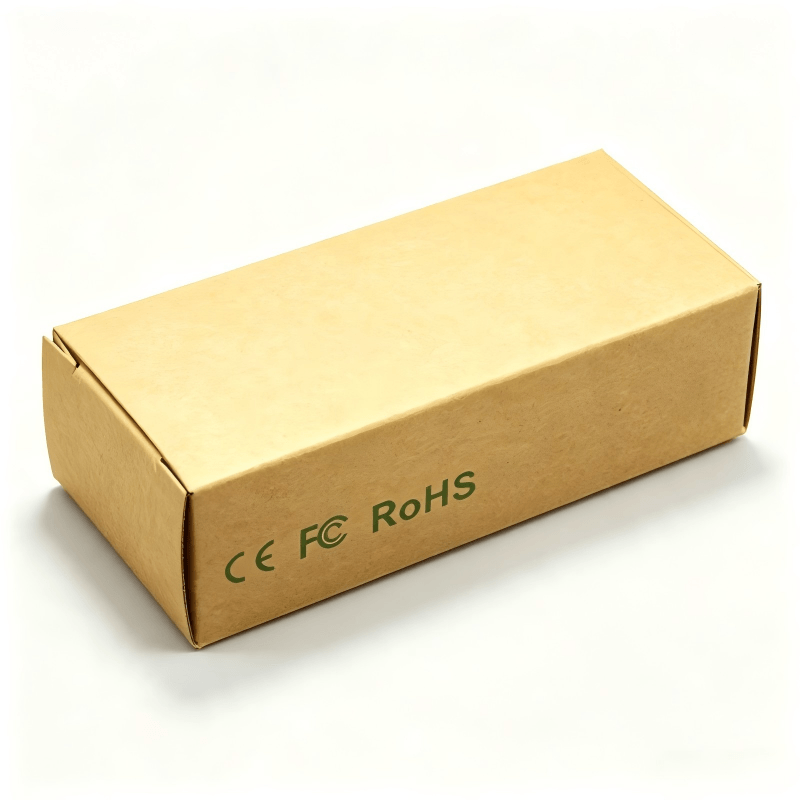
Что указать: Требования зависят от конфигурации вашего продукта и целевого рынка. Маркировка CE — это декларация соответствия производителя, подкрепленная применимым законодательством ЕС и технической документацией для конкретного продукта, а не единый универсальный сертификат. Документация RoHS и REACH должна быть привязана к конкретной спецификации материалов, а не рассматриваться как общий сигнал качества. Требования FCC зависят от конфигурации устройства и того, как модуль используется в готовом изделии; уточните, какая именно база авторизации применима, вместо того чтобы запрашивать неопределенный “сертификат FCC”.
Какое подтверждение запросить: Декларация или отчёт, привязанные к вашей конкретной модели и спецификации материалов, а не общий документ. Для продаж в ЕС также спросите об обязательствах WEEE и упаковке; в зависимости от рынка могут действовать и другие правила, например Предложение 65 Калифорнии. Подтвердите точные требования для вашего направления со специалистом по комплаенсу, а не полагайтесь на общий список, включая этот.
Ошибка 12: Пропуск финального тестирования перед отгрузкой
Риск: Дефект, обнаруженный после отгрузки флешек, обходится гораздо дороже, чем обнаруженный до нее — как в деньгах, так и в репутации.
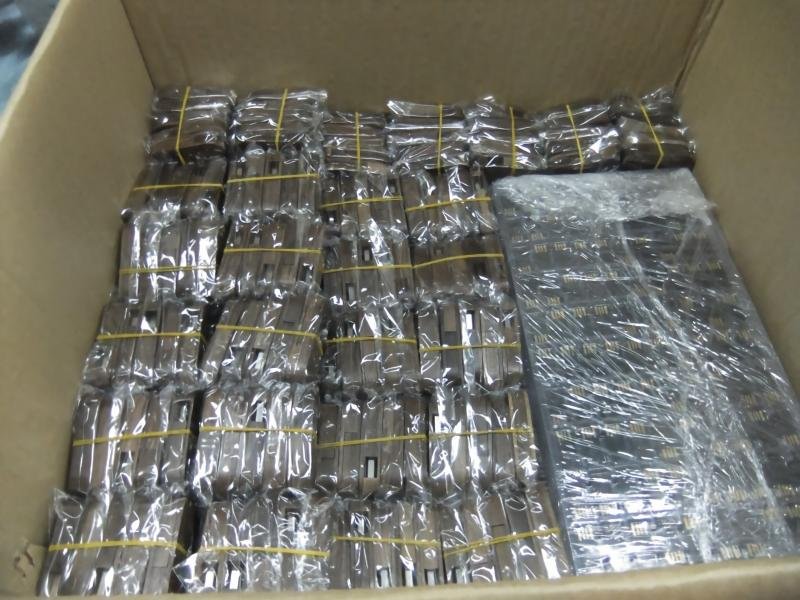
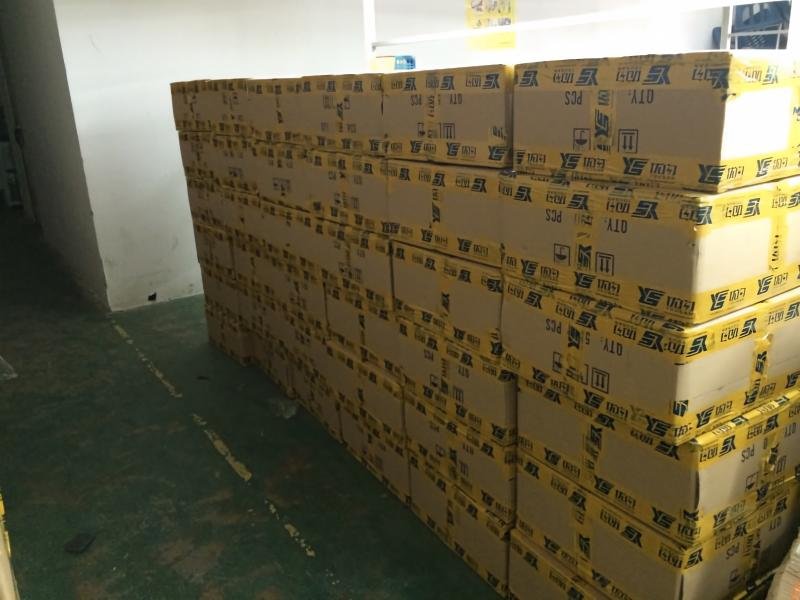
Что указать: Какие проверки выполняются на каждой единице, а какие — выборочно. Емкость и точность предзагрузки данных обычно требуют более широкого тестирования, чем косметическая проверка. Разумный охват включает полную проверку емкости, тест скорости, контроль положения и цвета логотипа, визуальный осмотр, тест на падение и тест упаковки, с классификацией дефектов и пределами приемки, согласованными письменно, а не описанными просто как “случайные проверки”.
Действие покупателя: Запросите план проверки в письменном виде до начала производства, а не после того, как вы уже спросили «было ли оно протестировано?»
Если вашим флешкам нужны предустановленные данные
Если вы загружаете файлы на флешки перед отгрузкой, это требует отдельных мер контроля: проверка контрольных сумм или утверждение версий исходных файлов, ограничения autorun, сканирование на вредоносное ПО, контролируемый рабочий процесс обработки ваших файлов, конфиденциальность и удаление исходных файлов после выполнения работы, а также ваше разрешение на загрузку лицензионного контента. Спросите поставщика, как он с этим работает, до отправки файлов, а не после. Подробный разбор читайте в нашей руководство по предотвращению ошибок при предварительной загрузке данных на USB-флешки.
Гарантия и что происходит при браке
Получите это в письменном виде до заказа: гарантийный срок, что считается допустимым доказательством дефекта, срок подачи претензии, заменяется ли дефектное изделие или возвращаются деньги, кто оплачивает обратную перевозку и как замена комплектующих в процессе производства (при изменении доступности NAND или контроллера) доводится до сведения и согласовывается. “Поддержка включена” сама по себе не является гарантийным условием.
Сколько на самом деле стоят промо-USB-флешки на заказ: минимальный объем заказа, ценовые уровни и стоимость с доставкой
Минимальный объем заказа и цена за единицу зависят от вашей модели, емкости, способа нанесения логотипа, упаковки, необходимости предустановки данных и текущей конъюнктуры рынка компонентов, а не от некоего единого гибкого минимума для всех заказов. Сравнивайте расценки в сопоставимых условиях: одинаковые Инкотермс, способ перевозки, пошлины и налоги, расходы в стране назначения и страховка, а не только цену за единицу на условиях франко-завод, поскольку два предложения с разными условиями фактически несопоставимы. Подробные цены см Разбивка стоимости USB 2.0 и 3.0 для оптовых заказов.
Получить расчёт для конкретной модели
Отправьте нам целевой объем памяти, разъем и интерфейс, способ нанесения логотипа, количество, рынок назначения и дату поставки — и YOUSAN вернется с расчетом на основе спецификации и реалистичным поэтапным графиком. Запросить расчёт.
FAQ
Как проверить качество USB-флешки перед заказом?
Спрашивайте тип памяти (новая или восстановленная), используемый контроллер, способ проверки емкости и данные тестов скорости с указанием размера выборки и условий тестирования, а не принимайте ответ “чип настоящий”. Узнайте больше Чипы PCB для USB-флешек и как они влияют на качество флешки.
Какую информацию нужно отправить, чтобы избежать ошибок при персонализации?
Файлы вашего логотипа, цветовые коды, размеры макета, способ нанесения, объем памяти, предпочтения по упаковке и требуемая дата поставки — отправленные одним сообщением, а не подтверждаемые по частям. Смотрите наше руководство как заказать USB-флешку с логотипом вашей компании для полного чек-листа.
Как узнать, какие сертификаты действительно нужны для моего заказа?
Это зависит от конфигурации вашего продукта’ и целевого рынка, а не от фиксированного списка. Спросите поставщика, какие именно декларации и отчеты применимы к вашей спецификации материалов, и подтвердите это со специалистом по комплиентности для вашего целевого рынка.
В чём’ разница между предсерийным образцом и эталонным образцом?
Предсерийный образец изготавливается по вашей фактической спецификации, чтобы подтвердить, что изделие работает должным образом. Эталонный образец — это окончательный подписанный эталон, с которым сверяется каждая единица продукции в партии. Утверждение одного не заменяет’ другое.
Это руководство содержит общую информацию о закупках, а не юридические или комплаенс-консультации. Перед отгрузкой уточните точные требования для вашего конкретного продукта и рынка назначения.
Массовый заказ персонализированных промо-USB-флешек не должен быть рискованным. Воспользуйтесь этим руководством, чтобы избежать самых дорогих ошибок, задавать правильные вопросы и получить флешки, соответствующие вашему бренду и срокам.
 Русский
  English
  Español de México
  Italiano
  Deutsch (Österreich)
  Français
  Türkçe
  Bahasa Melayu