
As a factory experienced in the unidad USB personalizada industry for years, Shenzhen YOUSAN Technology delivers millions of customized USB drives annually. Over the past decade, many first-time buyers have come to us asking: “Will my logo peel off after a few days?”, “What’s the right process for me?”, “What if I end up choosing the more expensive one which I won’t get my money’s worth and vice versa? In fact, choosing the right process for custom USB drives is simple! Today we’ll think verbally with real data to put visibility on the 3 common options screen printing, laser engraving, color printing!
1.Screen Printing
Screen printing is tried and true in the custom USB drive industry. The process is simple, much like custom ink is applied to a USB drive; there’s a mesh screen on which the ink passes through to the USB drive surface below. The drive is then cured in a high-temperature oven to ensure the ink sticks properly.
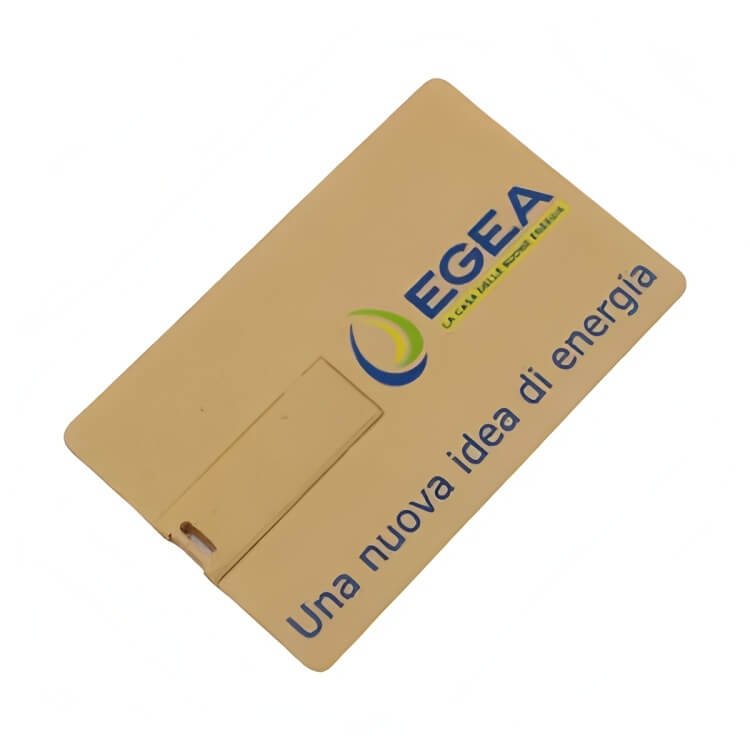
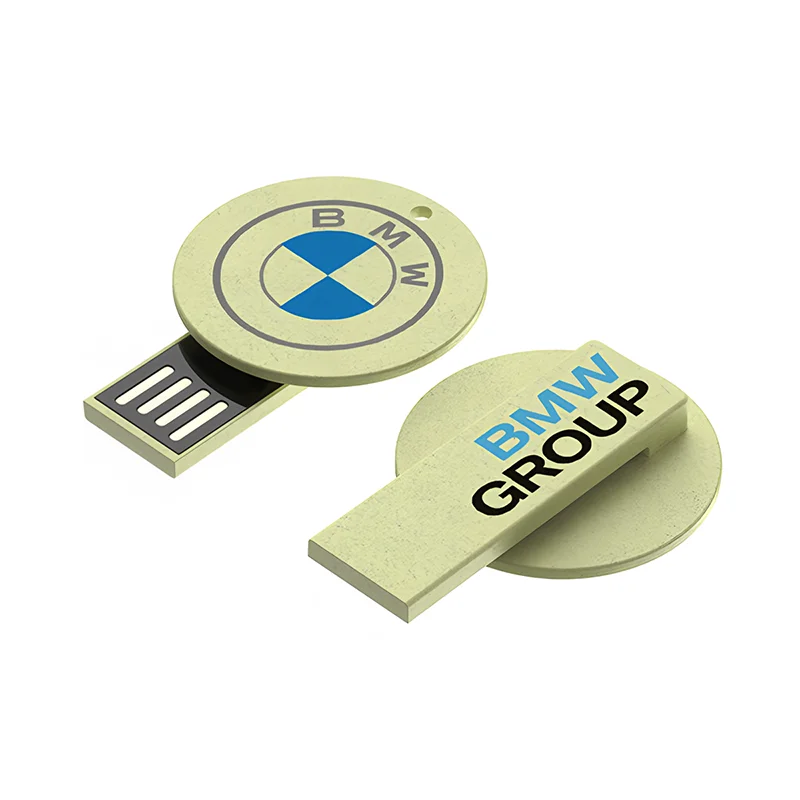
- Factory Insight: Screen printing has a high color degree of accuracy. To achieve true “Coca-Cola Red (Pantone 484 C)” screen printing is the only way to get the color without virtually no deviation. However, because the ink is only “adhered” to the USB drive and not embedded in the surface usage and friction can cause slight chipping around the edges with daily use (the factory-cured USB drive is double the durability that an air-dried piece by a tiny workshop would be).
- Compatible surfaces: Metal USB drives, plastic USB drives, wood, and leather cases, biodegradable materials.
- Best for “Solid” Logos: Single color logos (1-4 solid colors and not gradations actually, pure red and pure blue in company logos for example and when the brand has certain stubborn guidelines-a definite Pantone color for example, etc.).
2.Laser Engraving
Lintel/Lock logo engravings (Deep “burn”) on the USB drive, so that top layer of material “burns” away, exposing the underlying colour of the base, “carving” the logo out of the disk.
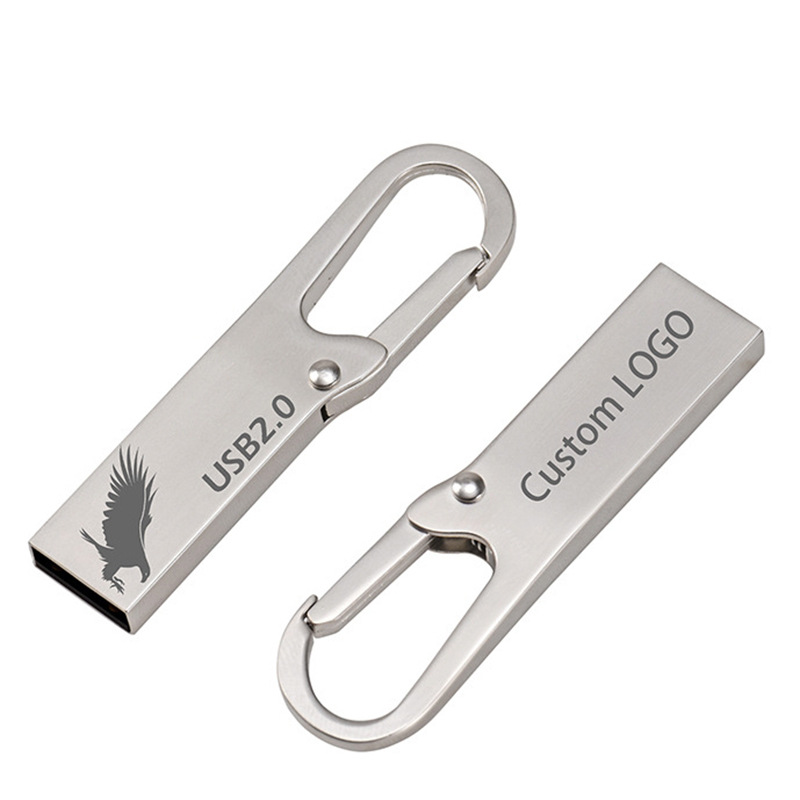
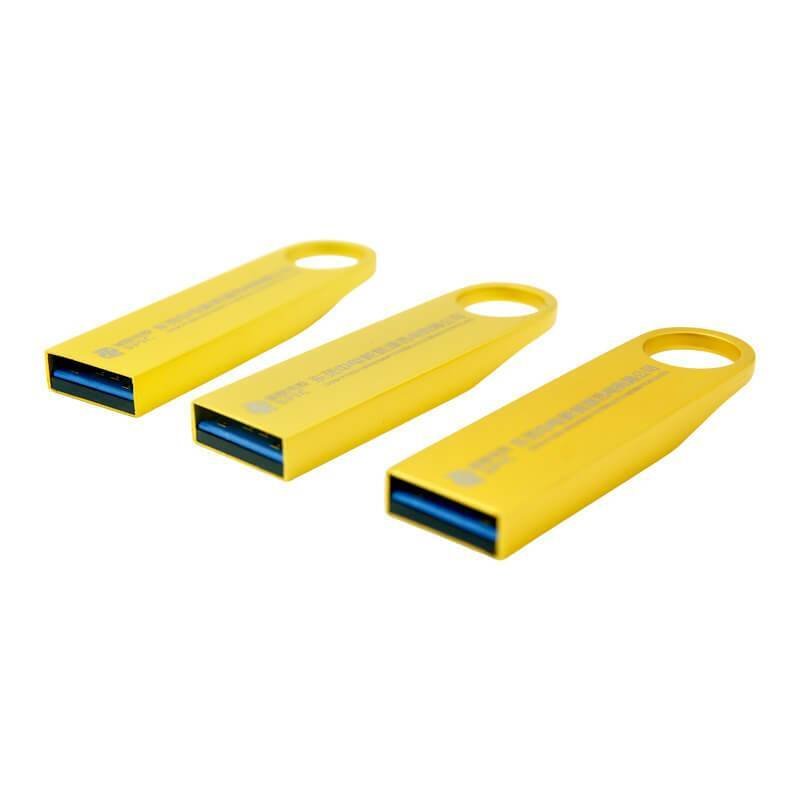
Best for logos that need to incredibly colourfast long term, give a seperate, premium look and feel, or for custom USBs made out of metal or wood (i.e. as gifts to important customers or as Corporate commemorative gifts). Factory tip: “This is absolutely our factory’s most favoured method! It leaves a textured tactile feel behind so that, when your customer holds their USB they say, Definitely has that premium business look to it!
And the best part is… the logo will last forever unless the entire USB is worn through; key scratches, scratches from hitting hard things, anything really, the logo always remains intact. Surprisely, this is not a very expensive option bulk, and its MORE cheaper than colour printing (no ink supplies to worry about, nothing to dry, and the production efficiency is ultra high) quickly printed too!!”
Quick tip: single colours only (so the logo matches the colour of the USB drive base material, e.g, usb drive is metal coloured silver, grey or gold). NOT to be used on plastic usb drives, as the scorching can result in yellowed edges which look a bit ugly.
3.UV Color Printing
UV colour printing works like covering a USB ‘flash’ drive with a ‘coloured protective film’ where the ultraviolet light quickly cures the ink to form a high-hardness coloured coating on the drive that’s slightly ‘selling tactile’ and has a ‘built-in glossy protective layer’.
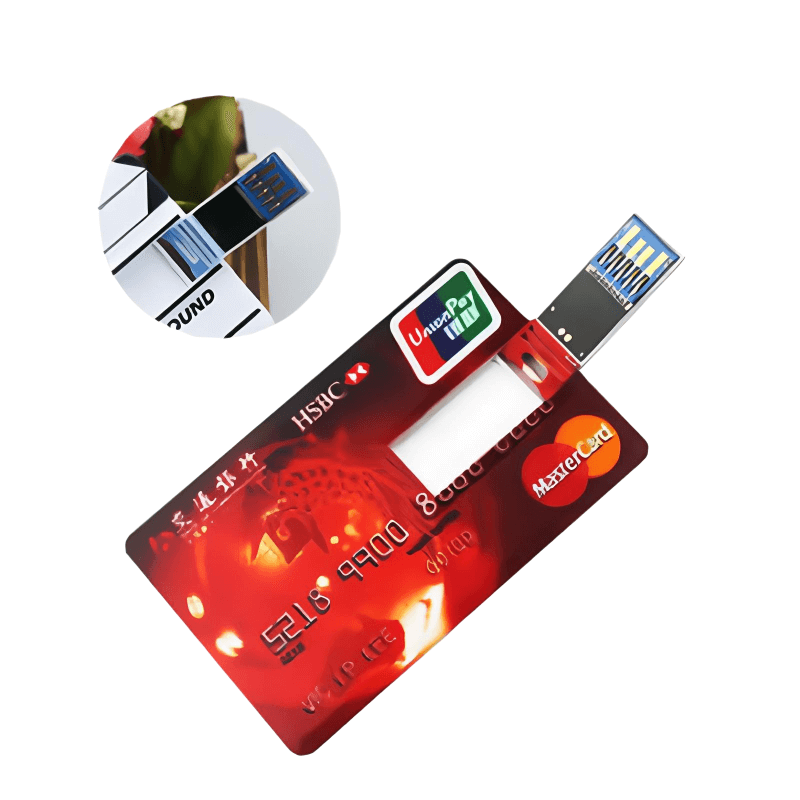

Best for logos: Bright logos with gradual colour shifts can be printed with this technique; logos that are more complex (e.g., containing shadows) and bulk printed company group photos and illustrations can also be successfully handled by UV printing (e.g., commemorative event USB drives, and creative gift USB drives).
Factory Insight: Previously, that UV printing could be scratched or peeled easily, you’ll be glad to know that technology has improved since those days. Our factory uses excellent imported print heads, giving printing with great clarity but also exceptionally hard coatings. And only UV printing can copy complex gradients accurately – make logos like Google’s four colour logo as well as landscape photos, for example, that screen printing and laser engraving can only aspire to.
Compatible materials: Metal and memorias USB de plástico, wood, leather cases, etc., designed for 7-10 years of everyday use.
Which USB flash drive logo customization process is the most durable?
To show our customers just what we mean by a “key scratch durable USB”, our factory very kindly did a “key scratch durability test”—taking a little mini metal scratcher and furiously scraping 3 brand new custom USB sticks 50 times each on each model to be tested. The results:
- Grabado por láser: Not a scratch! Just metal shavings, the logo deep fried into his skin! Maximum durability.
- UV Colour Printing: Surprisingly good! The UV coating is immensely hard; just a few scratches showed on the logo after key scraping. No peeling or fading—quite substantiated for ample use.
- Serigrafía: Suitable for use in a normal office or for any occasional handling, but doesn’t stand up when violently scraped. The paint chips around the edges. Customers craving maximum durability ought to be cautious of customizing on this!
Custom Logos FAQ
Q1: I want a color logo but also the permanent, fade-proof effect of laser engraving. Is that possible?
A: Beginner buyers, beware of trying to have your cake and eat it too! You need to decide to either pare down the color logo into a monochrome version (for Maximum Business Minimalism), and go with laser engraving, or insist on color and pricey UV printing. For all its ponderousness and near suckiness, UV printing is still less sincere than dull laser engraving and will hold its bright colors for 3-5 years under normal use.
Q2: Laser engraving sounds high-tech—is it more expensive than other processes?
A: On the contrary! When our factory customizes USB drives in bulk, laser engraving is usually cheaper than UV color printing, requires no ink, no drying time, has fantastic production rates and low material costs, and is therefore the king of low-cost customization. Our quotes include laser engraving free of charge, while other factories may charge $0.10!
Q3: Can plastic USB drives be laser engraved with logos?
A: Not recommended! Simply put, laser engraving on plastic “burns” the plastic, making the edges of the logo yellowish or blackish—the end result is that the logo looks like a defective product. For plastic USB drives, go with screen printing (which is high definition) or UV printing.
Q4: For small-batch custom orders (e.g., 100 pieces), which manufacturing process is the most cost-effective?
A: For smaller batches, laser engraving and screen printing are better priced. If you are ordering in bulk, UV colour printing is more economical. The higher the quantity, the lower the price. Small batches do not have a price advantage.
Q5: Concerned that the craftsmanship may not meet expectations—can I see a sample first?
A: Absolutely! Registered clients will have access to our sample room at the factory. Send us your logo and we will render a free sample for you. We can also film video using a similar actual product to show you. See it before you buy, no wasted money.
For VIP clients, we stock some glitzy alternative custom metal USB drives o custom wooden USB drives that will be sure to impress with their lasting durability and good weight in the hand. Laser engraving is ultra easy and quick for free global bulk logo branding identification. If your logo is composed of gradients, shadows, group photos, and has more complexity, try full colour! If you are a logo source who has rigid colour standards (Pantone no.) to adhere to and wantprecise colour reproduction without any variation? yourchoice is screen printing.
Selecting the proper process for your memorias USB personalizadas will save money, avoid costly mistakes, and protect your logo from fading into obscurity and ruining your company image! Not sure? Talk to our factory anytime, we don’t talk BS; we promise “No Empty Promises Here” and we can prove it with science and statistics! Memorias USB personalizadas is our game, request your free mockups and samples today and see how easy we make it for new buyers.
 Español de México
  English
  Italiano
  Deutsch (Österreich)
  Русский
  Français