
Un colore di brand su una chiavetta USB di legno richiede un campione fisico approvato prima della produzione di massa, non solo un mockup su schermo. Il legno non è bianco. Ha la propria tonalità di base, la venatura e la lucentezza, e tutte e tre modificano la resa del colore del tuo logo una volta che è effettivamente stampato. Se approvi un colore usando solo un rendering digitale, stai approvando qualcosa che la fabbrica non può garantire pienamente sul legno.
Conosci già il colore esatto del tuo brand, probabilmente come numero Pantone, codice hex o composizione CMYK. Considera quel numero come tuo riferimento target, non come risultato garantito sul legno: è stato creato per uno schermo o un foglio di carta bianco, e il legno assorbe la luce in modo diverso da entrambi. Quindi la vera domanda non è “conoscete il nostro colore.” È “come dimostrate il colore sul materiale reale, sotto luce reale, prima di impegnarvi su alcune migliaia di unità” — e quale campione approvato, metodo di controllo del lotto e tolleranza accettabile avete concordato prima che qualcuno lo definisca una promessa di produzione.
Perché lo stesso codice Pantone appare diverso sul legno
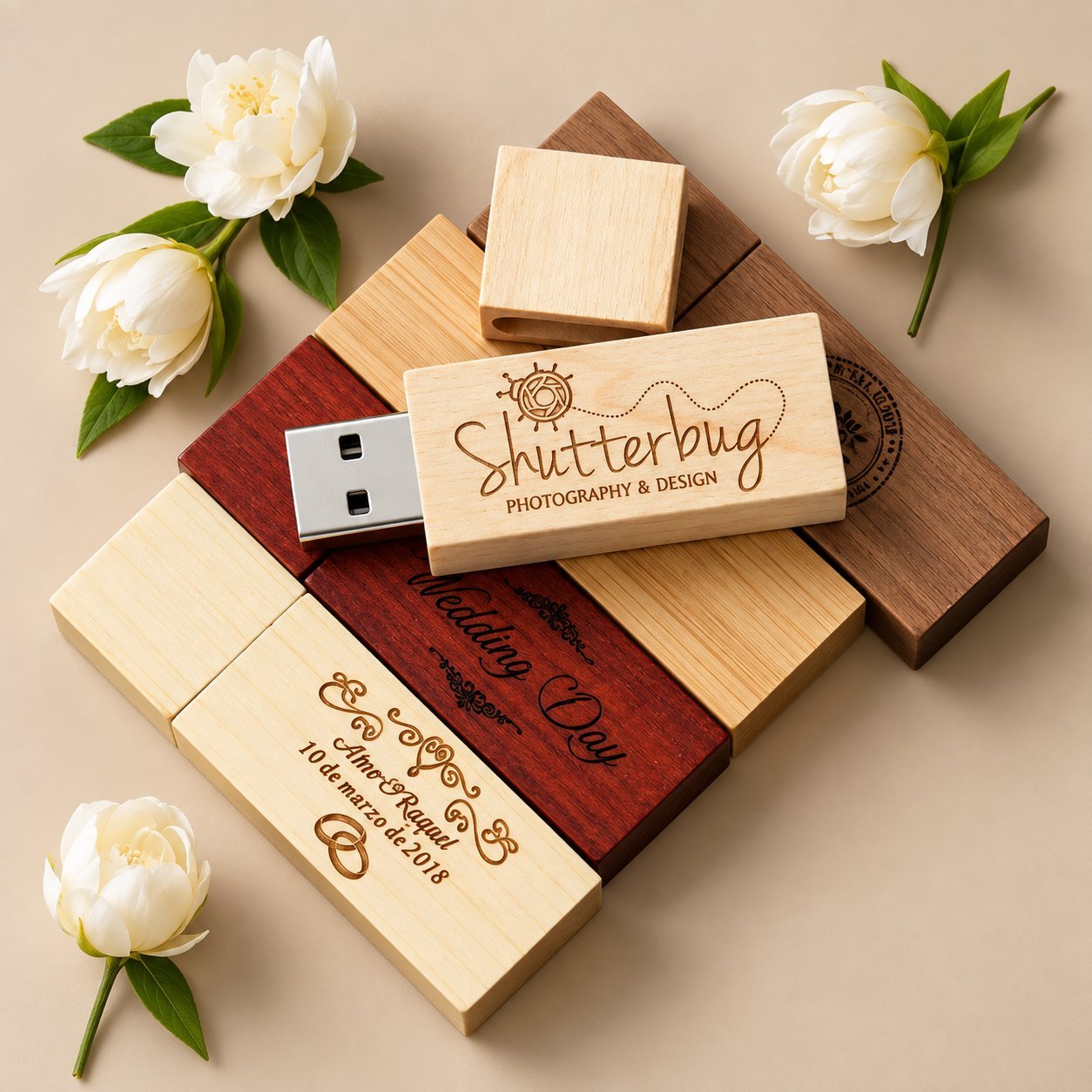
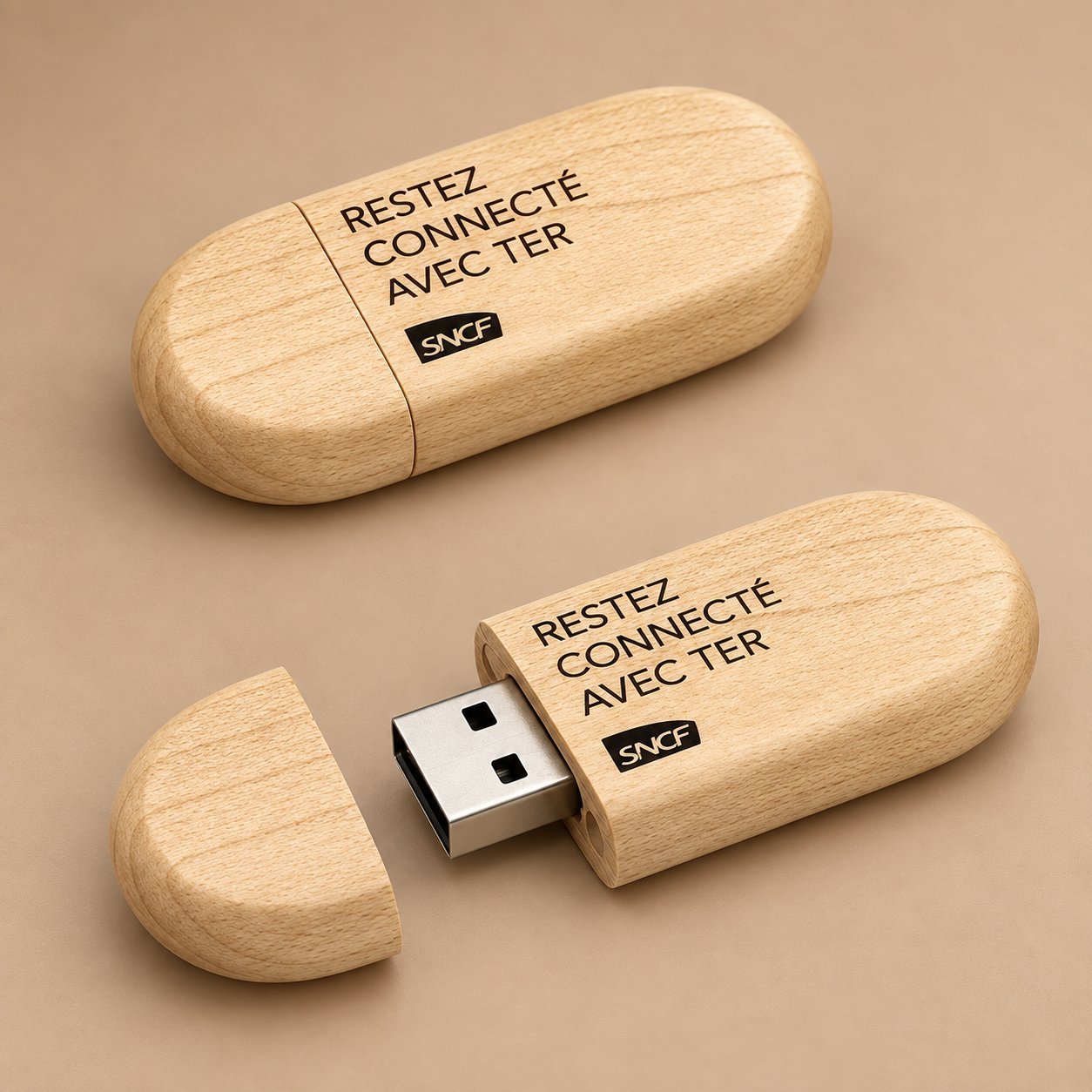
Ogni metodo di stampa pone il colore sopra una base. Sulla carta, quella base è vicina al bianco puro, quindi l'inchiostro risulta fedele. Sul legno, la base è la tonalità che la specie porta con sé: pallida su acero o bambù, calda e rossastra su ciliegio, marrone scuro su noce. Un logo colorato stampato direttamente su un legno scuro acquisisce parte di quella tonalità di fondo. I blu tendono al verde o al grigio. I rossi diventano più smorti. Persino un riferimento Pantone ben abbinato sulla carta può risultare di una tonalità più scura una volta che è posato sulla noce, ed è esattamente per questo che Le stesse indicazioni di cross-reference di Pantone considera le conversioni CMYK, RGB e hex come punti di partenza dipendenti dalle reali condizioni di stampa, non equivalenti fissi. Usa il valore Pantone o CMYK come tuo riferimento target, poi approva il risultato stampato sulla specie di legno e sulla finitura esatte prima della produzione di massa — non il contrario.
Anche la finitura superficiale conta. Una superficie di legno grezza, leggermente levigata, assorbe più inchiostro di una sigillata o laccata, il che cambia la saturazione del colore. Due lotti della stessa specie di legno possono anche avere una densità di venatura leggermente diversa, quindi non dare per scontato che un campione approvato valga per ogni pezzo dell'ordine.
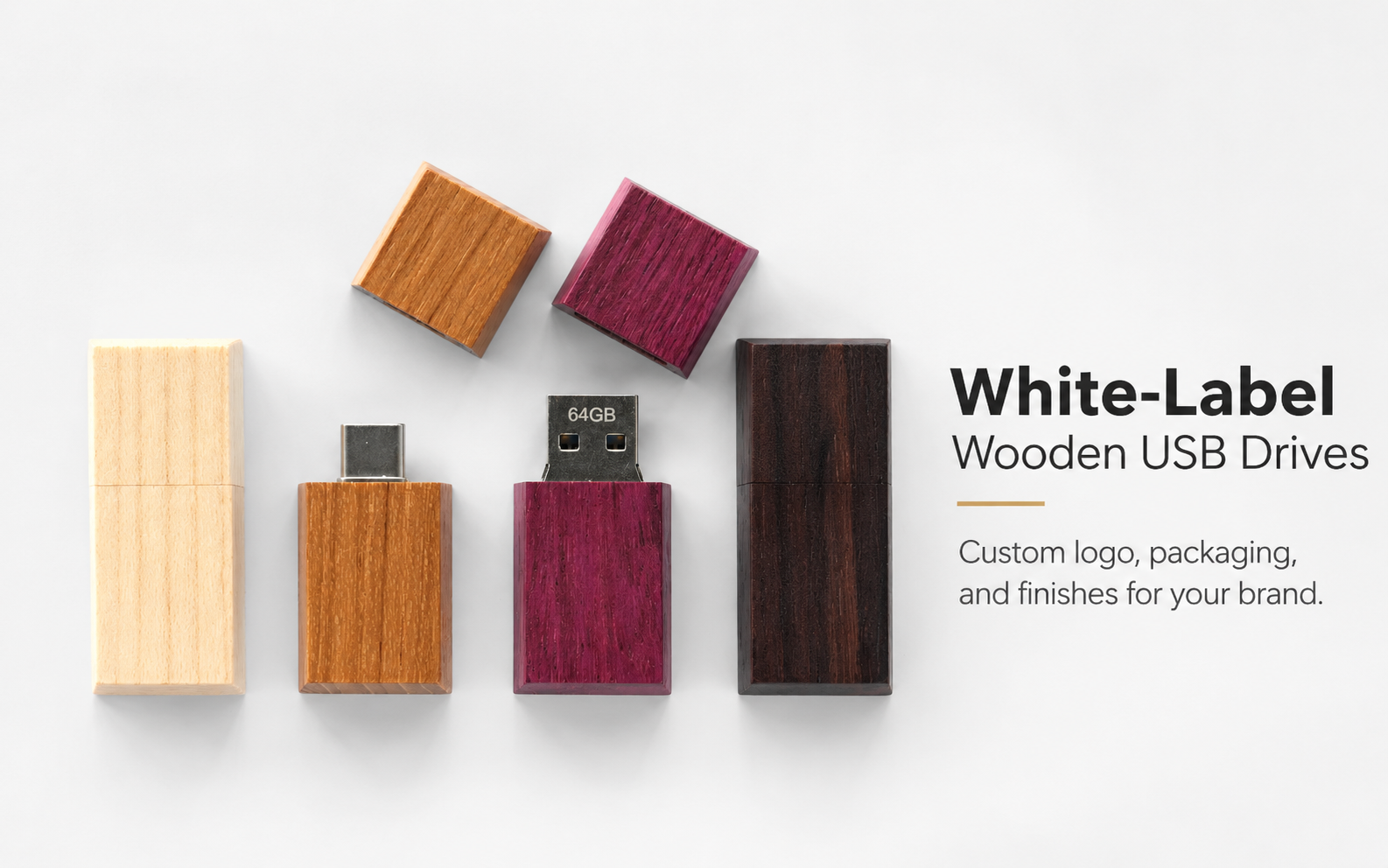
Prima di inviare la grafica, indica al tuo fornitore su quale specie di legno e finitura stai ordinando. Chiedi loro di realizzare il campione su quella combinazione esatta, non sul blocco campione che capita di avere sul banco. Puoi confrontare le opzioni di legno e la loro tonalità e il contrasto tipici sulla guida alle chiavette USB in legno prima di fissare una specie, e la guida Color Bridge di Pantone è un utile riferimento fisico se vuoi confrontare le variazioni tra patinato e non patinato prima ancora di arrivare a un campione di legno.
Quale metodo di stampa mantiene effettivamente un colore di brand
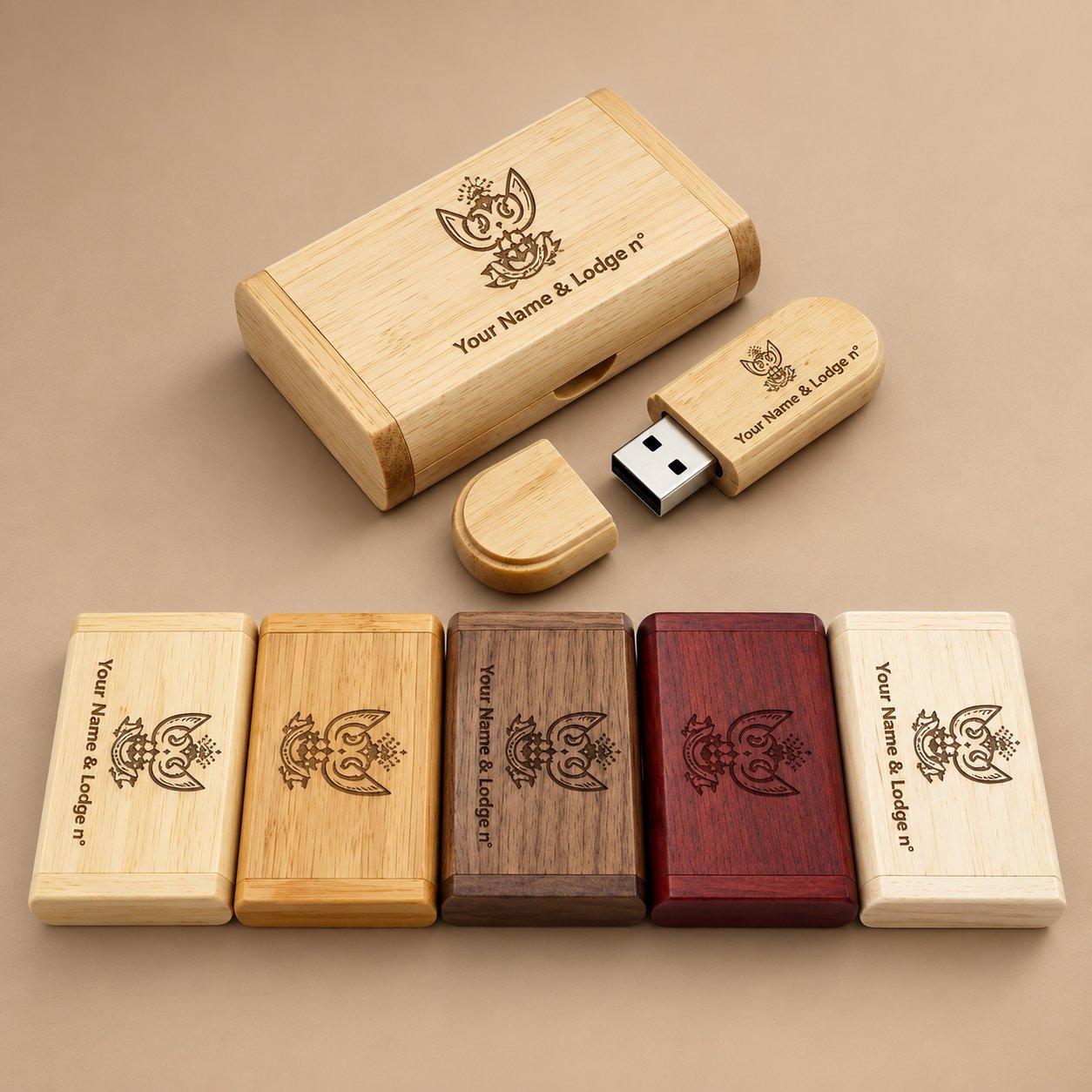
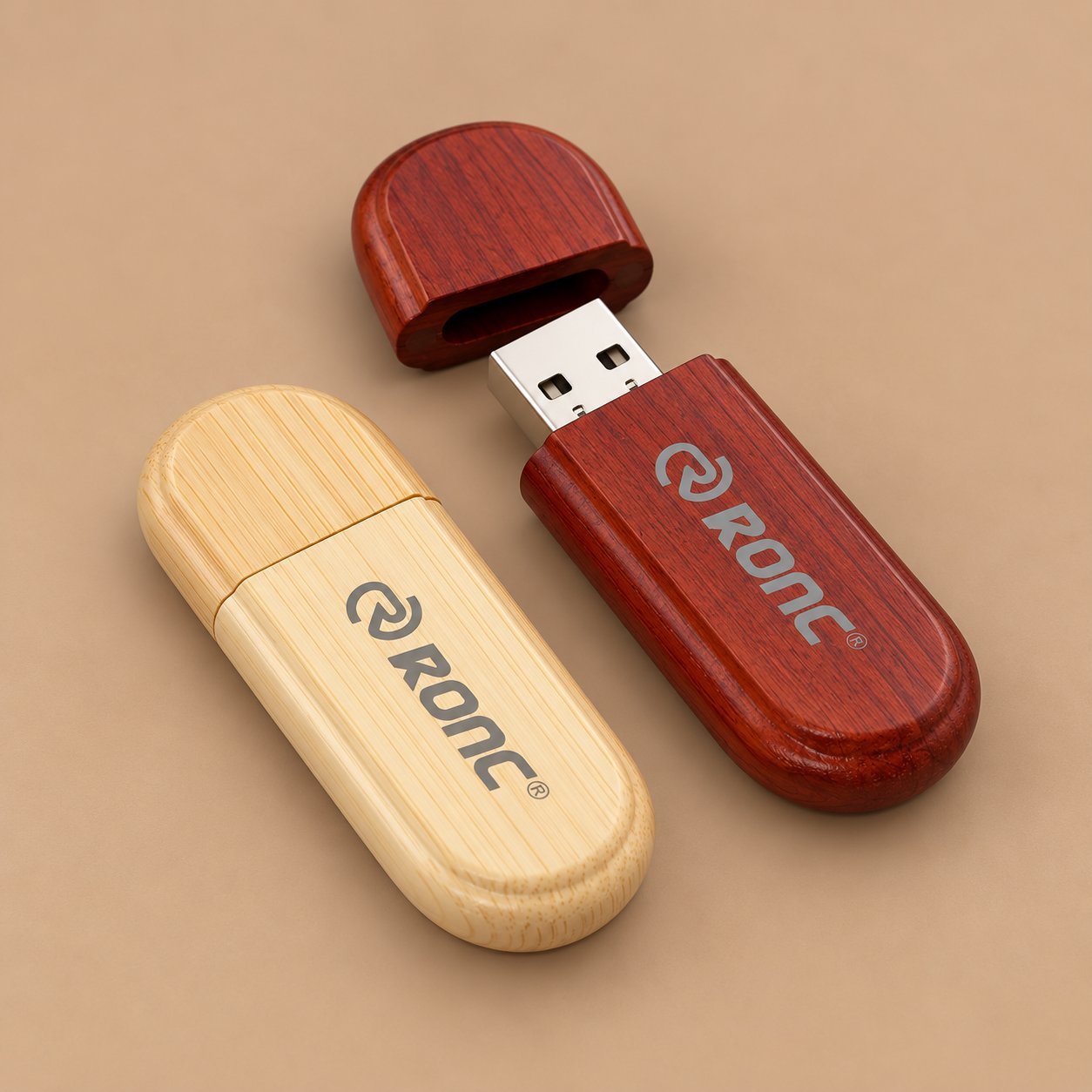
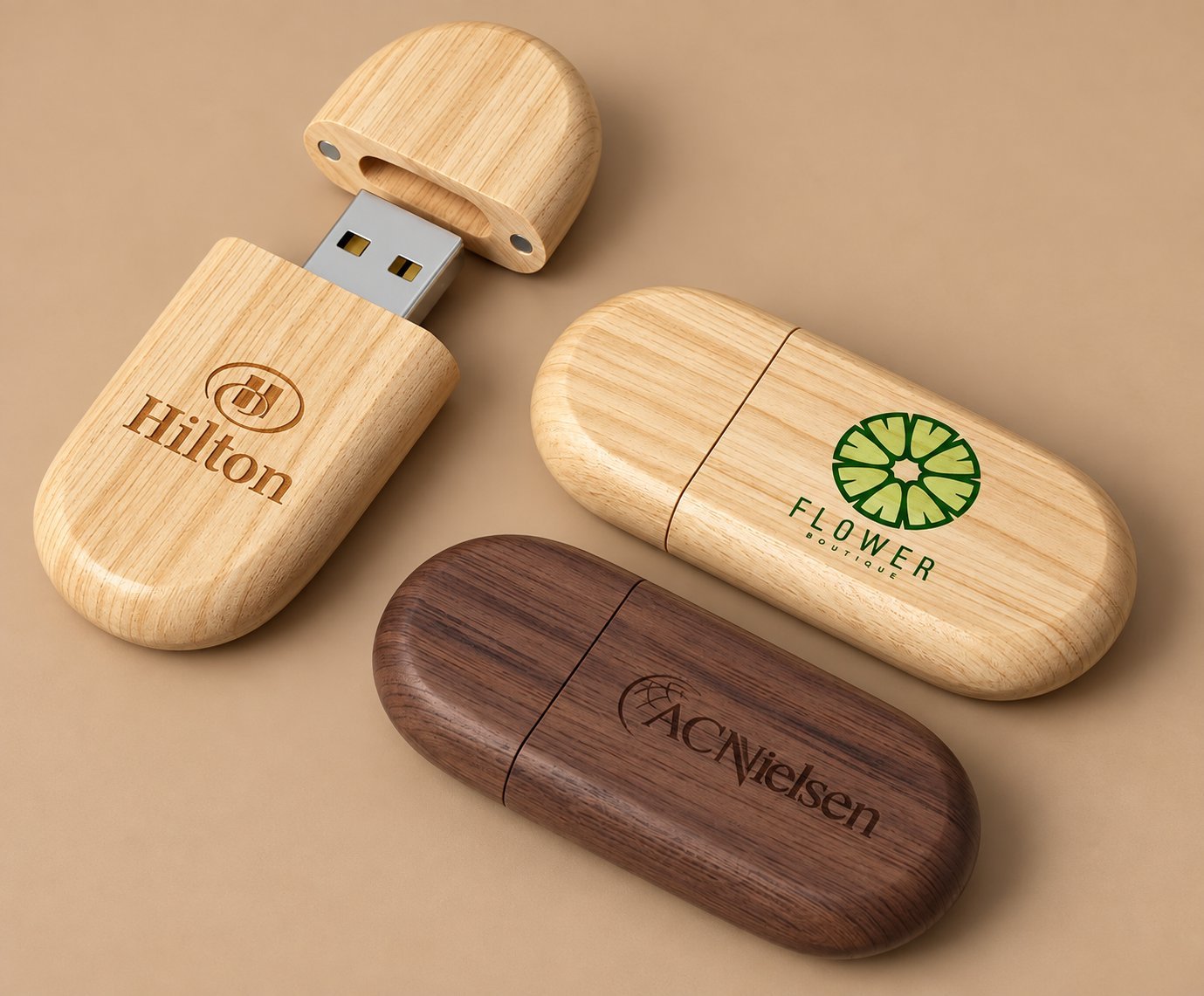
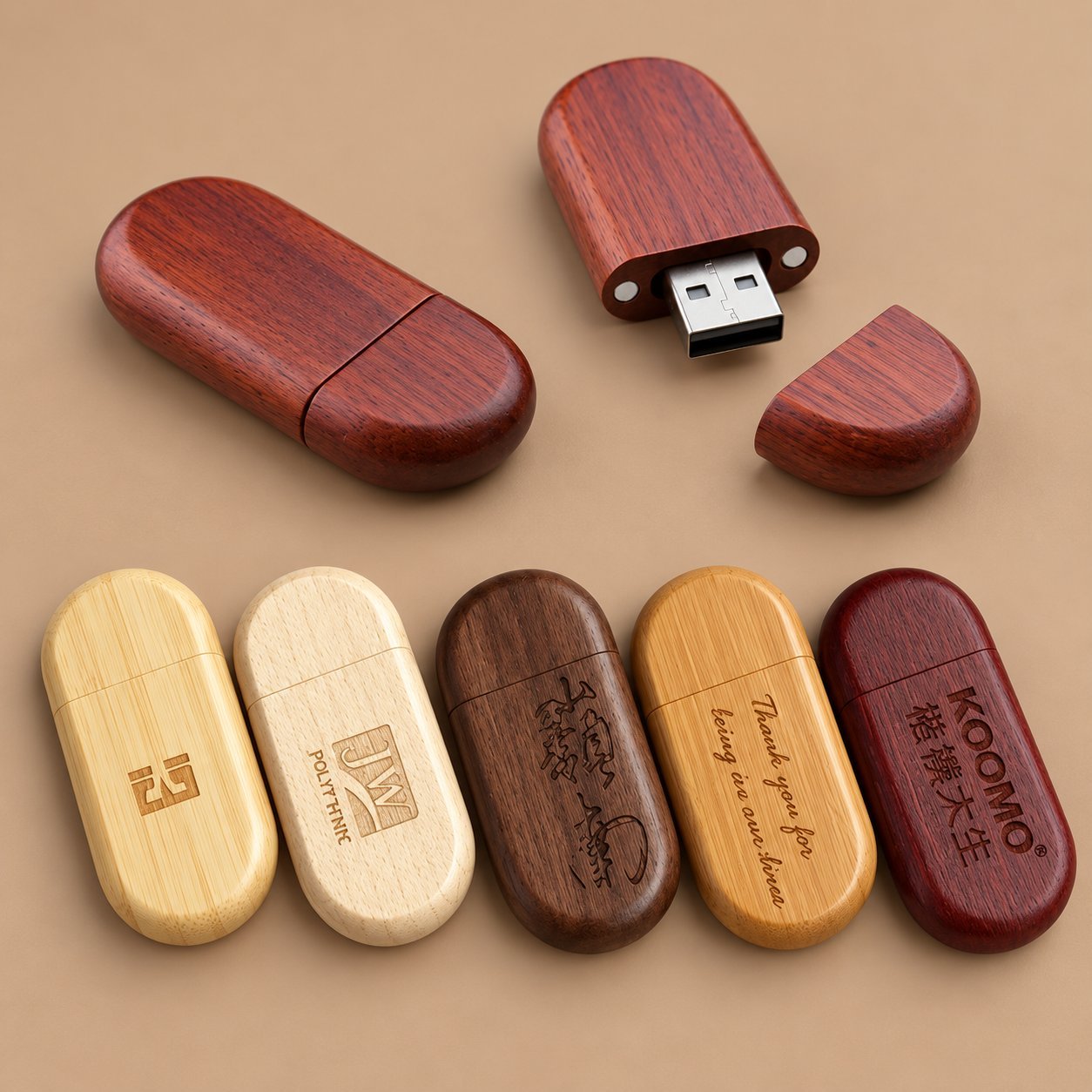
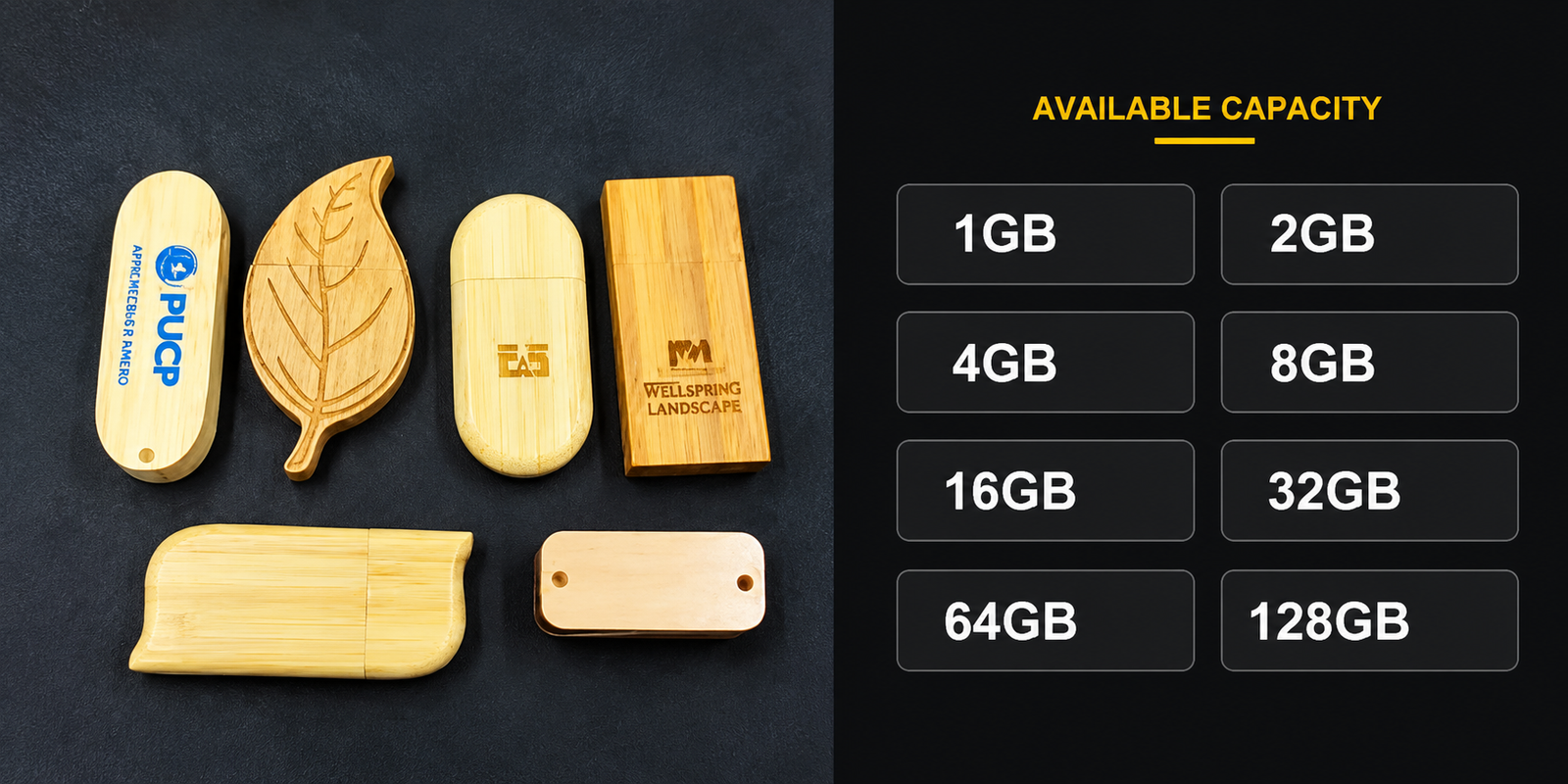
Non ogni metodo per logo su una chiavetta di legno gestisce bene l'abbinamento esatto dei colori. Tre metodi si applicano comunemente al legno, e si comportano in modo diverso quando la priorità è la precisione del colore di brand. Sfoglia la gamma di chiavette USB in legno per vedere quali forme e specie supportano ciascun metodo, e questa guida all'incisione laser se al posto del colore è in discussione una brandizzazione solo a contorno.
| Metodo | Capacità cromatica | Precisione Pantone / spot-color | Migliore aderenza |
|---|---|---|---|
| Incisione laser | Singola tonalità scura bruciata nel legno, senza colore aggiunto | Non applicabile, l'incisione non ha colore di inchiostro da abbinare | Loghi che funzionano in forma di contorno o silhouette |
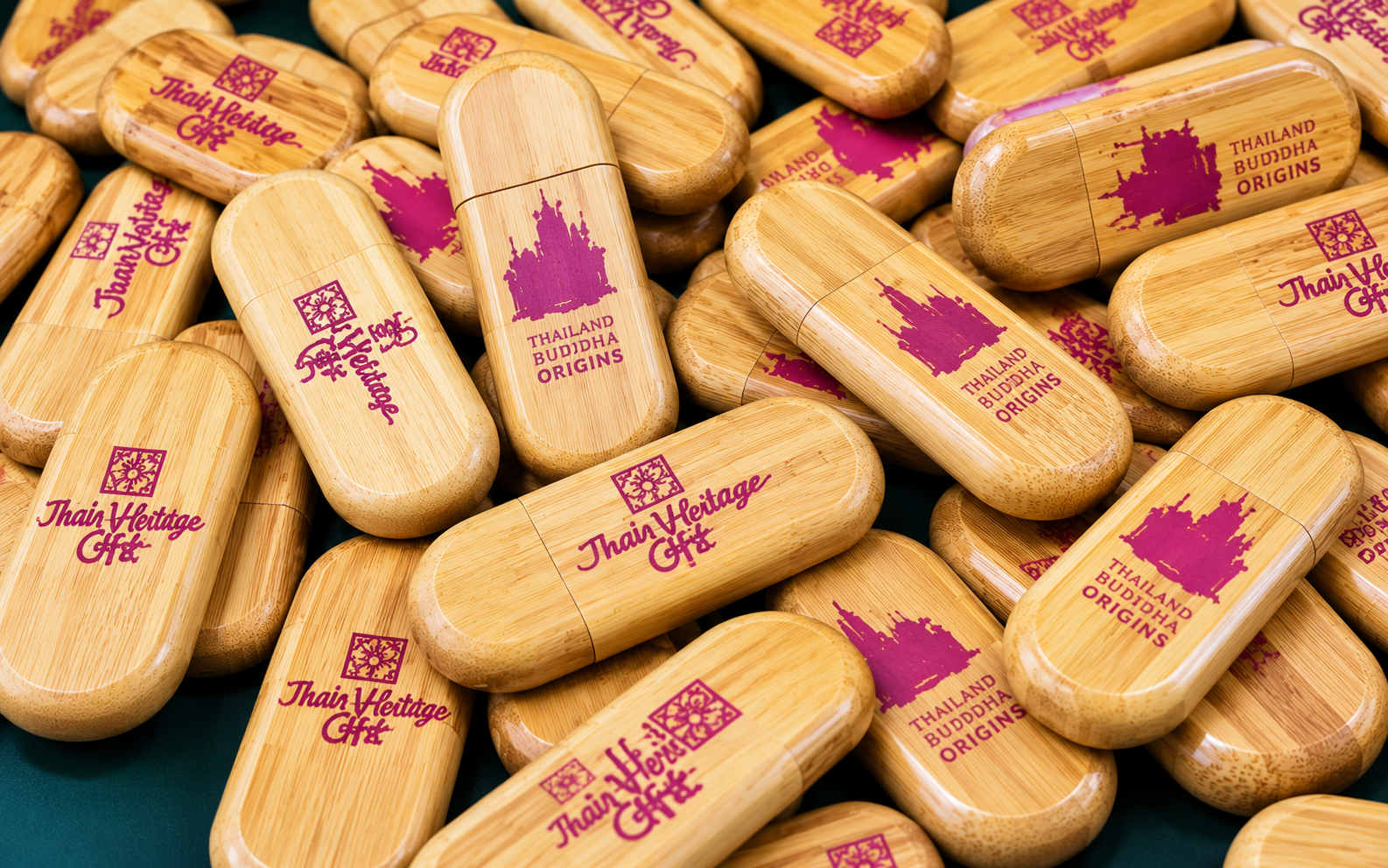
| Stampa serigrafica | Colori spot solidi e piatti, uno schermo per colore | Indicato per uno o due colori piatti abbinati a un codice fornito, da trattare come target piuttosto che come garanzia | Loghi semplici a uno o due colori, ordini all'ingrosso di maggior volume |
| Stampa UV / a colori | Grafiche a colori, sfumature, dettaglio a livello foto | In grado di un abbinamento cromatico ravvicinato, ma la precisione esatta sul legno non è qualcosa che un fornitore possa promettere sulla sola scheda tecnica | Loghi multicolore, sfumature, marchi di brand complessi |
I dati della tabella riflettono i metodi di personalizzazione elencati nelle pagine guida sulla stampa logo e sulle chiavette USB di legno di YOUSAN, aggiornati a settembre 2026. Nessuna delle due pagine pubblica una tolleranza garantita di differenza colore per la stampa UV sul legno, quindi considera quella colonna come punto di partenza per una discussione su campione fisico, non come specifica confermata.
Se il tuo logo è uno o due colori piatti, la serigrafia su un legno chiaro ti dà l'abbinamento più prevedibile. Se è una sfumatura o un marchio multicolore, la stampa UV è la tua unica vera opzione, ed è esattamente lì che ti serve una prova fisica prima di impegnarti sulle quantità.
Come verificare se è necessario un fondo bianco
Su capi scuri, le stamperie stendono uno strato di base bianco prima del colore effettivo affinché l'inchiostro non assorba il colore del tessuto sottostante. Il legno funziona su un principio simile, benché non sia un tessuto. Un colore chiaro stampato direttamente su noce o su una finitura scura macchiata può sembrare slavato o spostato, perché il legno scuro traspare attraverso uno strato di colore che non è stato progettato per essere opaco di per sé.
Un fondo non è solo una decisione di colore. Di norma aggiunge costo e può allungare i tempi per una seconda passata, modifica leggermente lo spessore dello strato e la resa al tatto, e può influenzare la nitidezza dei bordi del colore rispetto al legno circostante. Non dare per scontato che il tuo fornitore lo aggiunga per impostazione predefinita, e non dare per scontato che sia incluso nel prezzo preventivato. Chiedi direttamente:
- Questo preventivo include un fondo bianco, oppure è tariffato separatamente?
- Il campione che stai esaminando usa lo stesso processo previsto per la produzione di massa, o un metodo di prova semplificato?
- Se aggiungi o rimuovi il fondo dopo aver visto il primo campione, è richiesta una seconda prova prima della produzione?
Se il tuo logo ha un colore chiaro, in particolare bianco, giallo o un pastello tenue, e lo stai stampando su un legno medio o scuro, questa non è una verifica facoltativa. Confermalo prima di approvare un campione, perché un campione senza fondo può apparire completamente diverso da una produzione che ne aggiunge uno, o viceversa.
Standardizza il riferimento colore fisico e le condizioni di visualizzazione
“Fallo blu come il nostro” non è una specifica a cui una fabbrica possa tenerti vincolato. Dai loro un numero Pantone se ne hai uno, oppure invia un chip colore fisico, un campione o un campione stampato precedentemente approvato di un altro fornitore. Un codice hex da solo è rischioso, perché lo stesso valore hex può renderizzarsi in modo diverso a seconda del processo di stampa e del legno sottostante.
Le condizioni di visualizzazione contano più di quanto la maggior parte dei compratori si aspetti, e vale la pena essere specifici piuttosto che informali al riguardo. Il colore sotto una lampadina calda da ufficio appare diverso rispetto alla luce diurna, a una sorgente luminosa standard D50 o D65, o al flash di una fotocamera del telefono — ISO 3664:2025, lo standard di tecnologia grafica per le condizioni di visualizzazione, è il punto di riferimento che gli acquirenti professionali di stampa e imballaggi usano proprio per questo motivo. Non hai bisogno di attrezzature da laboratorio per applicare lo stesso principio: concorda con il tuo fornitore una condizione di visualizzazione prima dell'approvazione (la luce diurna è un valore predefinito ragionevole se non hai accesso a una scatola luminosa standardizzata), confronta lo stesso campione fisico sotto quella stessa sorgente luminosa su entrambi i lati, e registra foto, data e numero di campione del campione approvato piuttosto che un'approvazione verbale. Un logo che appare corretto in una foto sotto una luce non è la stessa cosa di un colore confermato.
Questo è anche il momento per richiedere il tuo campione fisico anziché fare affidamento solo sulle loro foto. Carica il tuo logo e i requisiti di colore di brand e richiedi un campione realizzato sulla specie di legno effettivamente scelta, non su un blocco standard generico.
Checklist di approvazione del colore di brand
Usa questo per tenere traccia di ciò che è stato effettivamente confermato prima di approvare un lotto all'ingrosso, anziché fare affidamento sulla memoria o su una discussione email dispersiva.
| Articolo | Cosa confermare |
|---|---|
| Specie di legno e finitura | Specie esatta (acero, bambù, ciliegio, noce, ecc.) e finitura (grezza, sigillata, laccata) che campione e produzione useranno entrambi |
| Metodo di stampa | Incisione laser, serigrafia o stampa UV / a colori, abbinate alla complessità cromatica del tuo logo |
| Fondo bianco | Se è incluso, tariffato e applicato in modo coerente tra campione e produzione di massa |
| Colore di riferimento | Numero Pantone, swatch fisico o campione precedentemente approvato — non un codice hex o una descrizione verbale da soli |
| Luce di visualizzazione | La sorgente luminosa usata per valutare il campione (idealmente luce diurna o uno standard dichiarato), concordata prima dell'approvazione |
| Numero/ID del campione approvato | Un riferimento di campione specifico registrato per iscritto, con foto datata, non una descrizione generica |
| Metodo di controllo del lotto | Come un campione di controllo della produzione effettiva verrà confrontato con il riferimento approvato prima della spedizione |
| Tolleranza accettabile | Quale varianza di colore, se presente, è accettabile considerato il legno come materiale naturale — concordata prima della produzione, non dopo |
Registra l'approvazione del campione e i controlli di produzione di massa
Una volta che un campione fisico corrisponde al tuo riferimento nelle condizioni di visualizzazione concordate, metti quell'approvazione per iscritto. Un'approvazione firmata o inviata via email che indica la specie di legno esatta, la finitura, il metodo di stampa, il riferimento colore, il numero di campione e la data di approvazione ti tutela se l'ordine all'ingrosso torna diverso. Conserva una foto datata del campione approvato in archivio, non solo una sua descrizione.
Prima dell'inizio della produzione di massa, poni direttamente due domande al tuo fornitore e insisti per una risposta scritta a entrambe anziché una rassicurazione verbale. A quale tolleranza lavorano, visto che un materiale naturale può variare leggermente da lotto a lotto? E cosa succede se un campione di controllo della produzione non corrisponde al tuo riferimento approvato — esiste un processo definito di riproduzione o rettifica, oppure viene negoziato di volta in volta? Per un quadro più completo su cosa fissare prima di un lotto all'ingrosso, vedi valutare il processo di qualità di un fornitore di chiavette USB.
Se il colore del tuo brand deve essere esatto su ogni unità, non trattare il primo campione come il traguardo. Richiedi un campione di controllo pre-spedizione del lotto di produzione effettivo, confrontato affiancato con il tuo riferimento approvato originale nelle stesse condizioni di visualizzazione, prima che l'ordine parta.
Stai pianificando un progetto di chiavette USB di legno brandizzate?
Condividi il tuo logo, il colore di brand target, lo stile di legno preferito e i requisiti d'ordine con YousanUSB per discutere l'approccio di personalizzazione più adatto prima della produzione. Invieremo una prova colore fisica realizzata sulla specie di legno scelta così potrai approvare il risultato di persona. Per l'intera gamma di chiavette USB di legno, vedi la pagina sulle chiavette USB in legno, e per fissare le aspettative di colore su un campione di legno reale, vedi la nostra guida alle chiavette USB in legno.
Domande frequenti
È possibile abbinare un codice Pantone esatto su una chiavetta USB di legno?
La serigrafia può avvicinarsi su un logo piatto a uno o due colori, specialmente su legni più chiari. La stampa UV può riprodurre grafiche complesse e multicolore, ma la precisione Pantone esatta su una tonalità di legno specifica dipende da quella tonalità e dalla finitura, e non è qualcosa da dare per scontato a partire da una descrizione di catalogo. Invia insieme il tuo codice Pantone e la scelta del legno per richiedere un campione a colori abbinato prima di ordinare all'ingrosso, e considera il numero Pantone come riferimento target piuttosto che come risultato garantito.
Perché il mio logo appare diverso sul campione fisico rispetto al mockup?
Un mockup digitale si appoggia su uno sfondo bianco o neutro, non sul legno reale. Una volta che l'inchiostro si posa su noce, acero o bambù veri, la tonalità e la venatura del legno cambiano la resa del colore. È esattamente per questo che un campione fisico, osservato sotto una fonte luminosa costante, conta più di un rendering 3D per qualsiasi logo in cui il colore esatto è importante.
Ho bisogno di un fondo bianco sotto il colore del mio logo?
Se il tuo logo include colori chiari e stai stampando su un legno medio o scuro, molto probabilmente sì. Chiedi direttamente al tuo fornitore se preventivo e campione includono un fondo, poiché cambia l'aspetto, il costo e potenzialmente i tempi di consegna.
Cosa succede se il colore dell'ordine all'ingrosso non corrisponde al mio campione approvato?
È per questo che contano una registrazione scritta dell'approvazione, un numero di campione registrato e un campione di controllo pre-spedizione. Concorda una tolleranza accettabile e una fase di ispezione prima dell'inizio della produzione, così da avere un punto di riferimento chiaro se un lotto torna indietro.
L'incisione laser mi permette di mantenere i colori del brand?
No. L'incisione brucia un singolo segno scuro nel legno senza aggiungere colore di inchiostro, quindi funziona per loghi che reggono in forma di contorno. Se il marchio del tuo brand dipende da colori specifici, le tue opzioni sono la serigrafia o la stampa UV, non l'incisione.
Invia il tuo logo, il riferimento Pantone o colore e la specie di legno preferita a richiedi una prova colore fisica prima di approvare la produzione di massa.
 Italiano
  English
  Español de México
  Deutsch (Österreich)
  Русский
  Français
  Türkçe
  Bahasa Melayu