
USB drives have evolved from just being promotional giveaways for businesses to core carriers of data in critical applications including healthcare, diagnostic testing, and medical imaging.
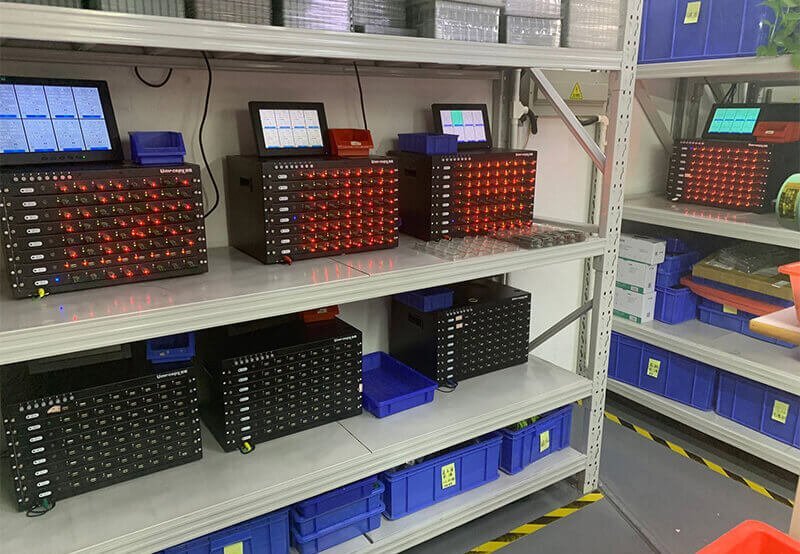
Data files, be they X-ray image files, magnetic resonance imaging (MRI) files, or patient medical records, are pushing requirements for USB flash drives for data storage, transfer, and backup among hospitals, diagnostic centers and other medical institutions.
Not all USB flash drives are designed for medical scenarios however! For those working with sensitive, high resolution files, the building blocks of a USB drive and especially the controller determine its reliability, speed and stability over the long term.
Here at YOUSAN USB flash drive Technology, we are starting to see more and more adopts of high security USB flash drives that are medical clients. Herein we will discuss how to choose USB drives for medical scenarios and why selecting drives based on controller is so important.
1.Controller: The “Brain” of a USB Drive, Determining Adaptability to Medical Scenarios
Manages reading/writing data, communication between the NAND flash chip and devices, everything that makes a USB drive go fast. For medical scenarios, better controller means better speed, but also better data security.
| Type | Specific Advantages / Issues |
| High-Quality Controller | ✅ High-speed transfer: Handles large files such as CT/MRI data ✅ Stable and reliable: Reduces the risk of data loss/corruption ✅ Strong compatibility: Supports DICOM format images ✅ Long lifespan: Enables repeated use |
| Low-Quality Controller | ❌ Unstable speed: Transfer lags ❌ Prone to file errors: Affects diagnostic judgments ❌ Easy to malfunction: Fails after long-term use ❌ Poor compatibility: Incompatible with new systems |
2. Four Mainstream Controller Brands
| Brand | Common Models | USB Versions | Read/Write Speed | Compatible Chips | Industry Reputation | Recommendations for Medical Scenarios |
| Silicon Motion (SMI) | SMI3217, SM3281, SM3268AA | USB 2.0/3.0/3.2 | 100MB/s (read) / 25MB/s (write) | Toshiba, SanDisk, SK Hynix, Samsung, Intel | Extremely high (adopted by Transcend) | ✅ Preferred scenario: Internal archiving, diagnostic imaging storage (X-ray/CT/MRI) where data security is a top priority |
| Phison Electronics (Phison) | PS2251-07, PS2251-08 | USB 2.0/3.0 | 120MB/s (read) / 35MB/s (write) | Toshiba, Micron | High (OEM supplier for Kingston) | ✅ Suitable scenario: Patient-facing imaging USB drives (needing branding customization), medical conference gifts — balancing performance and appearance |
| FirstChip Semiconductor (FirstChip) | FC1178BC, FC3379 | USB 2.0/3.0 | 80MB/s (read) / 20MB/s (write) | Toshiba, SanDisk | Moderate (cost-effective) | ✅ Suitable scenario: Bulk USB drives for health promotion and medical training (short-term use, limited budget) |
| ChipsBank Technology (ChipsBank) | CBM2199S, CBM2099, CBM2099E | USB 2.0/3.0 | 90MB/s (read) / 25MB/s (write) | Samsung, Intel | Low to moderate | ❌ Not recommended: Professional medical scenarios (poor stability, short lifespan) — only suitable for basic promotions/short-term data distribution |
3. Four Key Factors for Choosing USB Drives in Medical Scenarios
(1) Choose the Controller Based on “Usage Scenario”
Internal archiving/diagnostic use “almost never get used”- Select Silicon Motion (SMI) (you’ll need stability first) Patient-facing imaging distribution/conference gifts… “This is used for distribution to selected families of images taken during the procedure and also given as conference gifts” – Select Phison (good enough of a level for both flavor and security) Bulk short-term events – Select FirstChip (cheap and fills the niche)
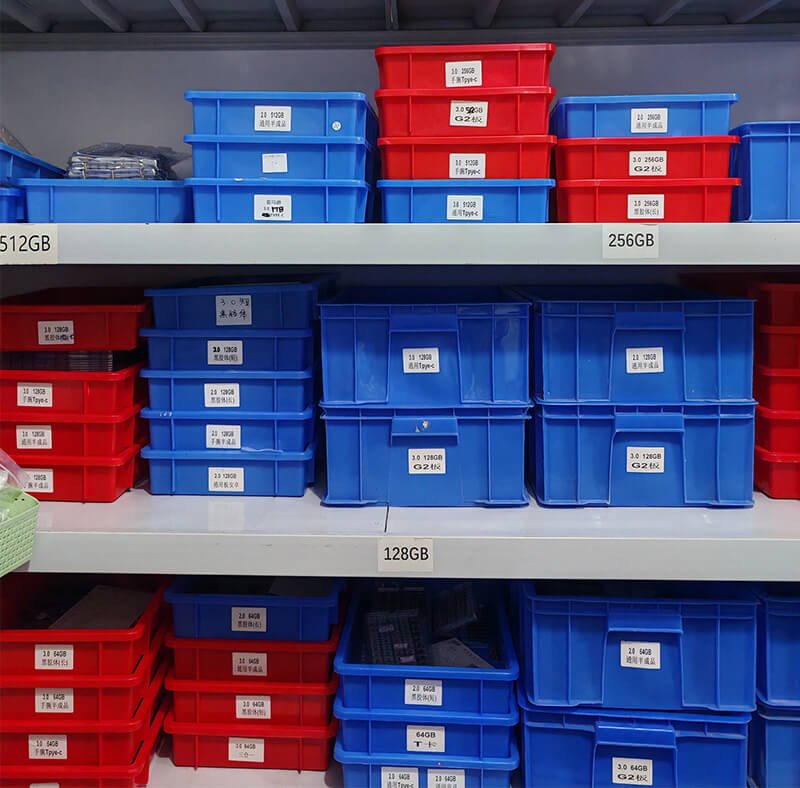
(2)Choose Capacity Based on “File Type”
- Single CT/MRI scan → 8GB–64GB (sufficient for storing single-patient, single-exam files)
- Hospital bulk archiving/multi-patient data → 128GB–1TB (must be paired with USB 3.0+ for faster speed)
(3)USB 3.0 or Higher Version is a Must
Medical files (e.g., DICOM images) are large in size. USB 3.0 is 3–5 times faster than USB 2.0, which prevents transfer lags from affecting work efficiency.
(4)Customization Needs: Balancing Practicality and Branding
YOUSAN USB flash drive Technology offers:
- Basic customization: Logo printing, custom casings
- Functional customization: LED indicator lights (for transfer status prompts), dual-port USB-C + USB-A (compatible with computers/phones)
4. Why Choose YOUSAN Technology’s USB Drives for the Medical Industry?
We have made three core optimizations for medical scenarios:
- High Quality Chips: Only the best flash memory chips (Samsung, Toshiba, SanDisk, Lenovo, SK Hynix) – acceptable brands only, no Chinese chips.
- Controller Adaptation: Match controller manufacturers depending on your needs (eg. which chip you may want to use for archiving/patient use) no forced recommendations.
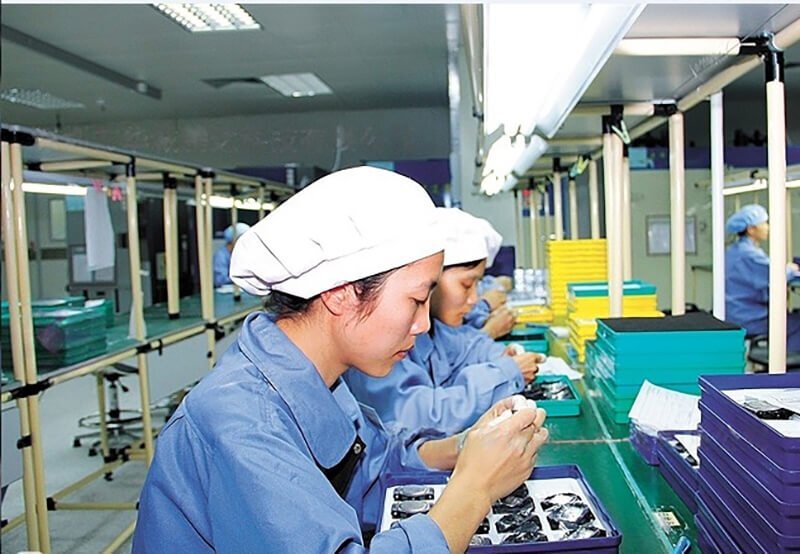
- Only 100% tested & guaranteed quality: Multiple tests (read/write stability, compatibility testing, and durability) performed on the chips before shipment. If any issues were caught during testing, their task was to prevent the chips from reaching the customers to avoid defective products.
- Tailored services: Help with adapting chip selection for medical scenarios and fast delivery (for urgent procurement needs).
Appearance and capacity are the basics, but controller quality + chip compatibility are the “invisible thresholds” for medical scenarios — directly related to patient data security and diagnostic work efficiency. If you are unsure which controller to choose or need bulk customization of medical USB drives, please contact us directly.

 English
  Español de México
  Italiano
  Deutsch (Österreich)
  Русский
  Français