
A USB flash drive stores data as an electrical charge in non-volatile NAND flash memory cells, managed by a small controller chip that handles reading, writing, error correction, and wear leveling, all connected to your device through a USB connector. Component quality inside that simple-looking casing is one important part of a drive’s real-world speed, durability, and lifespan — alongside NAND type, workload, firmware, and manufacturing consistency — and it matters more once you’re sourcing drives by the hundreds rather than buying one at a retail counter.
Every USB flash drive looks similar from the outside: a connector, a casing, maybe a cap or a swivel mechanism. What’s different, and what you can’t see without opening it up, is the controller and memory chip quality inside — and that’s exactly where cheaper drives cut corners.
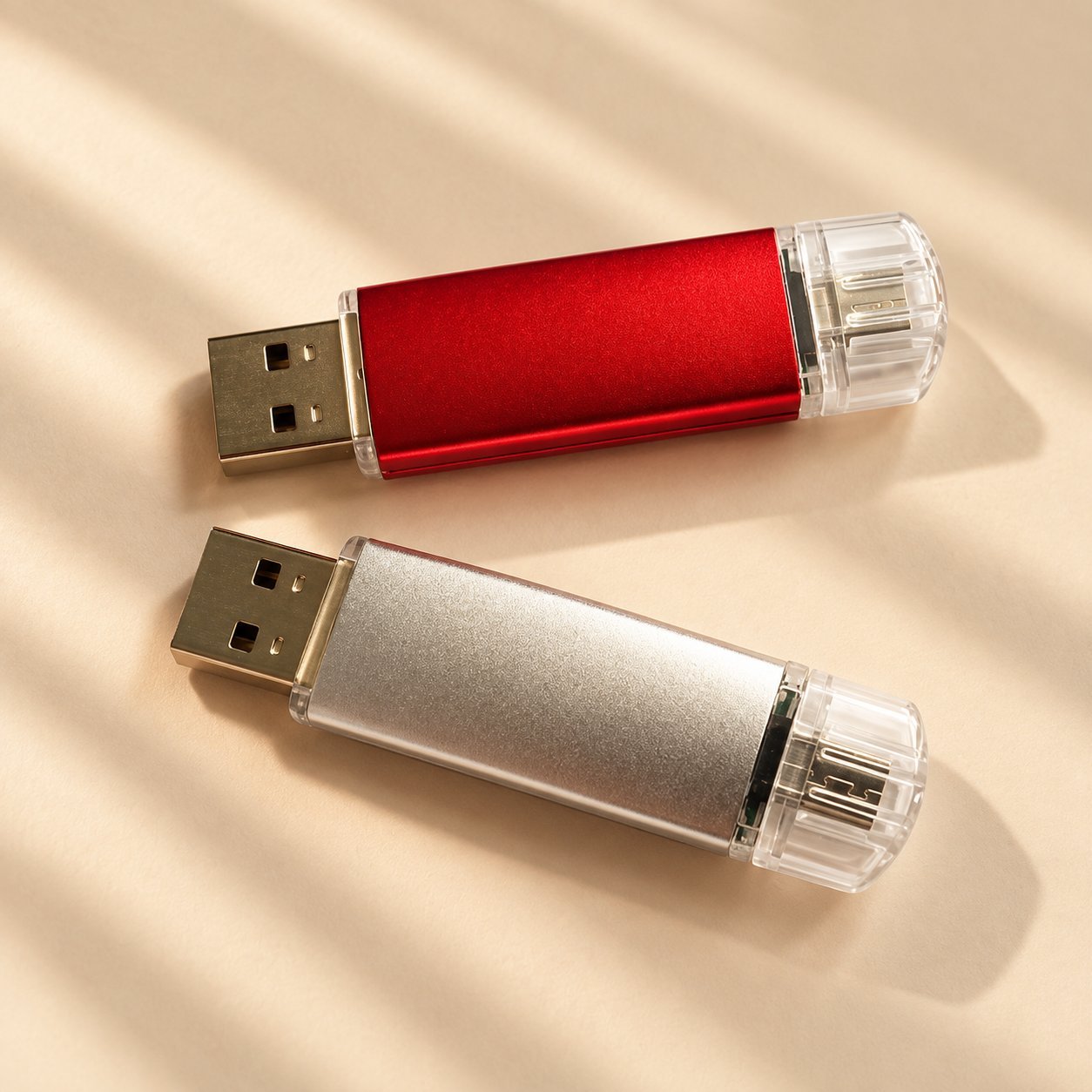
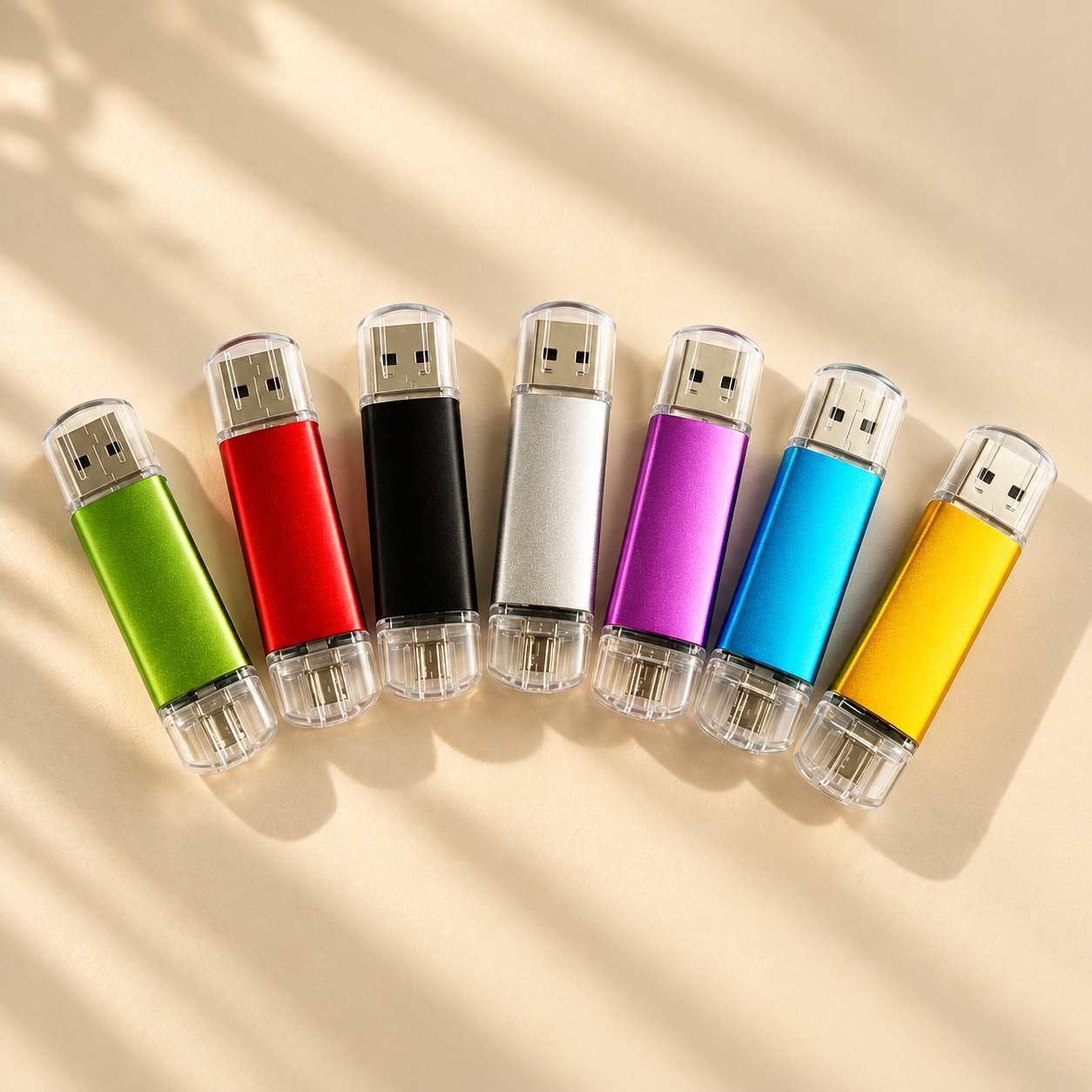
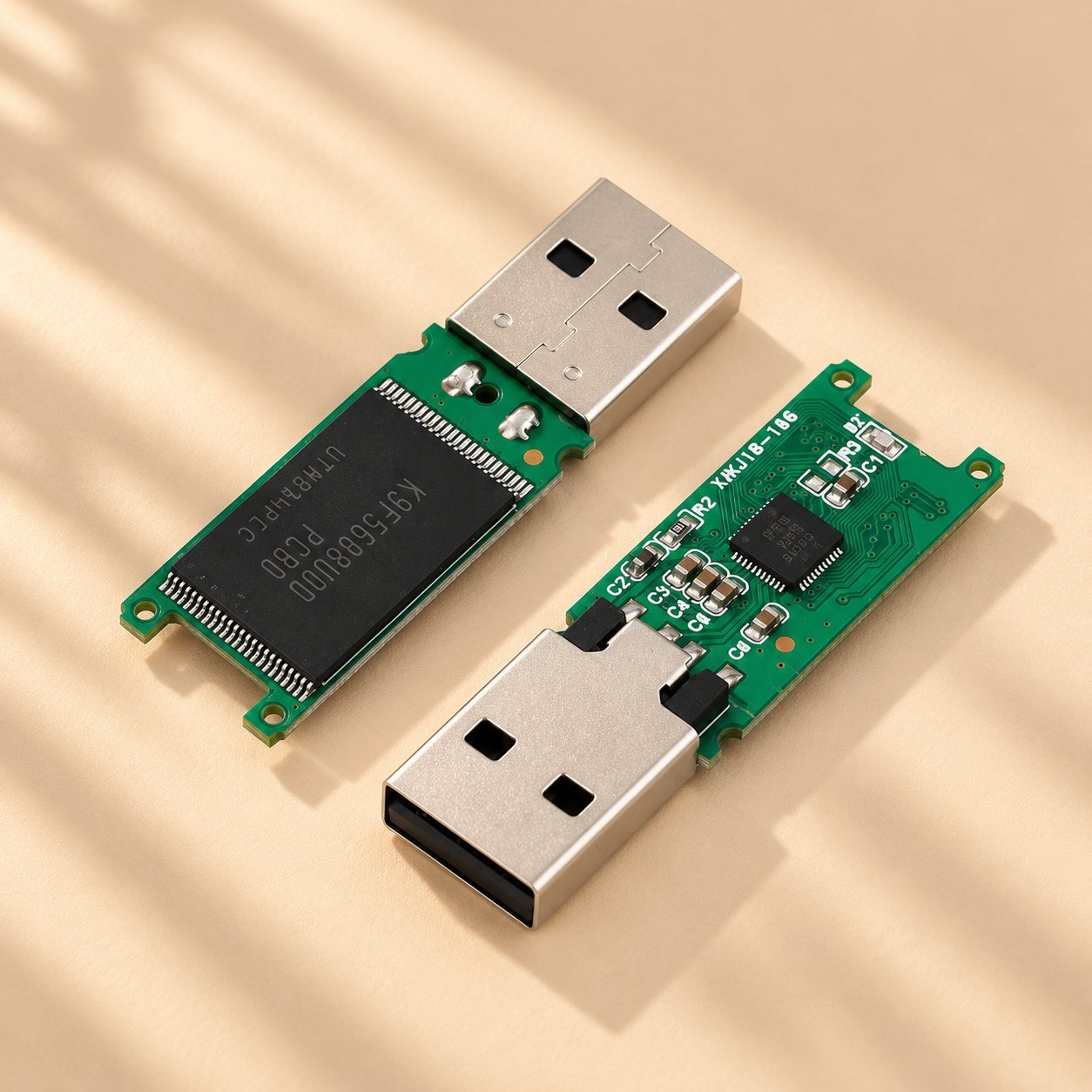
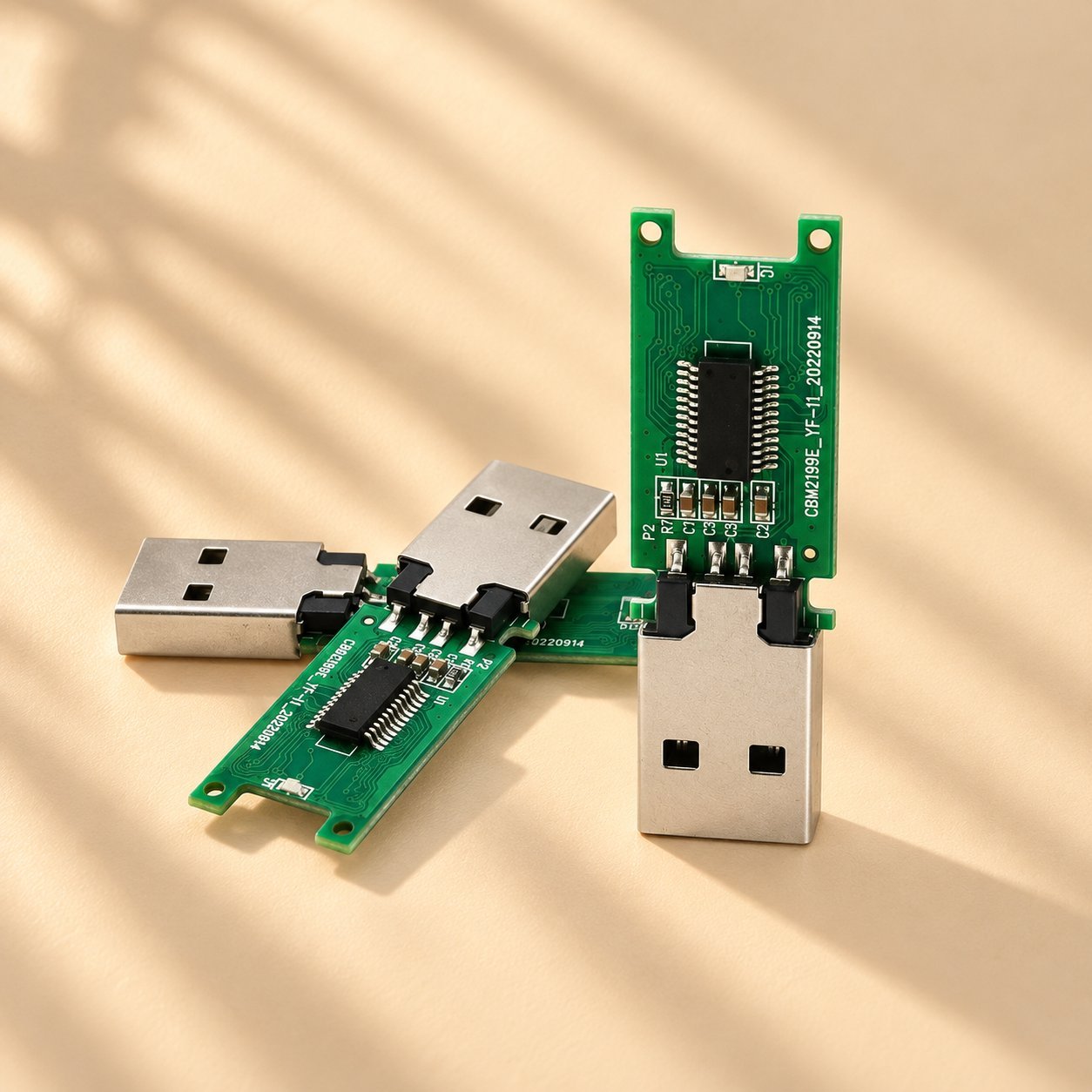
What’s actually inside a USB flash drive
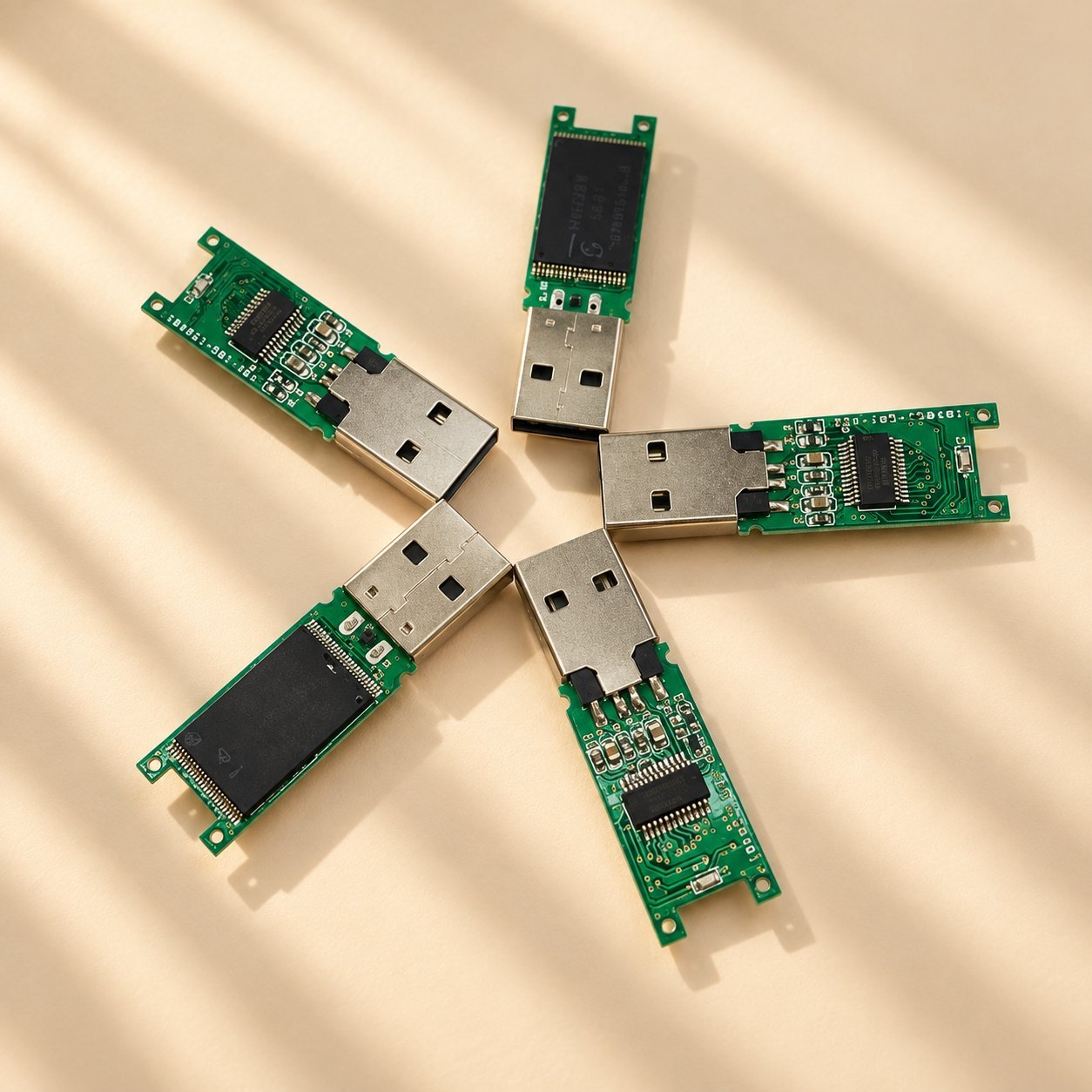
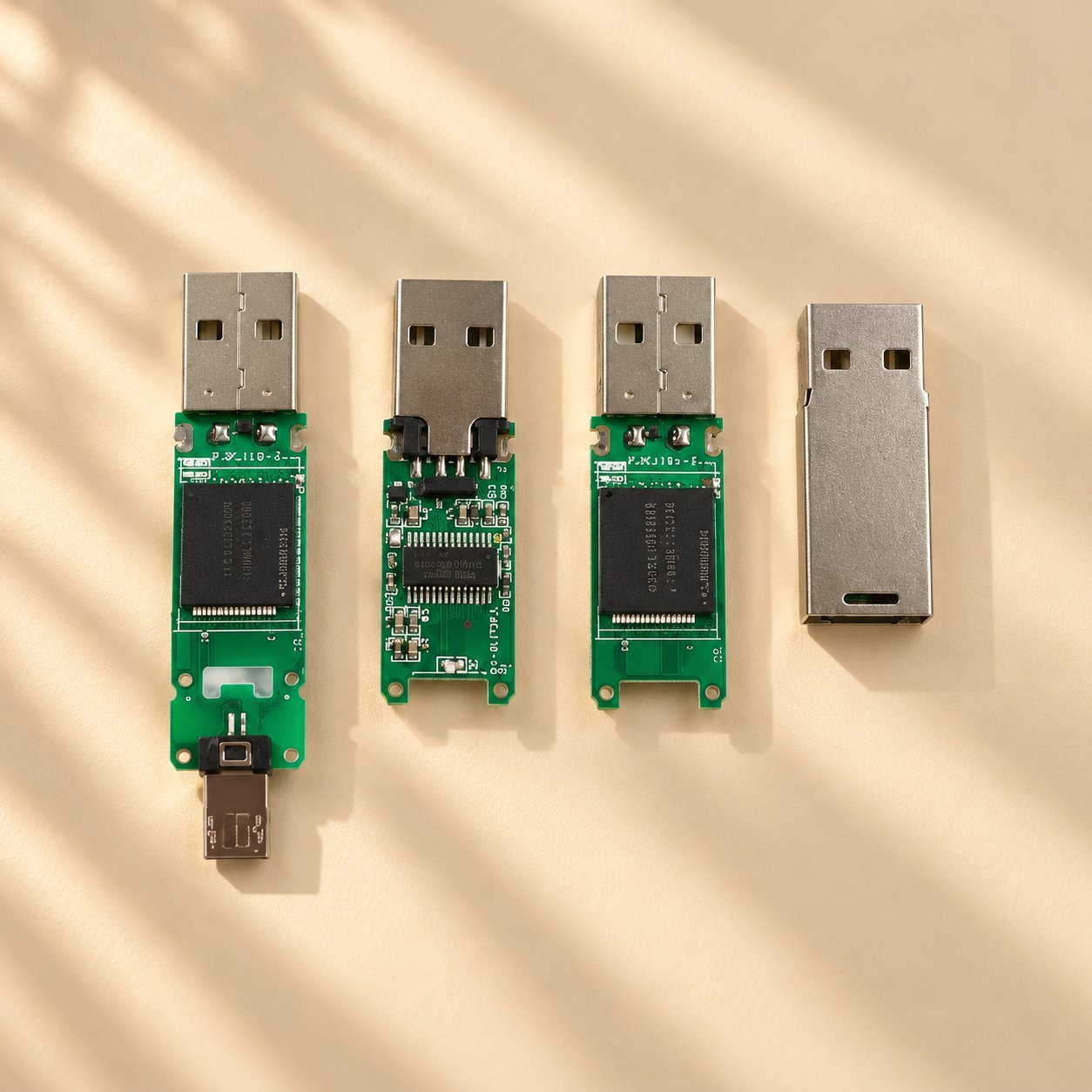
Four components do the real work inside a flash drive, and each one affects performance differently.
The USB connector is the physical interface — Type-A, Type-C, or occasionally both on a dual-interface drive — that plugs into your device and carries both power and data.
The controller chip manages how data gets written to and read from the memory chip, handles error correction, and spreads write operations evenly across the memory cells through a process called wear leveling, since flash memory cells degrade slightly with each write cycle. Controller quality is one important part of a drive’s reliability — not the single deciding factor, since NAND type, actual write workload, firmware, temperature, power stability, and manufacturing consistency all affect it too. A controller brand name alone isn’t proof of reliability; ask for real-world test conditions behind any reliability claim.
The NAND flash memory chip is where your data actually lives. NAND flash stores data as an electrical charge in non-volatile memory cells — the charge stays in place with no power applied, which is why a flash drive keeps your files after you unplug it. The physical cell structure can vary by generation and manufacturer (some designs use a floating-gate structure, others use charge-trap technology), so confirm the actual component with your supplier rather than assuming one structure applies to every drive. Not all NAND is built the same way, and the type used affects both cost and durability, covered in the comparison below. If you’re still deciding what capacity tier fits your use case, the storage capacity guide covers the storage-tier side in more detail.
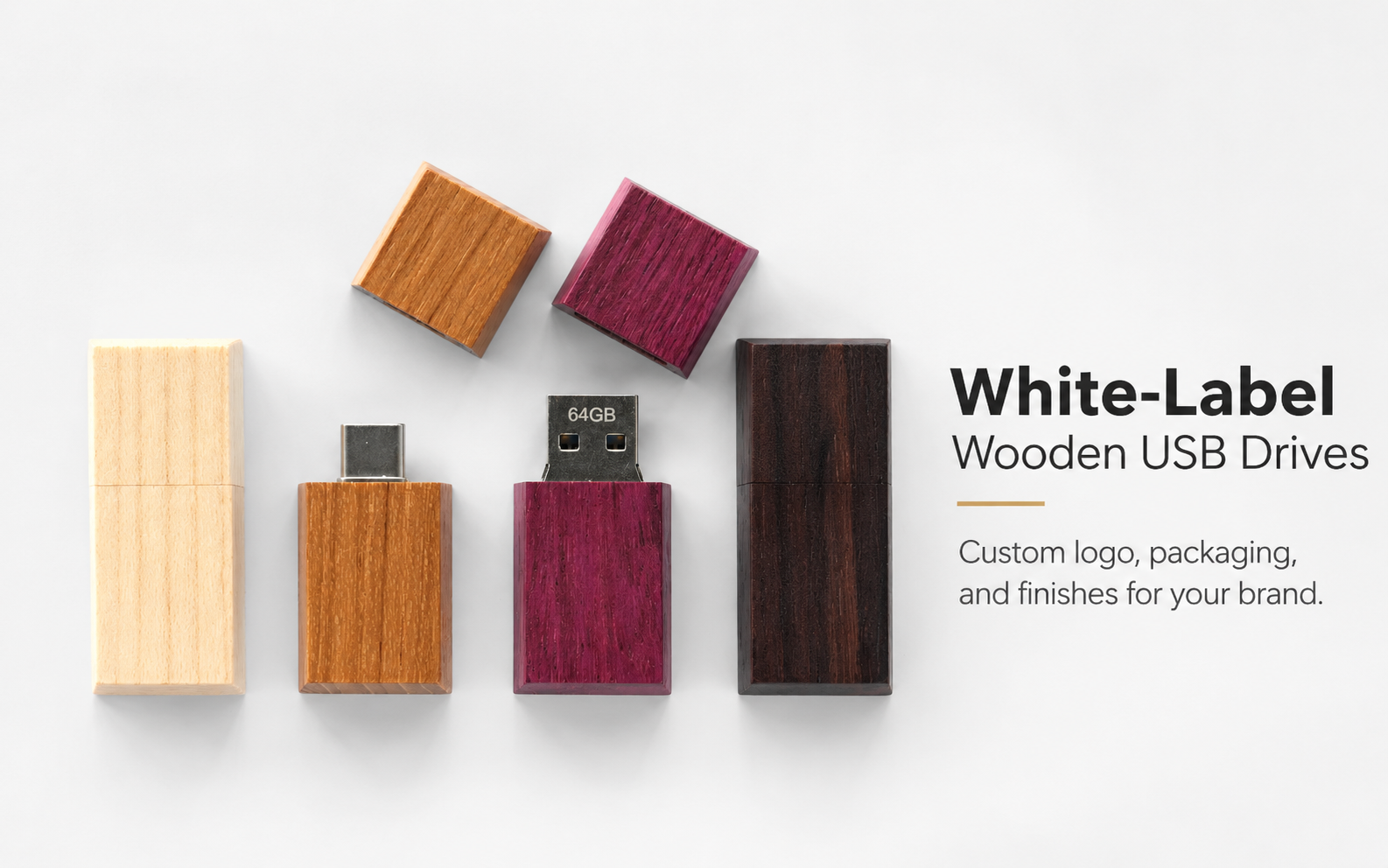
The PCB (circuit board) and casing hold everything together and, on a custom order, are where your branding, logo, and case material choices come in. custom USB drive packaging covers how the drive and its packaging are usually coordinated during production.
Why component quality matters more once you’re buying in bulk
For a single drive, most buyers never think about what’s inside — it works, or it doesn’t, and a warranty return handles the rest. That calculation changes at bulk-order scale, since a controller or memory issue that shows up in even a small percentage of units becomes a real support and reputation problem across a few hundred pieces handed out at a conference or shipped to clients.
This is also where marketed specs and actual specs can diverge. A capacity or speed rating printed on the casing reflects what the drive is designed to deliver, not necessarily what a specific batch of chips actually delivers — which is exactly why verifying components matters more for a procurement decision than it does for a single retail purchase. The broader bulk USB flash drive guide for wholesale buyers covers the bulk-side decision-making that sits around this.
NAND flash types compared
This table reflects general industry tendencies, not a product guarantee — actual endurance on any specific drive also depends on the controller, over-provisioning, and your real write pattern, not the NAND type alone. Treat it as a starting reference, not a spec sheet: ask your supplier which NAND type is used in your specific order and, if durability matters for a high-rewrite use case, request test evidence for that specific SKU rather than relying on the general tendency above.
| NAND type | Data stored per cell | General durability tendency | Typical cost tendency | Common use |
|---|---|---|---|---|
| SLC (Single-Level Cell) | 1 bit | Highest, as a general tendency | Highest | Industrial, high-endurance applications — rare in promotional USB drives |
| MLC (Multi-Level Cell) | 2 bits | High, as a general tendency | Moderate-high | Better-quality consumer and business drives |
| TLC (Triple-Level Cell) | 3 bits | Moderate, as a general tendency | Moderate | Most common in mainstream USB flash drives today |
| QLC (Quad-Level Cell) | 4 bits | Lowest, as a general tendency | Lowest | Higher-capacity, lower-cost drives; more write-cycle sensitive |
On USB speed labeling specifically, current USB-IF naming has moved past the old “USB 3.0 / USB 3.1” terms — what’s commonly sold as USB 3.0 is now formally USB 3.2 Gen 1 (5Gbps), with faster tiers going up to USB 3.2 Gen 2×2 (20Gbps) and USB4. That labeled Gbps figure is a link-rate maximum, not a guaranteed file-copy speed — your host device, the flash memory itself, your file sizes, and protocol overhead all affect what transfer speed you actually see. The USB 2.0 vs. USB 3.0 comparison guide covers current naming and real-world speed expectations in more depth if that comparison matters for your order.
What to ask about, component by component
| Component | What can go wrong | What to ask your supplier |
|---|---|---|
| Controller | Can pass initial testing and still fail early under real use; quality varies with workload, firmware, and manufacturing consistency, not brand name alone | Which controller brand/model is used, and what test conditions back up any reliability claim |
| NAND flash chip | Type can be substituted between orders (for example, TLC swapped for QLC) without notice, reducing durability even if the labeled capacity and speed match | Which NAND type is used, and — for a reorder — whether it matches your previous order |
| Reported capacity | A drive can report a higher capacity than its memory chip actually holds | Request a sample and test actual capacity yourself before approving a bulk order (see the safety note below) |
| USB connector / link speed | The rated Gbps figure is a best-case link-rate maximum, not a guaranteed real transfer speed | Ask for real-world tested transfer figures using file sizes similar to what you’ll actually move |
Procurement risks tied to internal components
Capacity inflation. A drive can be programmed to report a higher capacity than its memory chip actually holds. If this happens, it typically only shows up once you try to write more data than the real chip can hold and files start corrupting. Testing actual capacity with free software on a sample before approving a bulk order is one practical way to check this — the capacity-testing guide walks through a blank-drive test step by step. Run it on a blank drive or one you’ve already backed up, since a capacity test typically writes across the whole drive and can overwrite existing data. Note that a passed capacity test confirms capacity specifically; it doesn’t by itself verify write speed or long-term endurance, which are separate checks.
Controller quality inconsistency. A cheaper controller can pass initial testing and still fail early under real-world use, since controller quality issues often show up as gradual write errors rather than an immediate failure.
NAND type substitution between orders. A supplier switching NAND type between your first order and a reorder can affect durability, even if the labeled capacity and speed look the same on paper — worth asking about directly if you’re reordering, rather than assuming the component is unchanged. The broader types of USB flash chips covers how NAND choice maps to use case.
Speed claims not matched to real-world use. A rated speed reflects a best-case link rate, not necessarily what you’ll see moving many small files versus a few large ones — ask for real-world tested figures if transfer speed matters for your specific use case.
Recommended actions before you order in bulk
Ask your supplier directly which NAND type and controller brand they use, rather than accepting a capacity and speed rating alone as the full spec. Request a sample and test its actual capacity and write performance yourself before approving a full production run — using a blank or already-backed-up sample, since capacity testing can overwrite existing data — as a low-cost step that catches the two most common component-level problems before they reach your full order.
If chip selection matters enough to your use case to go deeper, the guide on choosing a USB drive chip walks through NAND type selection in more detail, and the storage capacity guide is useful if you’re still deciding what capacity tier fits your files and audience. For a bulk order where logo and case customization matter alongside the internals, confirm your chosen custom USB drive style supports the branding method you want before finalizing a spec around component quality alone. The broader USB flash drive supplier quality covers how to read a supplier’s quality process before placing a bulk order.
Frequently asked questions
What’s the most important internal component to ask about when buying in bulk?
NAND flash type and controller quality both matter, since they directly affect durability and reliability at scale — more than the visible casing or connector, though neither one alone determines reliability on its own. Ask your supplier to name both specifically, and to back up any reliability claim with test conditions, rather than accepting a capacity and speed rating as the complete spec.
Can two USB drives with the same advertised capacity and speed actually perform differently?
Yes. Advertised specs describe what a drive is designed to deliver, not necessarily what every batch of components actually delivers. Controller quality, NAND type, workload, and manufacturing consistency can all affect real-world performance even when the label looks identical.
How can I check if a drive’s actual capacity matches what’s advertised?
Use a free capacity-testing tool on a sample unit before approving a bulk order, using a blank drive or one you’ve already backed up, since the test typically writes across the whole drive. This checks whether the memory chip genuinely holds what it claims — it’s a capacity check specifically, not a full speed or endurance test.
Does a higher-priced USB drive always mean better internal components?
Not necessarily, but price differences across otherwise-similar quotes are often explained at least partly by NAND type and controller quality rather than the casing alone. Ask what specifically accounts for a price difference between two quotes rather than assuming the cheaper one is an equivalent product.
Do I need to worry about component quality for a small one-time promotional order?
Less than for a recurring bulk program, but it’s still worth a basic check. A single failed drive at a small event is a minor issue; the same failure rate across a few hundred units at a trade show or client mailing is a bigger one, so the size of your order is a reasonable guide to how much verification is worth doing.
Confirm the right USB components for your bulk order
Share your target capacity, required speed and performance, intended use, and approximate order quantity so the appropriate NAND type and controller requirements can be discussed before bulk production.

 English
  Español de México
  Italiano
  Deutsch (Österreich)
  Русский
  Français
  Türkçe
  Bahasa Melayu